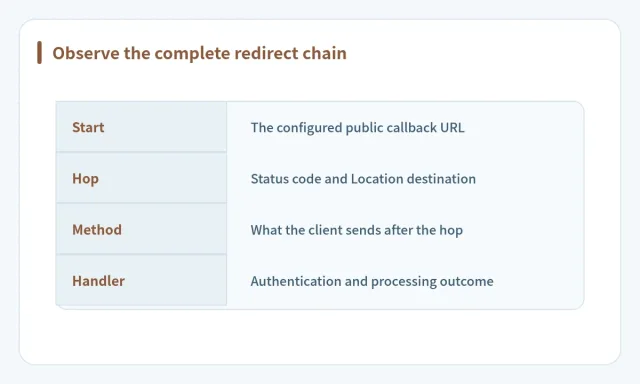
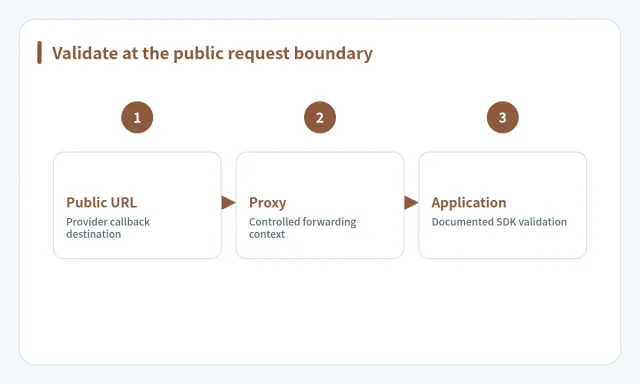
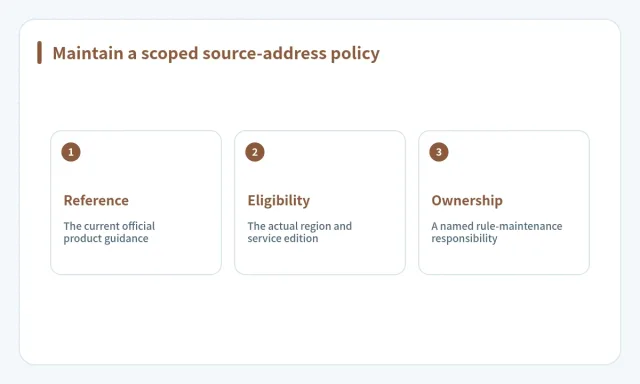
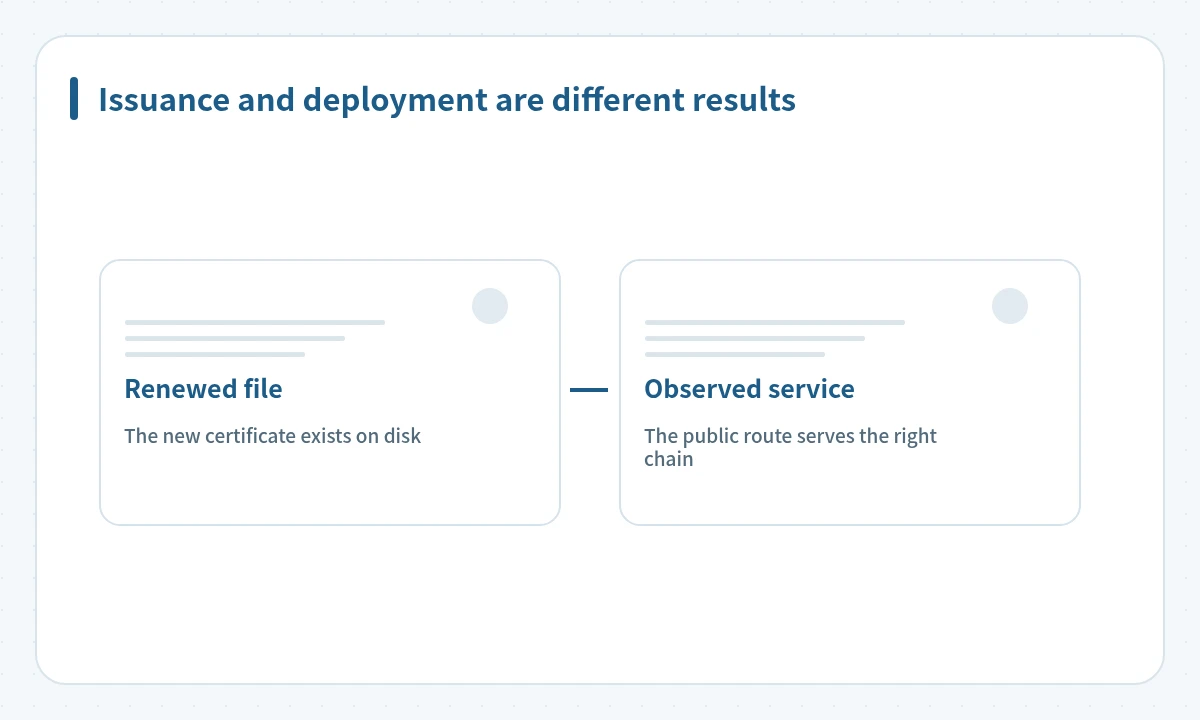
Renewing a certificate file does not prove that the callback endpoint serves it. Check the configured hostname, deployed TLS service and certificate chain used by the provider’s actual request.
Start with the provider’s configured URL
Read the destination from the authorised provider configuration. Confirm the scheme, hostname and path. A working dashboard certificate does not validate another callback hostname, and a browser bookmark does not establish where the provider sends requests.
Twilio’s secure-webhook documentation requires a verifiable HTTPS certificate and does not accept a self-signed certificate for that path. This is a provider-specific requirement to consult, not a reason to disable validation when an endpoint fails. Other services need their own current protocol and trust requirements checked.
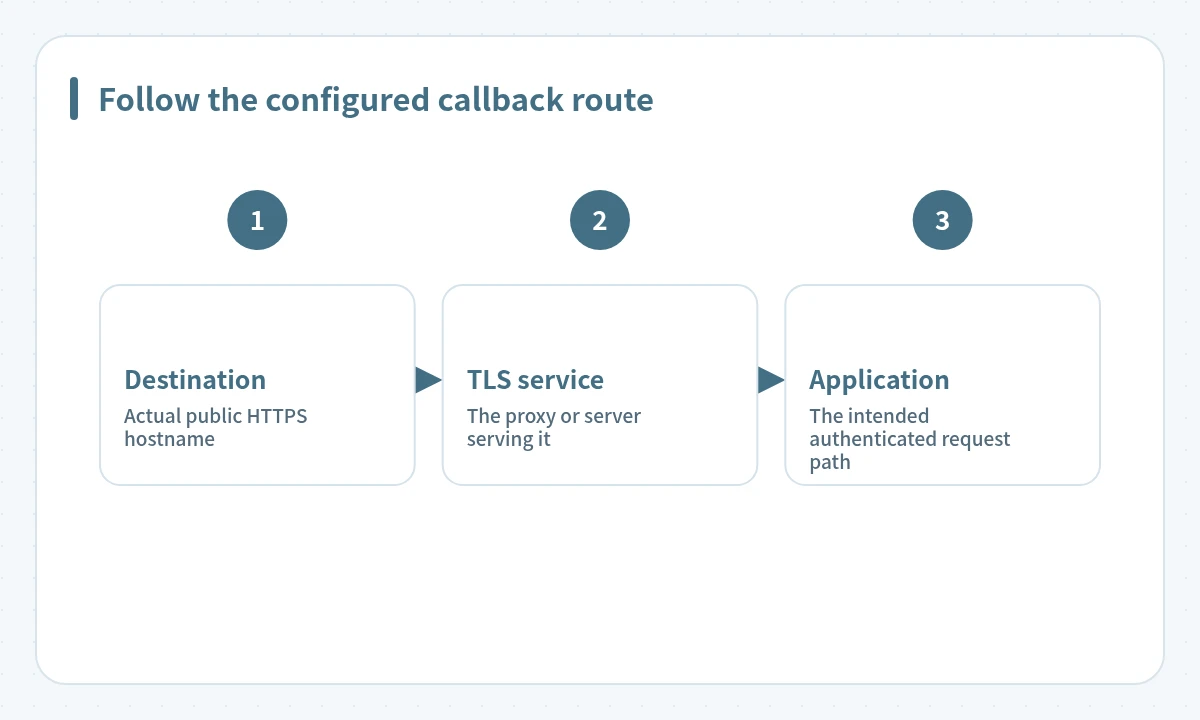
| Boundary | Evidence to obtain |
|---|---|
| Configured destination | The hostname the provider actually requests |
| Public TLS service | The proxy or server terminating that connection |
| Loaded certificate | The correct name, validity and chain in the running service |
| Application request | The authorised callback reaching the intended route |
Inspect what is served, not merely what is stored
The responsible maintainer should verify hostname coverage, validity and the presented chain. Updating a file on disk is an intermediate step; the running service must load the appropriate configuration through its normal deployment procedure. If several public nodes terminate TLS, inspect the relevant paths rather than assuming one local test covers them all.
A proxy may be the public certificate endpoint while the application uses a separate internal connection. Identify the boundary that failed before replacing unrelated files or restarting shared services. The objective is to find the certificate actually presented on the configured public route.
If the hostname is served through both IPv4 and IPv6 destinations, include the relevant paths in the acceptance plan. Updating one listener or public node does not establish what another presents. Record which route was actually checked, and investigate inconsistent results without assuming the provider always uses the same network path as your browser.
Keep connection, routing and request authentication separate
A request can fail during TLS negotiation, at HTTP routing, at provider-signature validation or during business processing. These stages require different evidence. A successful browser visit may use another hostname or route and cannot explain every provider-side failure.
After TLS works, retain the provider’s required request-authentication checks. Renewing a certificate does not authenticate an arbitrary event body. Likewise, a signature mismatch is not repaired by turning off certificate validation; the two checks protect different boundaries.
Where supported, use a harmless authorised test event and keep the time, destination and non-secret reference. Do not generate a burst of real verification texts just to exercise the callback. Private keys, authentication headers and full message bodies do not belong in ordinary troubleshooting logs.
Finish maintenance with observed acceptance results: the intended certificate is served on the configured route, the callback reaches the expected application and normal validation still applies. Keeping those results together is more useful for the next incident than retaining only an issuance notice saying the certificate request succeeded.
Reference: Twilio: HTTPS webhook security requirements.