SDK Integration Guide: Versions, Credentials and Release Testing
Prepare SDK integration with verified package sources, runtime compatibility, secure credentials, reliable retries, event handling and upgrade checks.
This is a preparation and acceptance guide. Available features, endpoints, fields and billing depend on the confirmed project documentation.
The platform showed a directory preview when checked. Preview is not a number allocation or an open purchase offer; check the platform for its current state. Checked: 2026-10-22
SMS Pavilion · Updated:
Define the job the SDK must perform
An SDK wraps a particular interface or capability. Describe the required operation, execution location and target environment before selecting one. SMS sending, voice calls and account administration may require different packages or interfaces.
This guide explains preparation; it does not supply an unverified download, version number or feature promise. Confirm the actual package name, publisher, licence, supported platforms and functionality against the agreed source and current project documentation.
Checks
Identify server, browser or mobile execution.
Match required functions to confirmed package support.
Assign maintenance, upgrade and incident ownership.
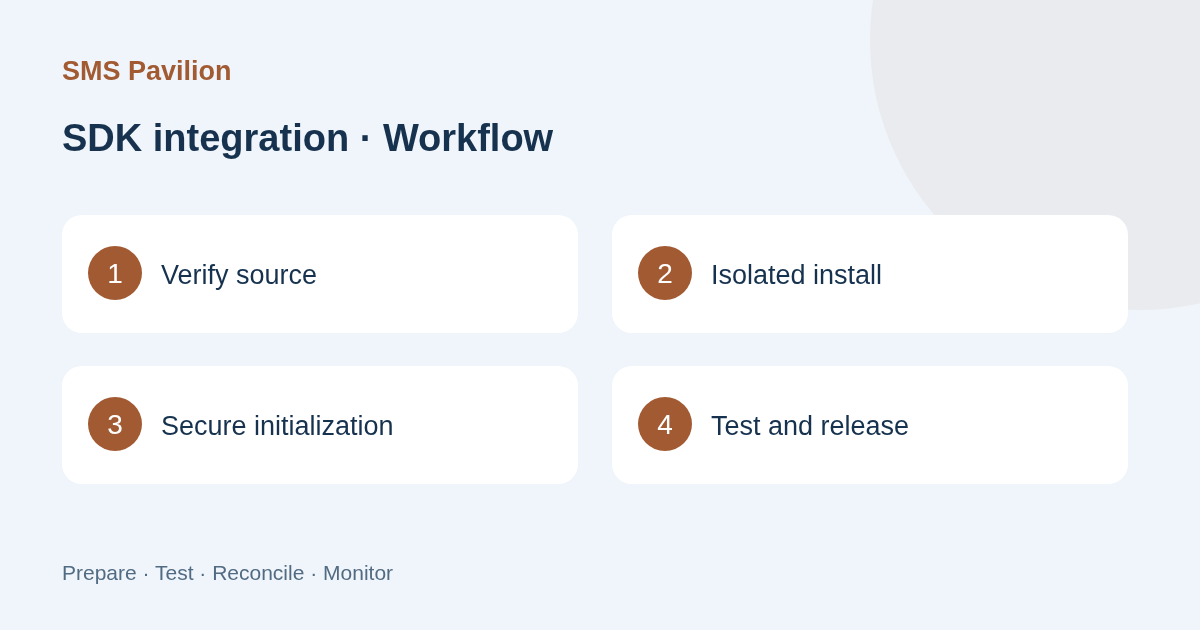
Verify the source, version and runtime
Obtain the package from the confirmed release channel and check name, version, dependencies, integrity information and licence. Do not install production dependencies from unknown forum posts, shared drives or unreviewed snippets.
Install in an isolated environment and lock the version. Check runtime, operating system, architecture and dependency conflicts. Keep a minimal working configuration. Read release notes and test breaking changes rather than assuming the newest version fits an existing system.
Checks
Keep source, dependency and build records.
Test installation failure and unsupported environments.
Check licence and redistribution conditions for the intended use.
Configure initialization and protect credentials
An SDK does not remove responsibility for authentication. Confirm environment, endpoint configuration, timeouts and credential sources. Keep production server secrets on trusted infrastructure rather than embedding them in browser or mobile packages.
Log only necessary business references, states and redacted errors. Avoid dumping initialization objects, full requests, Authorization headers or raw callbacks. Verify that expiry, permission removal and rotation take effect with useful, safe error reporting.
Checks
Separate test and production configuration.
Check logs, build outputs and error reports for secret leakage.
Exercise credential rotation and revocation.
Understand requests, timeouts, retries and outcomes
Establish whether calls are synchronous, asynchronous or return a task reference, and confirm timeout and cancellation semantics. A method returning without an exception does not establish SMS delivery or a connected call.
Check both SDK-level and application-level retries to avoid multiplying traffic. Use business deduplication or idempotency and query uncertain submissions before resending. Distinguish invalid input, missing permission, throttling, network faults and service errors.
Checks
Link SDK operations to underlying request references.
Test timeout, repeated submission, partial success and cancellation.
Complete the workflow using the relevant SMS or voice status.
Manage callbacks, threads and resource cleanup
If the SDK includes subscriptions or callbacks, confirm execution threads, signature checks, duplicate delivery and exception propagation. Avoid long blocking operations in handlers. For cross-service work, durably record necessary events before performing downstream operations.
Define cleanup for connections, listeners, streams and worker threads. Reinitialization, network recovery and application shutdown should not accumulate duplicate subscriptions or leaked resources. Validate client-supplied states against the application trust boundary.
Checks
Test reconnection, repeated initialization and shutdown.
Verify deduplication, thread safety and observable errors.
Check resource use during long-running tests.
Accept, upgrade and roll back safely
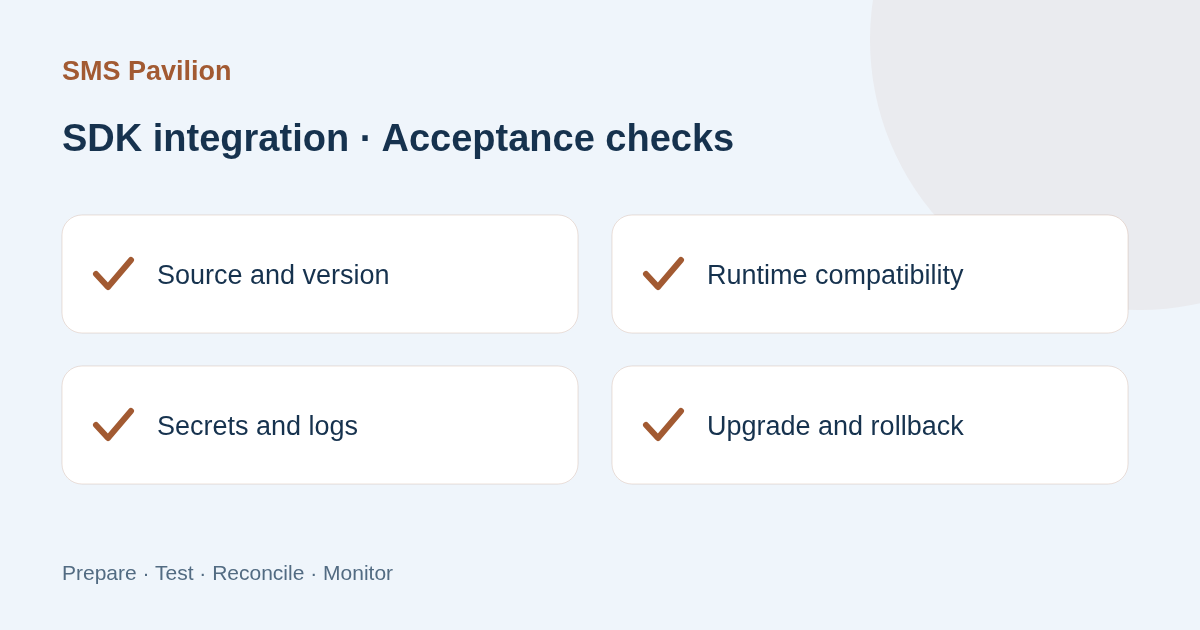
Include normal flows, failure branches, access controls and dependency risk in acceptance. Retain redacted test evidence and reproducible builds. Validate a small rollout before expanding usage based on monitoring.
For upgrades, record old and new versions, configuration changes and test results. Keep executable rollback steps and check state or data compatibility. Assess alternatives for unsupported or unverifiable packages before scheduling migration.
Checks
Verify functionality, latency, safe errors and resource release.
Keep locked versions, build artefacts and recovery steps.
Monitor error rate, latency and unexpected request volume.
Email and SMS can support the same customer task in different ways. The decision should start with the information the person needs and the action they are expected to take, rather than an assumption that using more channels is always better. SMS Pavilion discusses this as a planning question, not
A partnership discussion is more productive when both sides can describe the proposed work. Broad labels such as agent or strategic partner do not establish responsibilities, authority or a commercial arrangement. SMS Pavilion recommends starting with the actual contribution and the decisions that
A brand announcement should tell readers what can actually be established. An attractive event photograph or an old template article is not evidence that a new brand attended a conference, won an award or formed a partnership. SMS Pavilion treats those as factual claims that need their own support