Receive SMS Online: Choose a Service and Check Incoming Messages
Understand short-term SMS, number rental and web inboxes, then check the region, number lifetime, order state and message context.
The platform showed a directory preview when checked. Preview is not a number allocation or an open purchase offer; check the platform for its current state. Checked: 2026-10-22
SMS Pavilion · Updated:
Choose for the whole task
Receiving one authorised verification message is different from maintaining a recovery number or a continuing notification workflow. Start with the duration of the task and who controls the account. A short-term option may suit a bounded task, while continued use requires a confirmed retention and renewal arrangement.
A web inbox describes how messages are viewed. It does not establish exclusive ownership, permanent access or compatibility with a particular sender. For short-term services, check waiting windows, completion conditions and what happens to the number afterwards. For rentals, establish the term, renewal process and end-of-service handling.
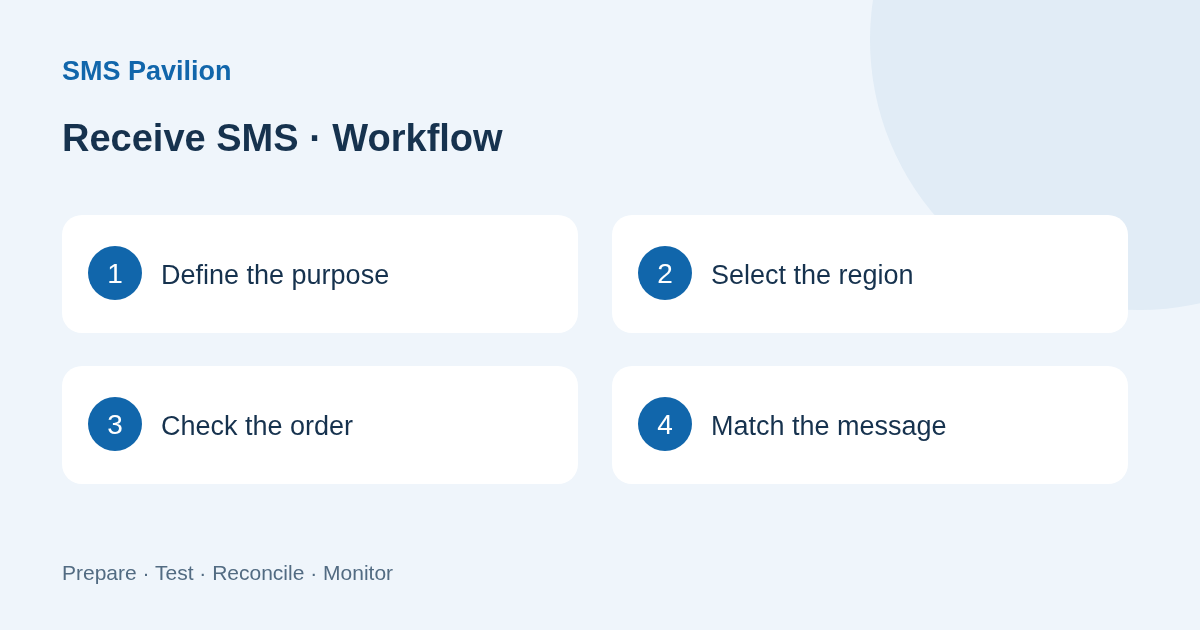
Check the region and named service together
A directory option combines a country or region with a named service. A listing for one use is not evidence of support for every website in that region. Check the target account provider’s current rules as well as the receiving service conditions.
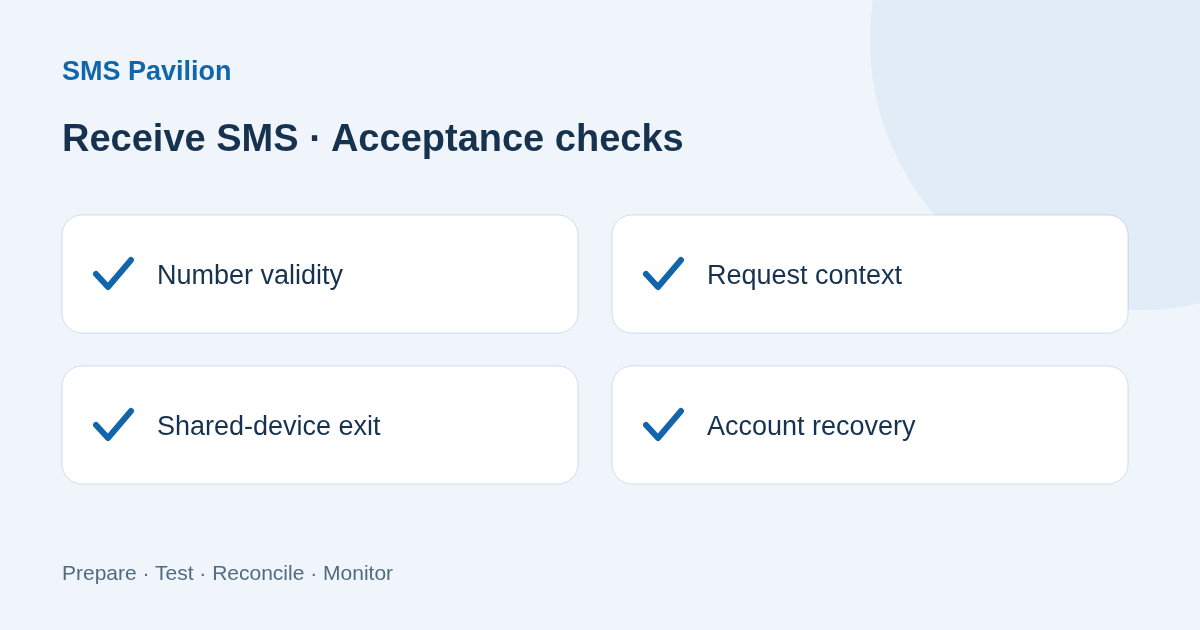
When entering a number, distinguish the country selector from the local-number field. Read the form instructions before adding a country code a second time. Verify the complete number after actual assignment rather than inferring it from a country label on a card.
Separate submission, number assignment and receipt
First establish whether the workspace is showing a preview or a live order. A preview confirmation is not a number allocation. An actual order needs a traceable reference, assigned number, validity period and state.
After allocation, use the normal authorised process in the sending application and inspect the matching order and inbox. Keep the request time and account context. Repeated requests can produce messages that belong to different verification attempts; do not insert an earlier response into a later attempt without checking.
If a message is absent, check whether the target accepted the number, whether the sending request completed, whether the number remains valid and whether the correct order is open. Refreshing the page cannot resolve every missing stage. Equally, one successful receipt does not establish universal compatibility.
Keep the access you will need later
Before ending a temporary task or rental, prepare a recovery method that remains under your control for any continuing account. A short-lived number should not become its only lasting recovery route. Sign out after using a shared device and check for saved screenshots, exports or browser data.
For troubleshooting, share only the necessary redacted evidence. Do not submit live codes, passwords, complete numbers or a full message history through an ordinary enquiry form.
Sources
NexaHub public directory and service state
Platform directory checked on 2026-10-22. Numbering sources describe numbering plans, not platform inventory or receiving capability.
A useful message export has a defined purpose, date range, owner and storage location. Preserve enough context to answer the business question without copying every message or treating inbox records as conclusive transaction evidence.
A line that receives plain SMS does not automatically support picture messages or every group conversation. Identify the actual message type and ask about the receiving capability you need.
A familiar sender label is a clue, not proof of identity. Verify unexpected requests through an independently known account or contact route before opening links or disclosing information.