
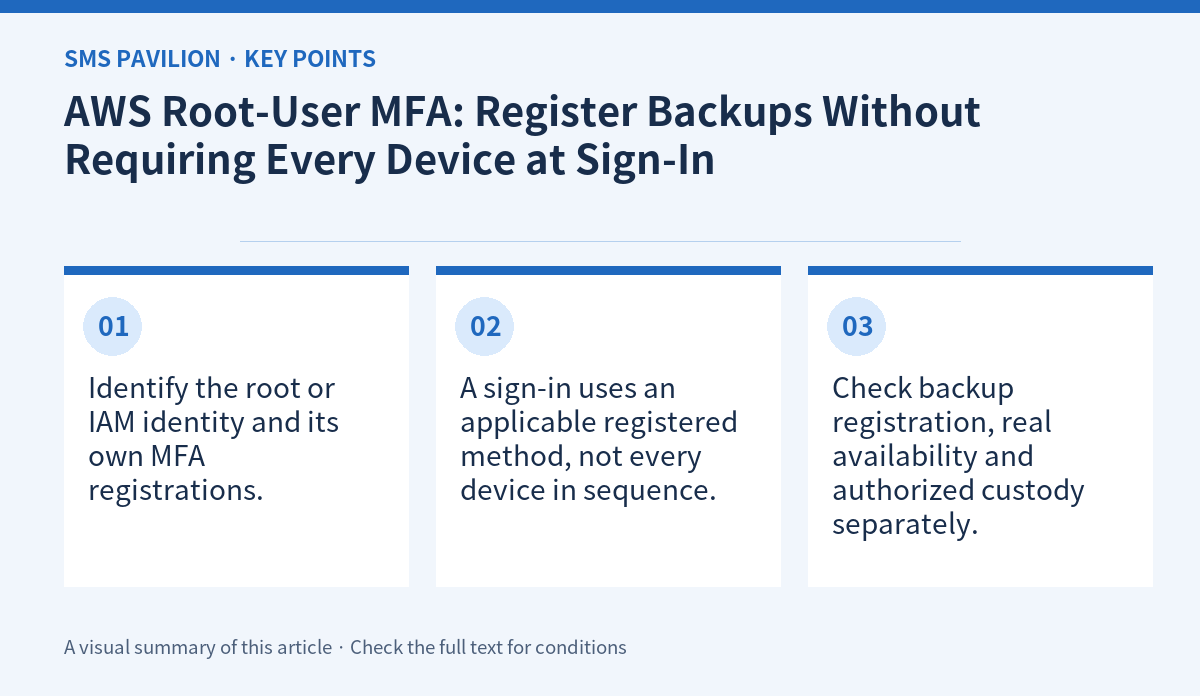
AWS root users can register multiple MFA devices without having to present every device at each sign-in. AWS documents a maximum of eight devices per root or IAM user, with one usable device sufficient for the relevant console authentication.
| Question | Documented behavior |
|---|---|
| Devices per identity | Up to eight |
| Devices needed for sign-in | One registered, usable device |
| Root and IAM configuration | Separate for each identity |
Register a backup for the identity you are authorized to maintain while access works. Owning another phone does not itself register another MFA device.
Consider shared failure points: several saved copies accessible only through one lost phone may still leave access interrupted. Root MFA does not configure every IAM user. For IAM Identity Center or another organizational sign-in route, follow that identity system's settings.
Identify the protected identity before adding a backup
Start by naming the AWS account and the identity you intend to protect. A root user, an IAM user, and an organization-provided sign-in route are not interchangeable entries on a device checklist. A device shown for one identity is not evidence that it was registered for another. Record the identity alongside the device alias so a later test can be traced to the correct configuration.
A useful inventory contains an alias, the responsible holder, the authentication method, and the date of the last check. It does not need the underlying authentication secret or a usable one-time value. If two entries have similar names, compare the actual registrations and the devices you can access. Multiple displays or copies of a credential are not a substitute for a documented backup arrangement.
Check registration and practical availability separately
While a working access route is available, inspect the selected identity's security settings. Reconcile the registered entries with the devices held by the authorized people. Follow the current AWS registration process for the additional supported method, then return to the device list and confirm the result. Installing an authenticator application is only preparation; it does not establish that the service accepted a new registration.
Test the intended backup in a controlled way that preserves an existing working route. Record which account and identity were used and which registered method completed the request. This matters when several people administer different accounts: a successful test against an IAM user does not demonstrate that the root user's backup is ready. Avoid removing the only working registration merely to find out whether the other method works.
Consider three practical interruption cases: the primary device is lost, it breaks, or its holder is unavailable. A backup that can only be obtained from the same missing handset has a shared dependency. A second holder may also be unavailable during the same incident. Write down how an authorized person would obtain the backup and which access boundaries apply, without collecting secret material in an ordinary task document.
Interpret a sign-in request without counting every device
The inventory records available registrations for the identity. A particular sign-in request asks you to complete the authentication method offered for that request. It is not an instruction to work through every item on the inventory. If one device fails, first establish the selected identity and method, then investigate that device's availability or the value being entered.
For example, an administrator may have registered a security key and an authenticator for the same intended identity. Those are alternative supported ways to satisfy the relevant challenge, subject to the actual account configuration and sign-in page. The example explains the purpose of an alternative registration; it does not mean that either method is already configured on your account or that another account's authenticator can be used instead.
Keep evidence that supports a specific recovery decision
When a time-based value fails, separate a wrong identity, a wrong device, and a time problem. Record the stage that rejected the attempt rather than reporting that every MFA device is broken. If all registered options are unavailable, use AWS's documented recovery route for that identity. Do not assume that a phone number, a password for a different account, or a saved screenshot replaces the required authentication.
When requesting help, provide the identity type, masked device details, and the exact sign-in stage. Do not send the authentication seed, a complete security credential, or a still-valid code. After adding or removing registrations, check the device inventory again: the appearance of a new device does not prove an older one was removed. Finish with distinct records for registered, tested, available to an authorized holder, and deliberately retired. Those observations describe a usable backup more clearly than a device count alone.
For related distinctions, use these focused explainers: An Encrypted SMS Backup Needs a Tested Key-Recovery Plan; SMS Works but an Authenticator Code Fails: Check the Right Clock; AWS Verification Codes: Root-User and IAM-User MFA Recovery Differ.
