
An SMS code and an authenticator-generated code use different verification paths. Confirm the method requested by the page before using receipt time to diagnose the wrong clock or submitting a code from the wrong source.
For the complete workflow around this question, continue with Receive SMS Online: Complete Steps, Codes and Troubleshooting. The link opens the relevant section.
Check the selected account entry first
An authenticator can contain entries for several services or several accounts at the same service. Match the service and account identity with the target page. A newly refreshed code is not necessarily the right code if it came from another entry.
An old entry may also remain after the account’s authenticator setup changed. Its presence in the application does not prove the target service still accepts it. Check the account’s supported management or recovery procedure rather than guessing which similar-looking entry is current.
Time-based one-time passwords use a time value as part of their calculation; RFC 6238 describes that TOTP design. An SMS code is delivered by the issuing business through a separate path. Matching digit lengths do not make the two materials interchangeable.
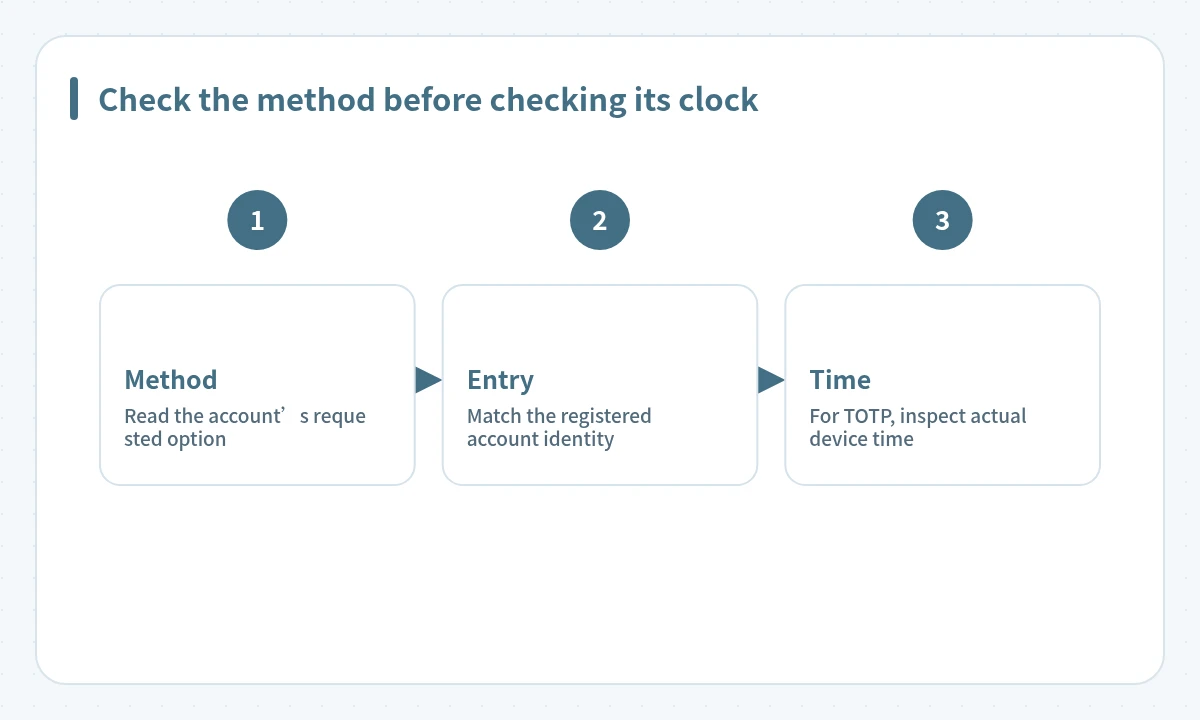
For TOTP, inspect the device’s actual time
Check the device date, clock and supported automatic time settings, following the device and account help. A different displayed time-zone label does not necessarily mean the underlying time is wrong. Do not keep moving the clock forward by guessed intervals to see whether a code passes.
Where the account permits, avoid submitting at the instant a code is changing. Observe failure limits and waiting instructions. If normal checks do not resolve the issue, stop repeated attempts and inspect whether the entry or binding is incorrect.
| Requested method | Appropriate material |
|---|---|
| SMS verification | The message for the current authorised request |
| Authenticator code | The correct registered account entry |
| Recovery code | The account’s separately issued usable recovery material |
Keep setup secrets out of troubleshooting
An authenticator setup QR code or seed is not an ordinary diagnostic screenshot. It can provide the ability to generate codes. Do not upload it to an online clock-checking tool or hand it to someone offering to calculate a code for you.
A useful support description can state the method, whether the device time is normal, the relevant account entry and the exact non-sensitive error. Active codes, seed values and account passwords are unnecessary for that initial explanation.
Not every code application entry should be diagnosed as time-based without checking its method. If the service uses another documented mechanism, follow that mechanism’s instructions. Adjusting a clock is relevant only after identifying a genuinely time-dependent entry.
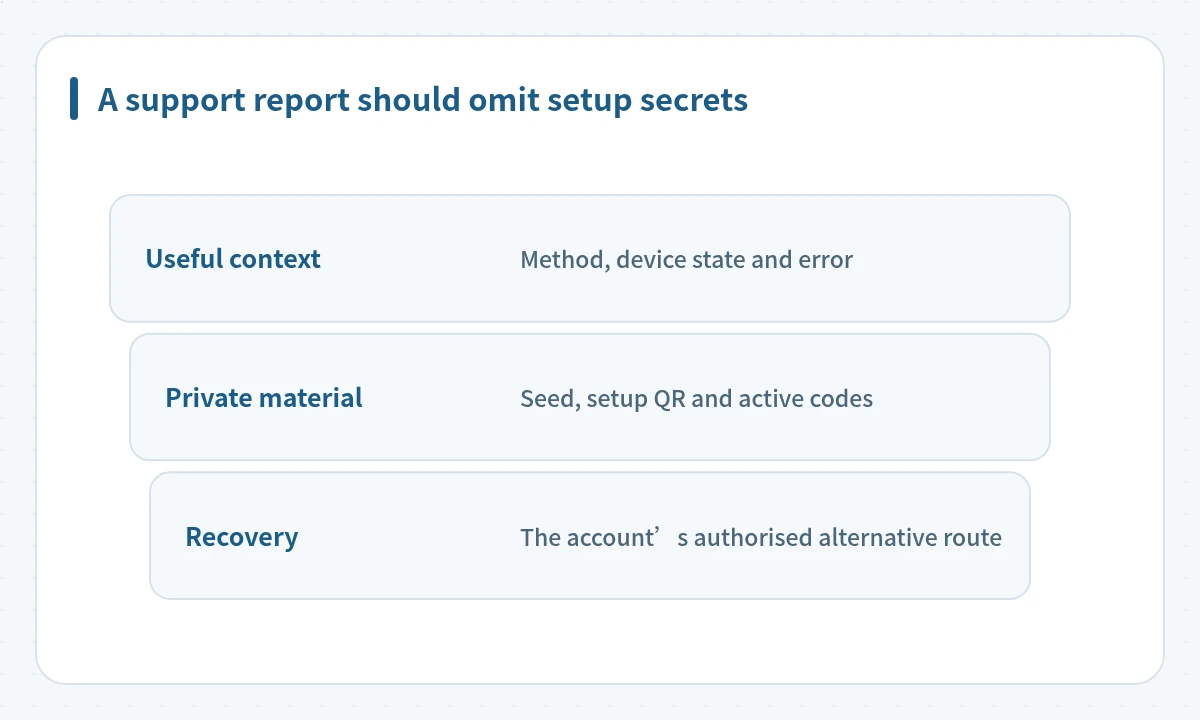
Recover through a supported route if the entry is lost
If the original authenticator entry or device is unavailable, use an alternative actually provided and allowed by the target account. Historic SMS messages do not reconstruct an authenticator binding. Neither does installing another application without the account’s supported setup process.
Keep an existing authorised session usable while reading recovery and change requirements where possible. Do not sign out of the last working route merely to experiment. If an organisation manages the account, its authorised administrator may need to handle the relevant procedure.
After correction, record whether the problem involved device time, the chosen entry or another confirmed condition, and whether normal verification resumed. There is no value in archiving rapidly changing codes as maintenance evidence. Keep the result and responsibility, not the secret.
Reference: RFC 6238: time-based one-time passwords.
Main guide for this question
Receive SMS Online: Complete Steps, Codes and Troubleshooting
