If forwarding is actually supported, identify what leaves the inbox, where it goes and who can manage it. The destination may have a different audience and retention rule from the source.
Define what would leave the source
A feature might send a brief alert, a message body or a link back to an authenticated page. These outcomes expose different information. Read the actual rule rather than treating every notification setting as a full forwarding service.
Identify the source number or resource, the messages covered, the destination and the person authorised to manage the rule. A rule attached to one number may not apply to another. A personal notification preference may not control a team-level route. Neither relationship should be guessed from where the setting appears in the menu.
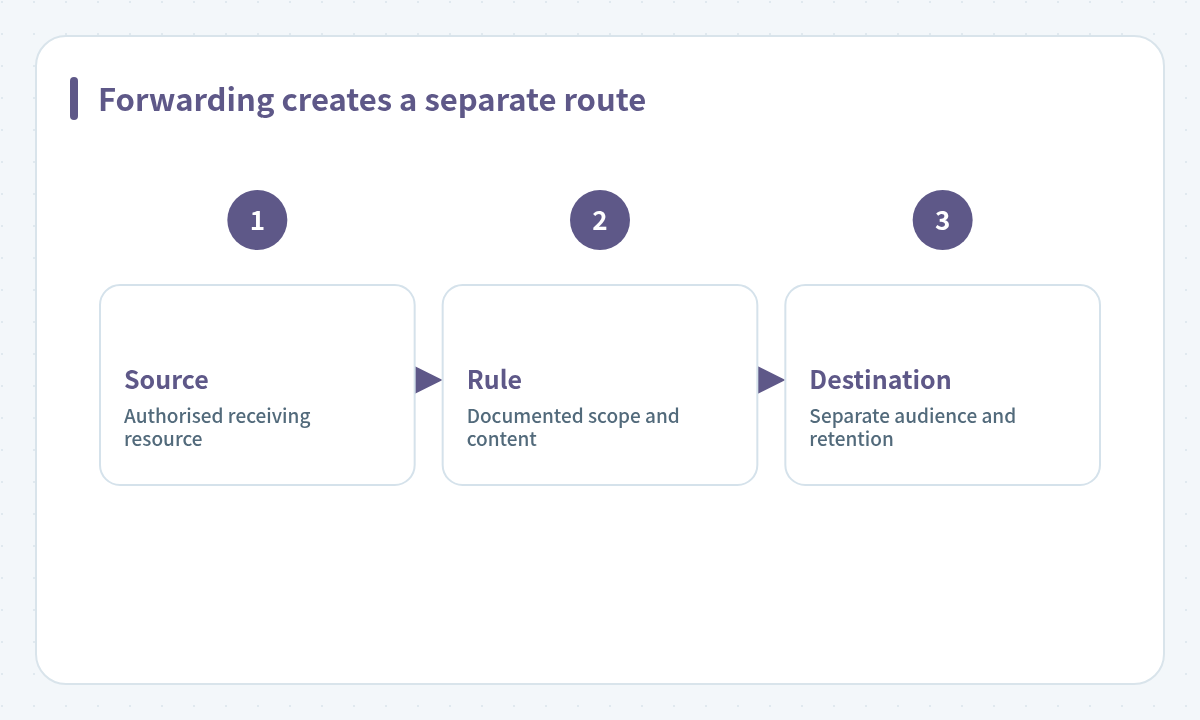
Before enabling anything, confirm that the destination is appropriate for the contents. A team mailbox might be shared with people who cannot access the original inbox. An external endpoint might keep its own logs. Sending the body there can create a new copy with a different audience and retention arrangement.
Verification messages deserve particular care. Do not forward active authentication material to another person as an informal handover method. Use the target service's supported account access and delegation process. If forwarding is not necessary for the task, a limited alert or direct authorised inbox access may be more appropriate where supported.
Test the documented route with harmless content
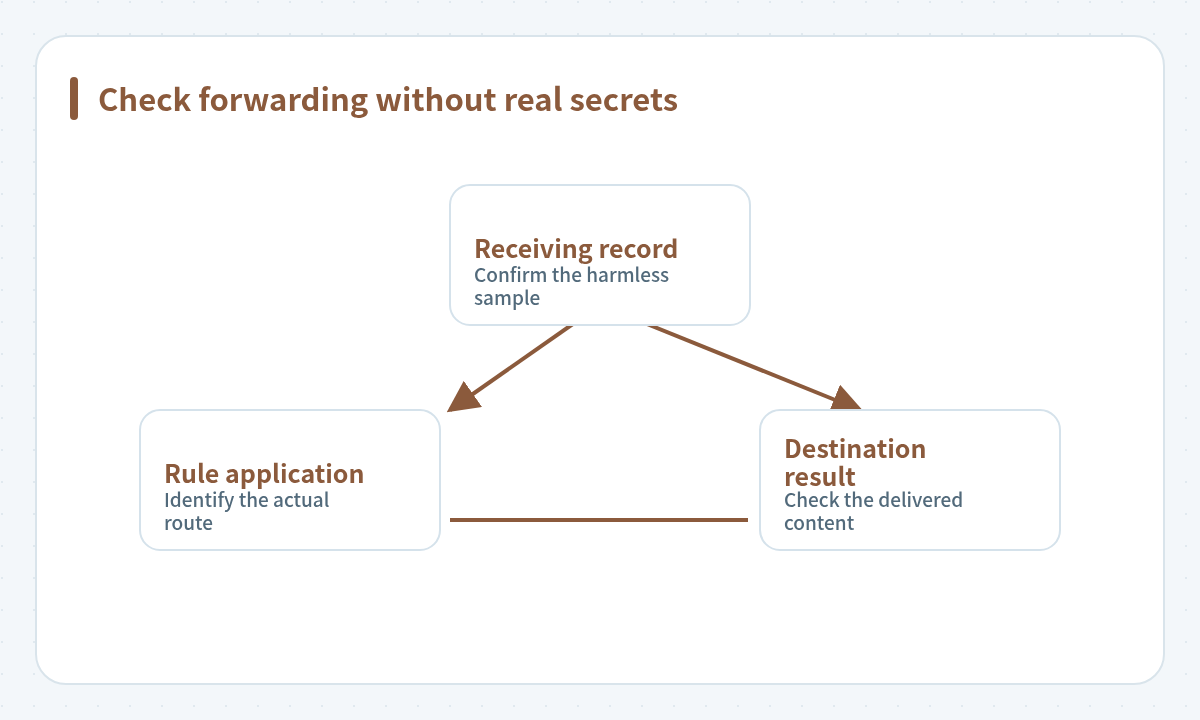
Use an authorised non-sensitive sample, and note what each boundary actually shows. Confirm the source receiving record, whether the rule applied, what appeared at the destination and whether the intended recipient could open it. A message at the source does not prove the destination received a copy; a destination alert does not prove it contains the full original.
If there are filters, verify their documented behaviour using a small controlled set. Avoid assuming that a sender label uniquely identifies a trusted organisation or that the rule can safely decide whether a message is genuine. Forwarding criteria organise traffic; they do not replace verification of a business action.
Do not repeatedly request real account codes to test routing. Those codes belong to a business verification process, not a convenient stream of harmless test data. If the provider offers no safe supported test route, ask how it recommends validating the feature rather than improvising with sensitive messages.
Disable future forwarding and handle existing copies separately
When a destination or team owner changes, review the rule scope and saved configuration using supported controls. Removing a source member does not prove an independent route has stopped.
A disabled rule cannot recall copies already delivered. For an incorrect destination, stop further exposure and follow the relevant handling process, preserving only necessary references in the report.
Check changes at both ends
When the destination changes ownership or a person leaves the task, review the forwarding rule as well as ordinary inbox membership. Removing someone's source access should not be assumed to remove a separately configured destination. Use the product's documented controls to disable or update the route and verify the current configuration afterward.
Disabling a rule also does not recall copies already delivered. Handle those copies according to their actual location and your authority. If a mistake sent sensitive material to the wrong destination, stop further forwarding and use the relevant incident process rather than silently editing the rule and assuming the issue has disappeared.
For missing forwarded content, record the source reference, rule scope, intended destination and observed outcome without pasting secret bodies into a general ticket. The question is which stage failed, not simply whether “SMS worked.”