A shortened preview, a hidden field and a reveal control can serve different purposes. Check the actual control and authorised task before assuming more content exists or can be shown.
First establish what is being hidden
An interface may shorten a preview, conceal part of a number or offer a documented reveal control. These behaviours serve different purposes. A shortened row may simply make a list manageable, while a protected detail field may require an additional authorised action.
Read the label and help information before guessing. Do not assume that asterisks always mean the full value is stored, or that a hidden field is recoverable by the current user. The product may deliberately provide only a limited representation in that context.
If the record cannot be associated with a clear authorised task, there is no reason to reveal more merely out of curiosity. A shared workspace should not turn every available message into material for everybody to explore.
A reveal control needs its own context
If the service supports revealing additional content, confirm the current account and resource before using it. Check whether the action changes only the current view or has a broader documented effect. Do not infer that a setting used by one colleague applies identically to all other sessions.
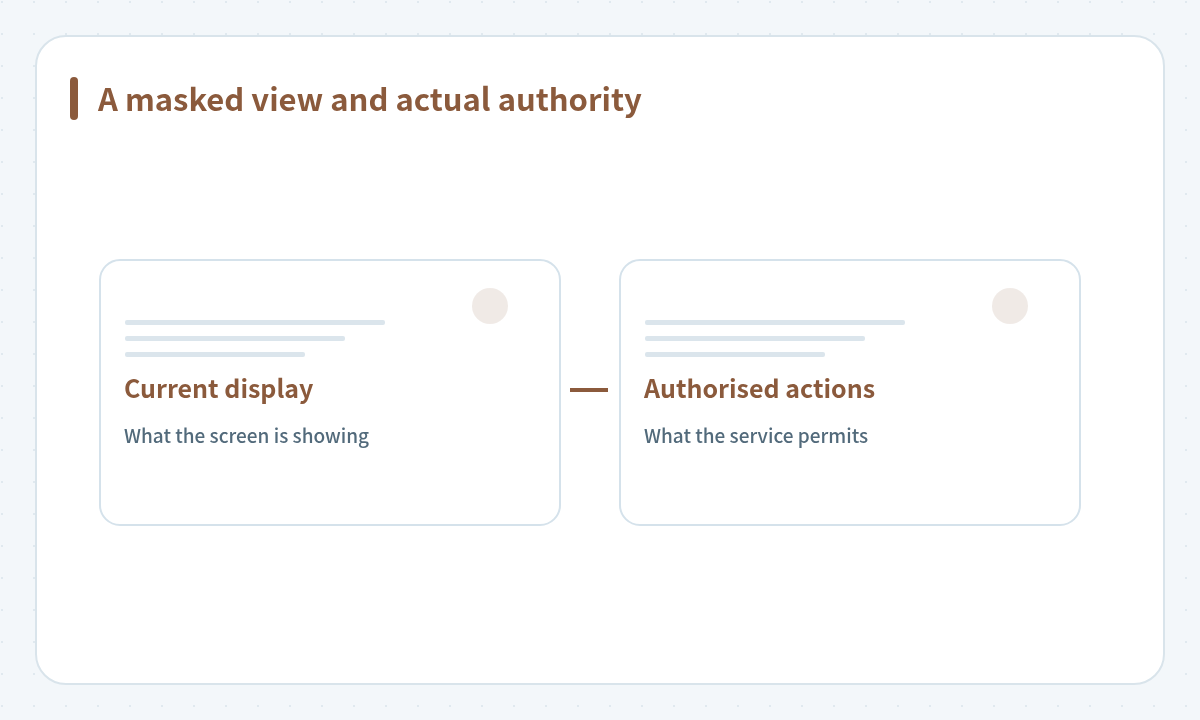
A display setting should not be confused with actual access control. Hiding text on your screen does not, by itself, establish what an export, notification or another authorised interface can show. Ask about the actual permission scope where that distinction matters.
Equally, do not use page-source inspection, altered requests or another person's session to get around a restriction. When legitimate work needs more information, obtain the proper access or ask an authorised owner to confirm the necessary fact. A business need does not turn an unavailable field into a permitted technical puzzle.
Plan the moment when content becomes visible
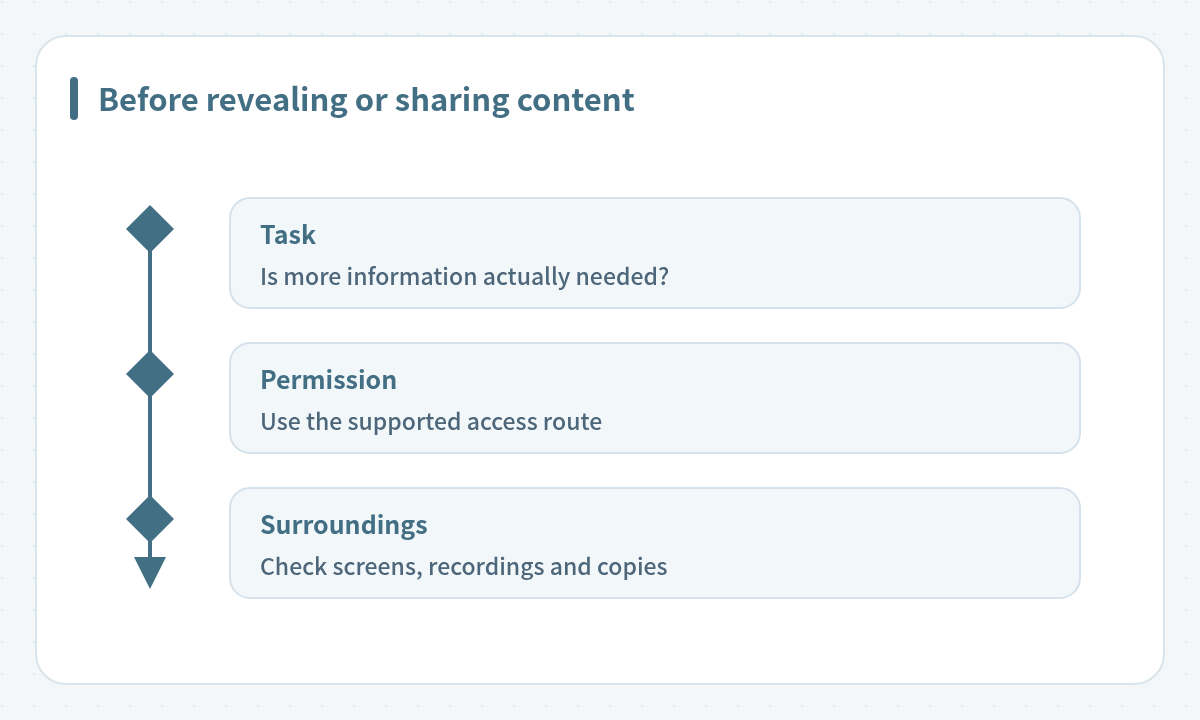
Before revealing sensitive text, consider nearby people, screen sharing, recordings and device notifications. If another person is helping with the interface, they may only need to know the control and its behaviour. A harmless sample can demonstrate the reading problem without exposing a real code.
When taking an approved screenshot, inspect the final image rather than assuming that a collapsed preview protected every part of the screen. Revealed details, titles and other windows can remain visible. A later return to the masked display does not change an image already captured.
Text recognition from a screenshot is not a reliable source of missing or obscured values. It can misread visible characters, and it cannot provide an authorised original simply because the output looks plausible. Where exact text is needed, use the supported record view and verify the original rather than repairing an inferred code by guesswork.
Check exposure at the moment of reveal
Before opening sensitive detail, inspect screen sharing, nearby viewers and recording. A later return to masking does not alter a screenshot already captured.
If a legitimate task needs unavailable information, obtain proper access or ask the authorised owner for the necessary fact. Do not infer missing characters from an image or try to bypass the restricted view.
Keep the work record limited to the result needed
A task note can say that an authorised person checked the relevant detail and what was confirmed. It does not always need the full message body. If exact text must be retained, use the appropriate work process and make the source and access scope clear.
If you need to report unexpected exposure, describe the view, the intended masking behaviour and the actual observation, with private values removed. Do not circulate the exposed material to prove that it was exposed. The provider can specify an appropriate evidence route.