The inbox provider’s login email, a target account’s recovery address and an optional forwarding destination can have different roles. Identify the system and field before changing any of them.
Identify the account behind each field
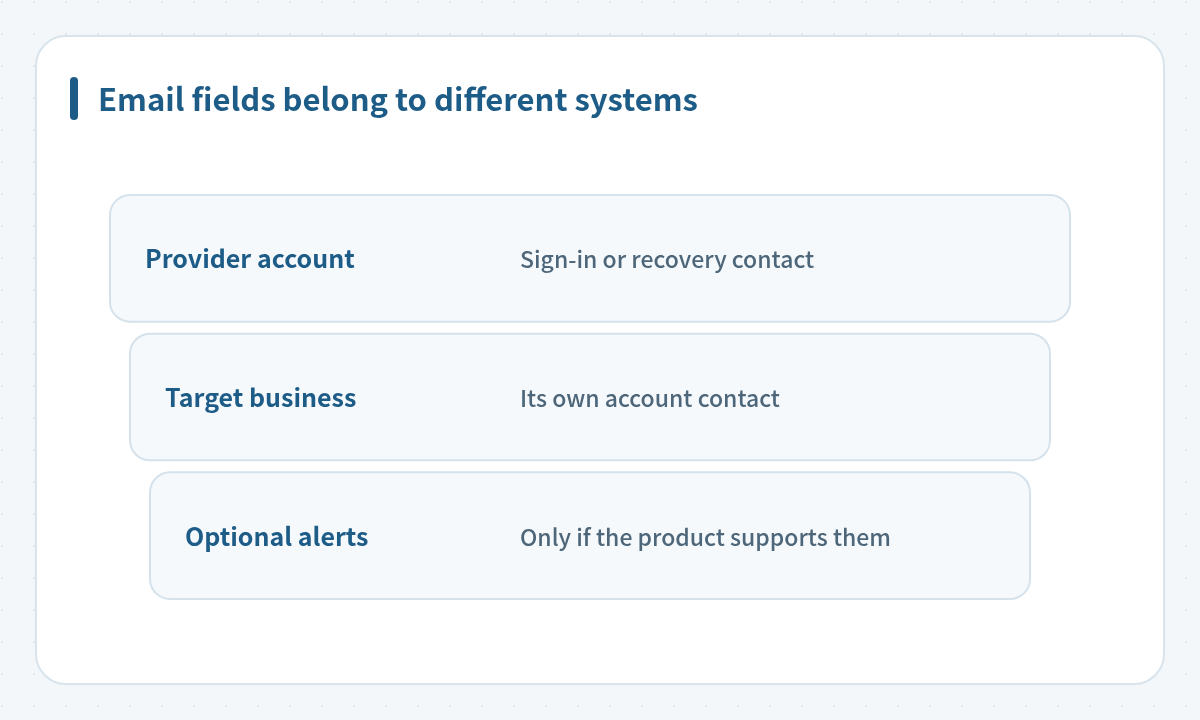
One address may be the receiving provider's account sign-in or recovery contact. Another may belong to a shop, work application or other target service. An optional address for inbox alerts or forwarding, if the product offers it, would serve a different purpose again.
These roles are examples of possible arrangements, not a statement that a particular provider supports each feature. Read the label, help text and confirmed account identity around the field you intend to edit. “Contact email” is not sufficiently specific on its own to establish whether it affects sign-in, notifications, receipts or recovery.
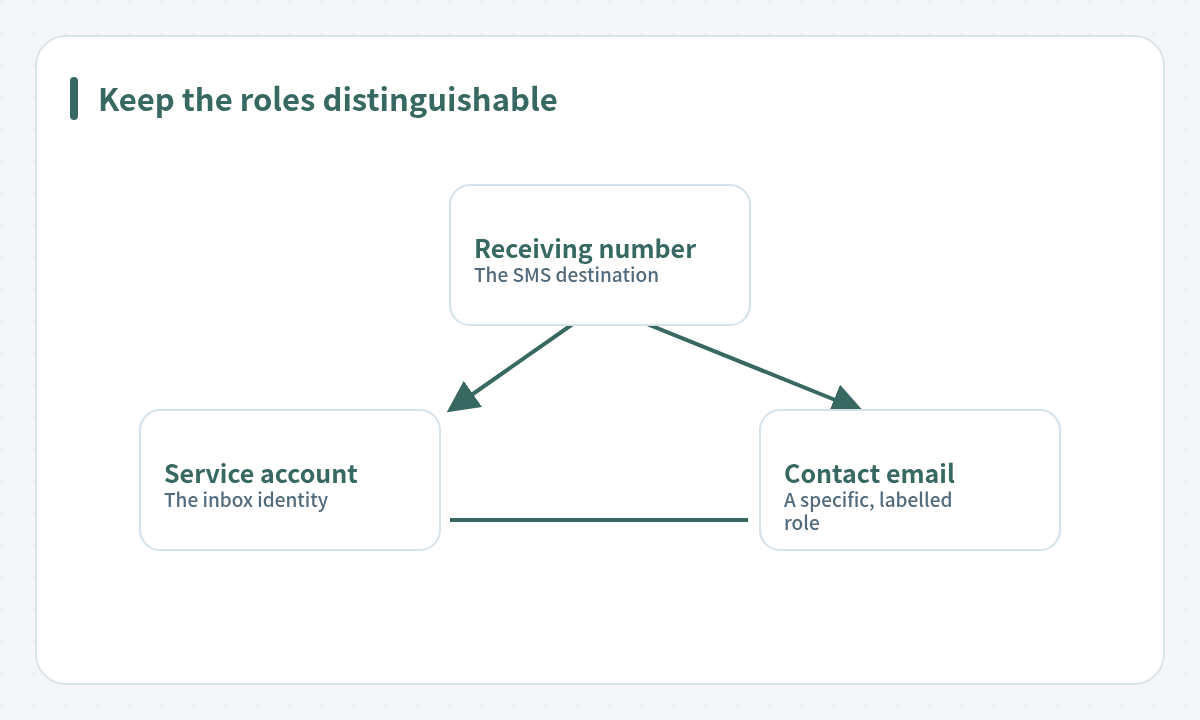
Keep the actual receiving number separate too. Updating an email field does not establish that a third-party account's phone binding has changed. A confirmation sent to one channel may verify only that change, rather than every contact method associated with the account.
Work on one system at a time
Open the known entry point for the service being changed. Confirm the currently signed-in account, the field's purpose and the outcome you need. If changing a recovery contact, check the service's supported process while normal access remains available.
Do not switch several emails and numbers at once simply because they appear in one work note. If confirmation fails, you would have little basis for identifying which account or dependency is unresolved. Record each change and its actual confirmation separately.
A browser can also be signed into its own profile or synchronization account. That identity may affect saved browser information, but it should not be mistaken for the receiving service's account. A profile icon in the browser frame and a user icon inside the website can refer to different systems.
A confirmation message has a scope
When an email or SMS arrives, read what it says was changed and which account it concerns. Do not mark all related work complete based on a single “verified” heading. The service may still require another step or provide a notice rather than a completed change.
If the message was unexpected, do not follow it into an account change simply to discover what happened. Use the service's independently known entry point and its normal security process. Someone knowing the email and number involved does not gain the right to receive live codes or approval links.
When a confirmation fails to appear, first establish the intended destination. Searching the receiving SMS inbox cannot reveal a message sent to an email address; checking a provider's account email cannot explain a code addressed to a different business account. Keep channel and account identity explicit in the question you send to support.
Keep a small contact map rather than a credentials warehouse
A work record can name the system, account purpose, contact role, responsible person and confirmation status. It does not need passwords, active codes or full private message histories. Limit access according to the task, especially when the map connects several business systems.
During a staff change, confirm which contact points should remain with the organisation and which belong to an individual. Use each actual service's authorised administration or recovery process. Do not assume that changing the inbox provider's email transfers every dependent account to a new person.