
Reading SMS text, scanning a code and using location are different features. Check which site and action triggered a permission request and what declining it actually affects.
Connect the prompt to an actual feature
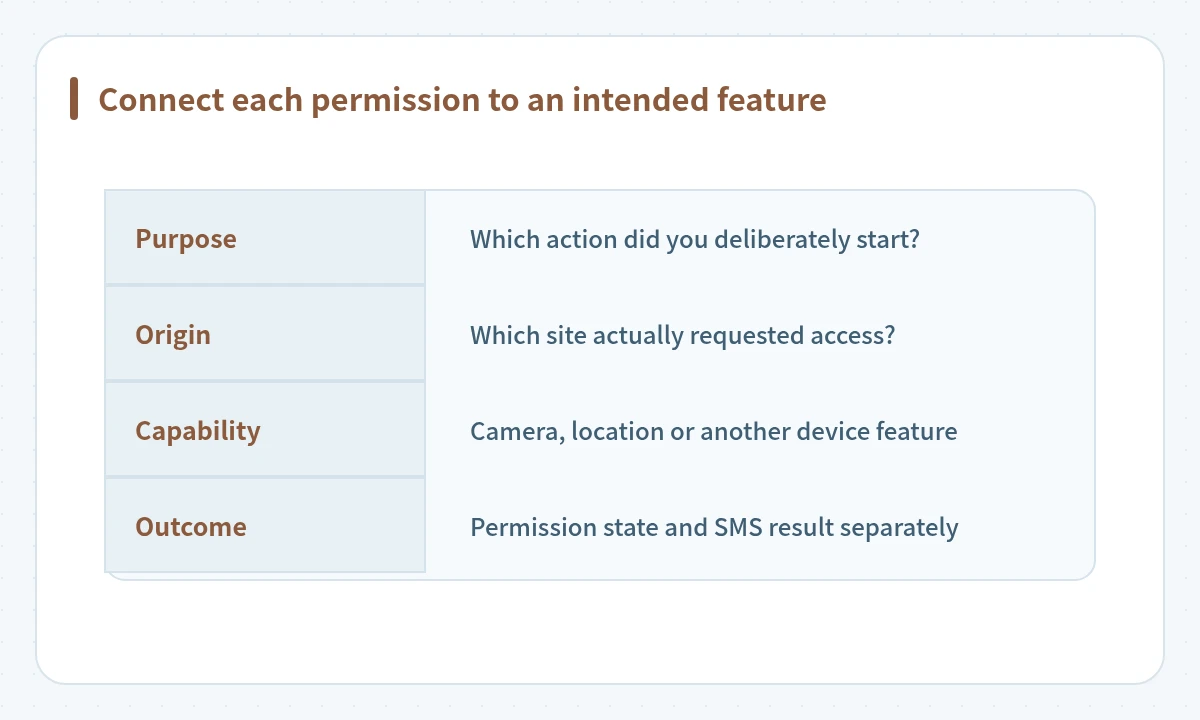
A documented QR scanner may reasonably use a camera. A separately explained location feature may request location. Neither should be inferred solely from a generic “allow to continue” message. Check the current site, selected feature and explanation against the task you intended to perform.
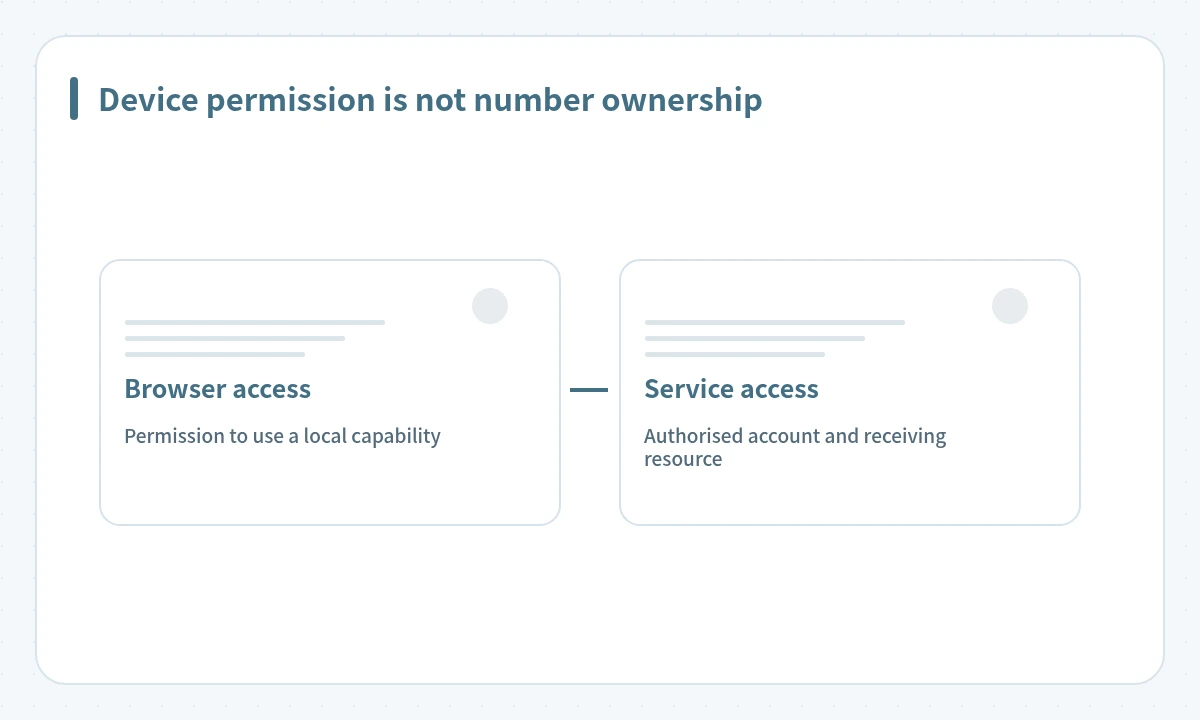
The browser’s permission system and the service account’s message permissions are also separate. Granting camera access does not establish ownership of a receiving number; denying location does not, on its own, show that an SMS failed at the provider. Keep the permission outcome and message-receipt outcome distinguishable when reporting a problem.
Pause an unexplained request
If a prompt appears without a feature you recognise, cancel or defer it and inspect the normal service guidance. Do not grant every capability in the hope of fixing a missing message. Likewise, a recognisable browser permission dialog does not authenticate the business behind the page.
Enter through an independently confirmed address and check which site is requesting access. Embedded pages and in-app browsing can make the context less obvious. If the service documents another supported route for the same task, use that rather than weakening device controls to force a questionable flow through.
MDN’s Permissions API overview describes permission states and the relationship to browser capabilities. It is a technical reference for the mechanism, not a claim that a particular inbox implements its interface or requires every listed permission.
A permission decision can affect a later attempt. If you previously denied access to a feature you now deliberately want, follow the browser’s documented way to review that site setting. Repeatedly reloading the SMS list is not a reliable way to establish whether the capability is still denied.
Review what was granted after the task
Use the actual browser’s supported site-permission controls to inspect or revoke access that is no longer needed. Do not assume that closing a tab automatically resets every permission. Device-level permissions and browser site settings may also have separate scopes, so identify the setting being changed.
| Question | Useful observation |
|---|---|
| Why was access requested? | The specific feature you initiated |
| Who requested it? | The actual site and browsing context |
| What was the outcome? | Granted, denied or still awaiting a decision |
| Did the SMS task work? | The independent receiving or verification result |
For support, note the browser, feature, prompt wording and result. A harmless reproduction normally explains the issue without a screenshot of private messages or a live code. Where a camera demonstration is necessary, keep the scene free of account material.
If the site cannot explain why a capability is required, retain that as an unresolved condition. A service’s restriction may prevent a workflow from finishing, but granting unrelated access is not evidence-based troubleshooting for the receiving path. Resolve the actual feature requirement before continuing with sensitive account work.
Reference: MDN: browser permission mechanisms.
