
Claude currently does not support changing an existing account's email address. Receiving a code at a new address does not migrate the old account, chats or subscription.
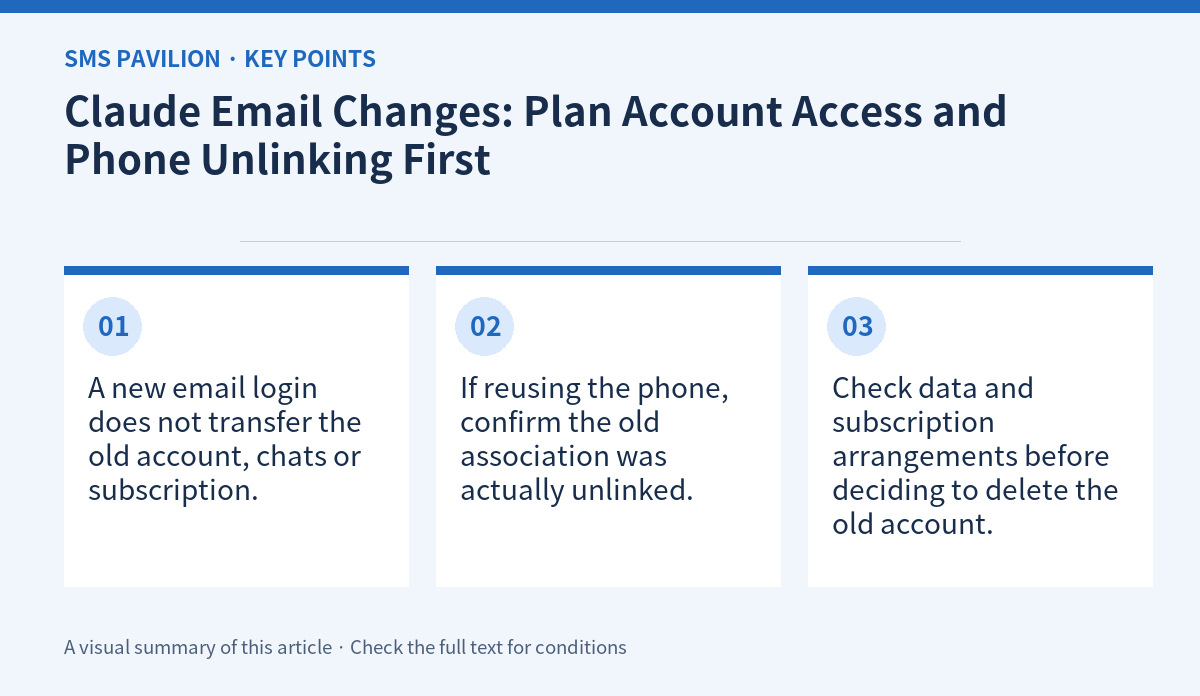
Arrange the old account first
The documented path involves a new account with the different email. If you need the same phone number for its verification, ask official support to unlink the number from the old account. Receiving texts does not establish that unlinking is complete.
Review any existing paid subscription separately. Successful access with the new email does not cancel the old plan. If the old mailbox and account are inaccessible, contact official support from an accessible address.
Preserve data before deletion
Claude warns that deletion is permanent and recommends exporting data first when needed. An export is not a promise of full import into another account. Establish what must be retained before deciding whether to delete.
Decide what needs to survive before changing your routine
Before retiring the original mailbox, list the responsibilities still attached to the old Claude account: an active paid plan, conversations you want to retain, a phone association you may need again, and the access route you can currently use. Receiving a sign-in email at a new address establishes only the result of that email flow. It does not establish that those existing responsibilities moved to the new account.
Keep an inventory of needed data and completed actions rather than a collection of usable credentials. Private conversations, working sign-in links, and verification values do not belong in a public help request. Exporting data and transferring it into a different account are also separate questions. An available export should not be described as a supported complete account migration unless the product documentation actually says so.
Choose the path that matches your remaining access
If you can still enter the original account, inspect its subscription and billing state first. Follow the official cancellation process and record the confirmation associated with that account. Starting to use a different email is not a cancellation action for the old plan. If access continues until the current period ends, keep the cancellation result and the period together so a later check concerns the correct subscription.
If the original email is inaccessible and you cannot sign in, use an address you can access to contact official support. Follow the help article's instruction to copy the original email and explain the old account and subscription that need attention. Sending another login email to a mailbox you cannot read does not restore your access to that mailbox. The support response determines what verification and account handling remain; do not assume a request has already been completed merely because it was sent.
Treat phone unlinking as its own support task
The official route for using the same phone with the new account includes a request to unlink it from the old one. Describe that association explicitly and keep the response that confirms what was done. Continued ability to receive messages at the number is not evidence that the account-side association has been removed. Likewise, a new account showing a verification screen does not confirm the outcome of the earlier support request.
For example, the new mailbox may receive sign-in messages while a later phone check still reports an existing association. Return to the phone-association request and ask for its specific outcome. Do not classify this combination as a failure of the new email address, or delete unexported conversations in the old account as an experiment. A report that names the unresolved association is more useful than a general statement that every kind of verification is failing.
Use a final checklist before an irreversible deletion
First confirm that the data you intend to retain has been exported through the supported method and that you obtained the expected file. A download notification alone is not the same observation as an accessible file. Next confirm the cancellation arrangement for the original paid plan, including which account it concerns. Keep any unresolved billing question tied to that original account rather than trying to infer its state from a new login.
If phone reuse matters, check the result of the unlinking request separately. Finally, confirm that you actually intend to delete the old account and understand the loss of access to its saved conversations. Follow the current page or the official support route where the deletion control requires assistance. A working new mailbox does not settle the data, subscription, or phone questions by itself.
A practical completion note can list access, subscription, export, phone association, and deletion as separate items. Leave unresolved items open and continue with the relevant official request. When adding information to a support case, use its existing reference and masked account identifiers; never publish working login links or one-time values. This produces a checkable transition record without promising automatic transfer of an account's history.
A phone-change guide for another product is background about retaining an original identity, not a method for changing the Claude email field. Check which product and account each instruction actually manages before borrowing a step.
For related distinctions, use these focused explainers: Which Email Controls Which Account in an SMS Workflow?; Changing an Account’s SMS Number: Keep a Working Route Until Confirmed; BeReal Verification Codes: Update the Original Account When Your Number Changes.
