An internet connection does not make a carrier feature and a web inbox interchangeable. Identify the actual line, receiving service and viewing interface before testing calls or messages.
Locate the receiving service
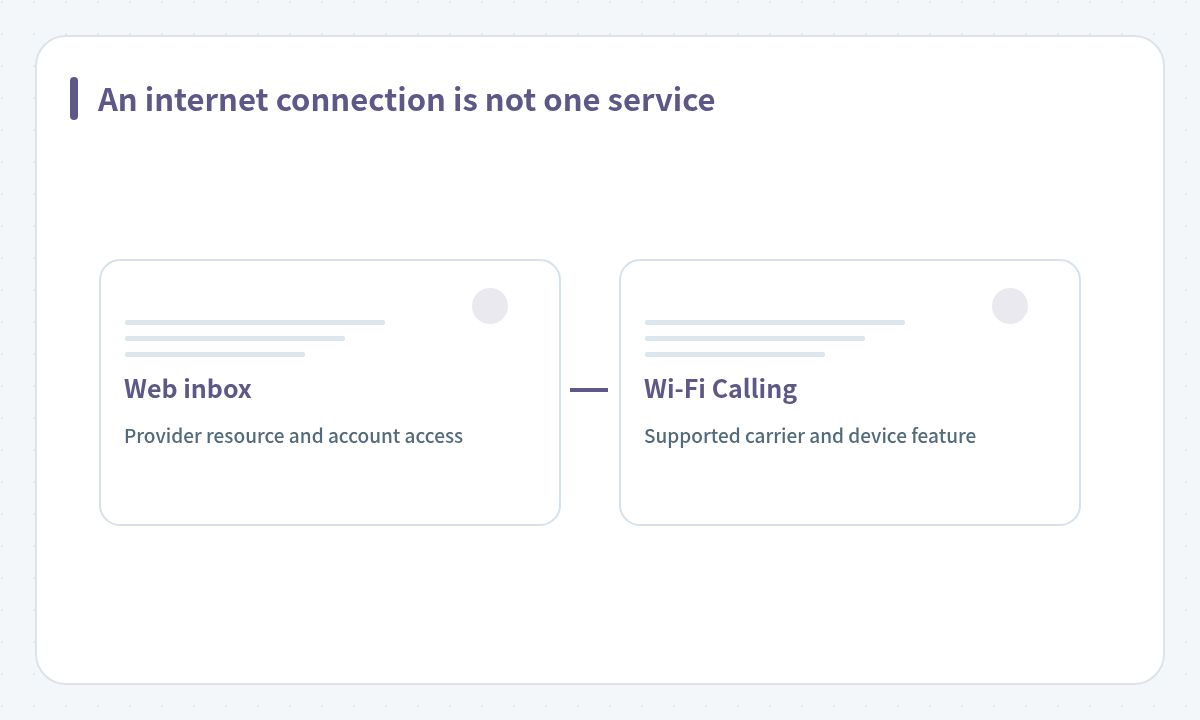
With a web inbox, the relevant provider controls the receiving resource and the interface where authorised users view records. A browser needs a working data connection and the appropriate account access. That does not, by itself, turn the browser into the phone's native messaging service.
Wi-Fi Calling is a feature supplied through supported carrier and device arrangements. Apple's official guidance describes using it for calls over Wi-Fi and notes that availability depends on the carrier and region. Its name should not be used as a general promise that any web number can receive every kind of text or call.
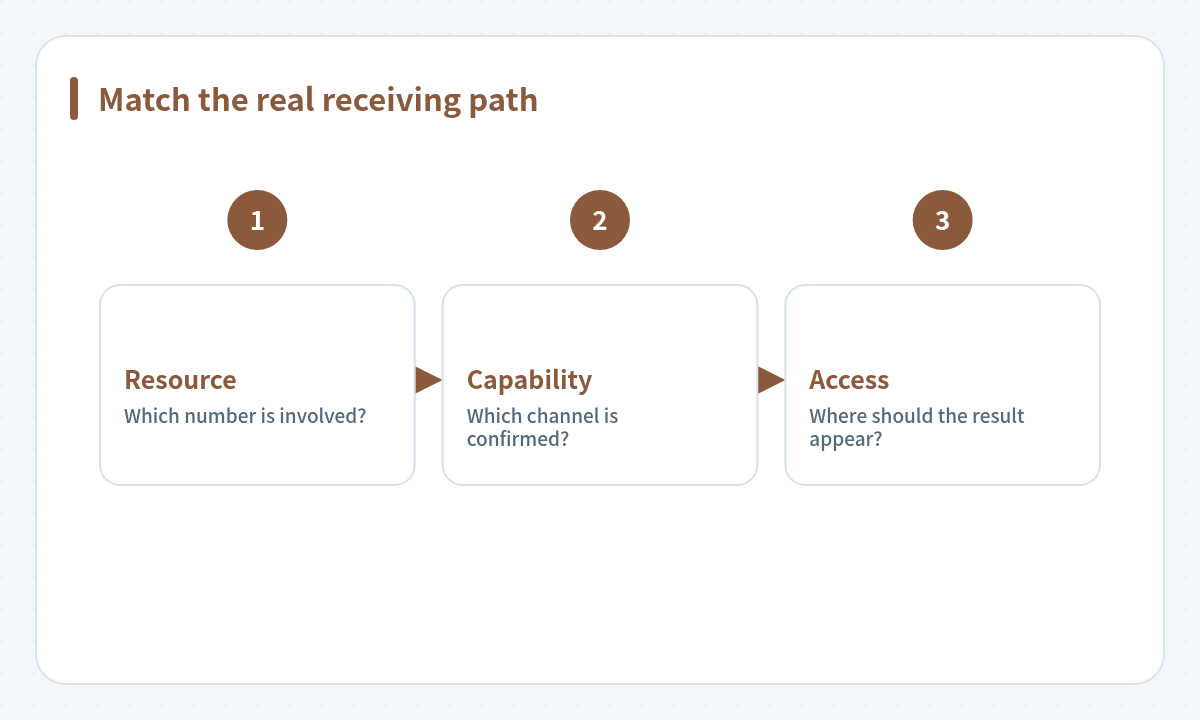
Keep the resource identity explicit. A carrier line associated with the phone and a number assigned within a separate web service may be entirely different resources. Opening both on one device does not combine their messages or transfer access between them.
Do not infer SMS support from a calling feature
If the task requires SMS, check the actual carrier or provider's messaging support and conditions. A successful call tests a calling path, not every message type. A webpage loading over Wi-Fi tests access to that webpage, not a phone line's ability to receive verification texts.
The target service may also have its own rules for accepted number types and verification methods. Those rules remain relevant whichever network carries your browser traffic. An internet connection cannot change an unsupported receiving arrangement into an accepted one.
For troubleshooting, describe the expected destination precisely: the phone's own messaging application or the independently operated web inbox. “My texts are not arriving on Wi-Fi” leaves several different systems mixed together and gives support little basis for choosing the right investigation.
Compare one path at a time
Use an authorised, non-sensitive sample where a test is appropriate. Confirm the exact recipient resource, the intended message type and the interface you will inspect. Avoid sending real authentication requests repeatedly just to determine which application might display them.
If changing the device's network makes the webpage accessible, record that observation without calling it proof that the service's receiving capability changed. Likewise, if a carrier feature becomes available, check its documented function rather than assuming that a separate provider account has been updated.
A second device can help you observe a web interface only when you have authorised access there. It is not a reason to share a private password or use an unknown computer to finish quickly. The receiving path and the viewing environment both still need to be suitable.
Describe exactly what the network change established
If Wi-Fi makes a webpage accessible, report that access result. It does not show that the phone’s carrier line gained SMS support or that a separate web number changed capability.
Likewise, a successful call tests a calling path. Check carrier and device instructions for their feature, and the web provider’s conditions for its inbox. Keep any backup plan tied to the path you can actually reach.
Choose the route that matches the whole task
A browser-based arrangement may suit a task only if its confirmed receiving scope, access conditions and number lifetime fit that task. A carrier-integrated feature has its own device, account and service requirements. Neither label is a universal substitute for the other.
For a carrier feature, consult the actual carrier and the device's official instructions. Apple's Wi-Fi Calling guidance is one documented example; it does not establish the capabilities of an unspecified virtual-number product.