
Vercel verification codes after personal sign-in may relate to a team's two-factor requirement. Entering an individual account and meeting the conditions for a particular team's resources are different layers. Read whether the current prompt concerns personal setup or team access.
Apply the team's requirement to the actual member
Vercel documents personal two-factor methods using an authenticator or passkey and allows teams to require protection before members access resources. An administrator enabling their own protection does not complete every member's setup. Inspect the affected member's actual identity and state.
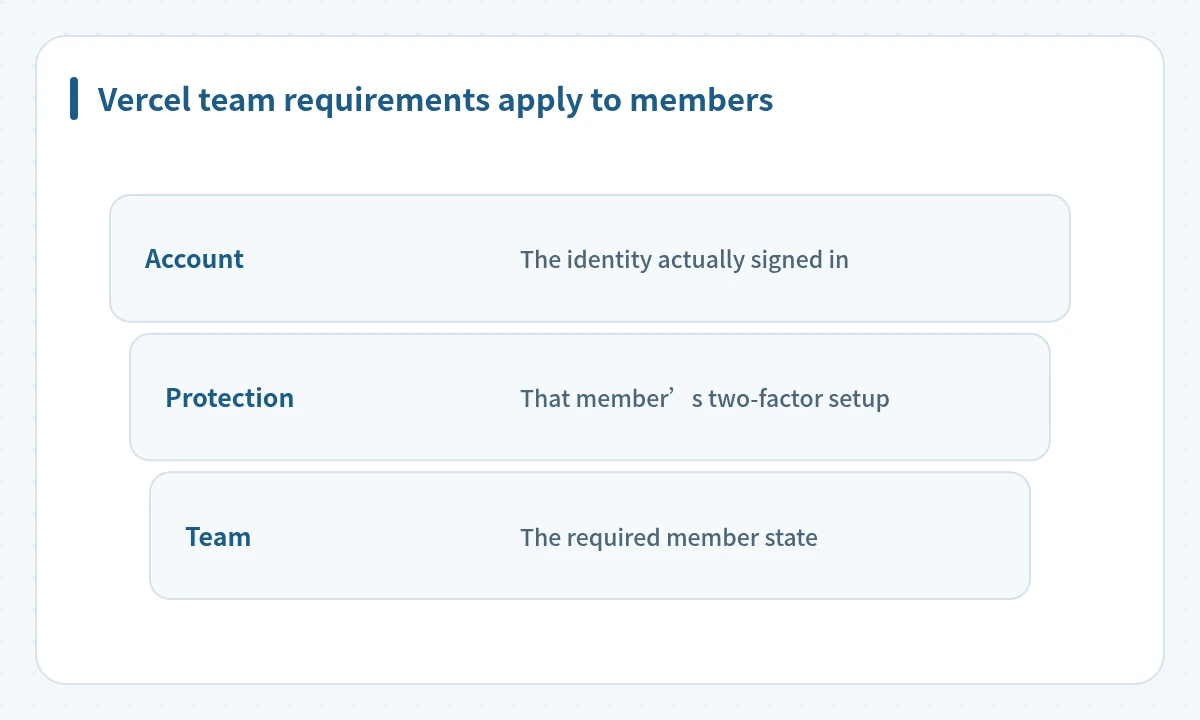
Confirm the team and account, especially if you have used several email addresses or code-hosting login connections. Seeing a familiar project name does not establish that the intended membership is active. Avoid creating another account or signing out everywhere before identifying the relationship.
Match identity, protection and role in order
| Layer | What to establish |
|---|---|
| Personal account | The intended identity is signed in |
| Two-factor setup | That member completed the official configuration |
| Team | The current requirement and member status |
| Resource | The actual project-access arrangement |
For an authenticator challenge, inspect the matching entry. For a passkey request, inspect your available credential device. The appearance of the word code does not establish that SMS was sent. Do not use an outside tool or receiving service to invent a method absent from the official page.
Recovery material remains personal
The setup process asks you to save recovery codes. Confirm that a protected copy exists and remains accessible if the phone becomes unavailable. A team owner can review member status without collecting everyone's setup QR codes, seeds or complete recovery lists.
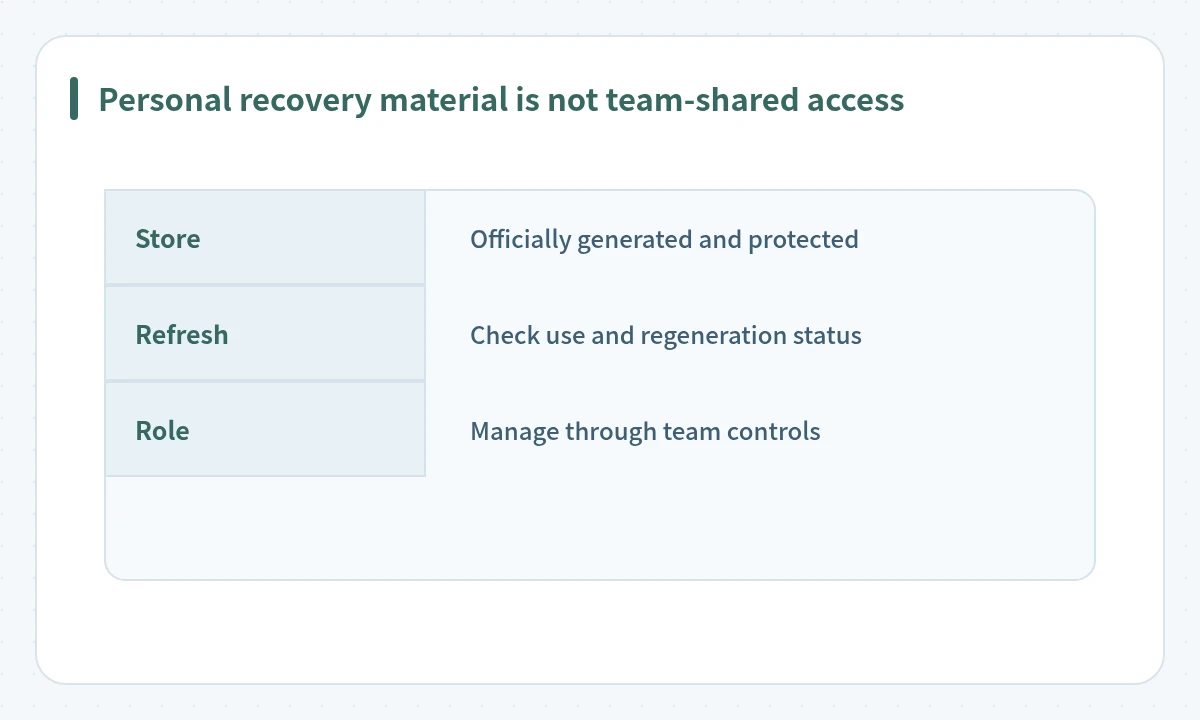
Before a phone change, arrange the supported migration or alternative method and confirm it works before clearing the old device. If recovery material has been used or regenerated, inspect its current status rather than relying on an outdated checklist.
A preparation note should identify the owner, enrolled method and protected storage arrangement. It should not turn a person's second factor into a team-shared credential. Staff transitions should be handled through membership and resource controls separately from personal recovery secrets.
Recheck the member state before investigating the project
After completing the requirement, inspect the member status and resource page again. If access is still unavailable, retain the exact error and ask the responsible team member to review the role. A deployment error or removed project is not automatically evidence that another verification message is required.
A useful report says that personal sign-in succeeds but the team requests two-factor setup, or that setup completed while the displayed member state remains unchanged. Include the approximate time and relevant screen text, with secrets hidden.
That sequence gives personal security and team administration their appropriate owners. It also keeps an access-policy question from triggering unnecessary changes to a working login connection or from encouraging disclosure of a member's private authentication material.
When setup finishes, refresh the member view and compare the state shown for the same identity. Keep the account and team selected throughout that check, so a stale display is not confused with another member’s configuration.
References
Vercel: Two-factor methods, recovery codes and team requirements; Vercel: Review team member enforcement status.
