
Before requesting Toloka verification codes, identify whether you intend to enter a requester workspace or a task-contributor account. The official requester registration guide distinguishes these roles. A phone receiving a message does not establish that the resulting identity is the one containing your expected work.
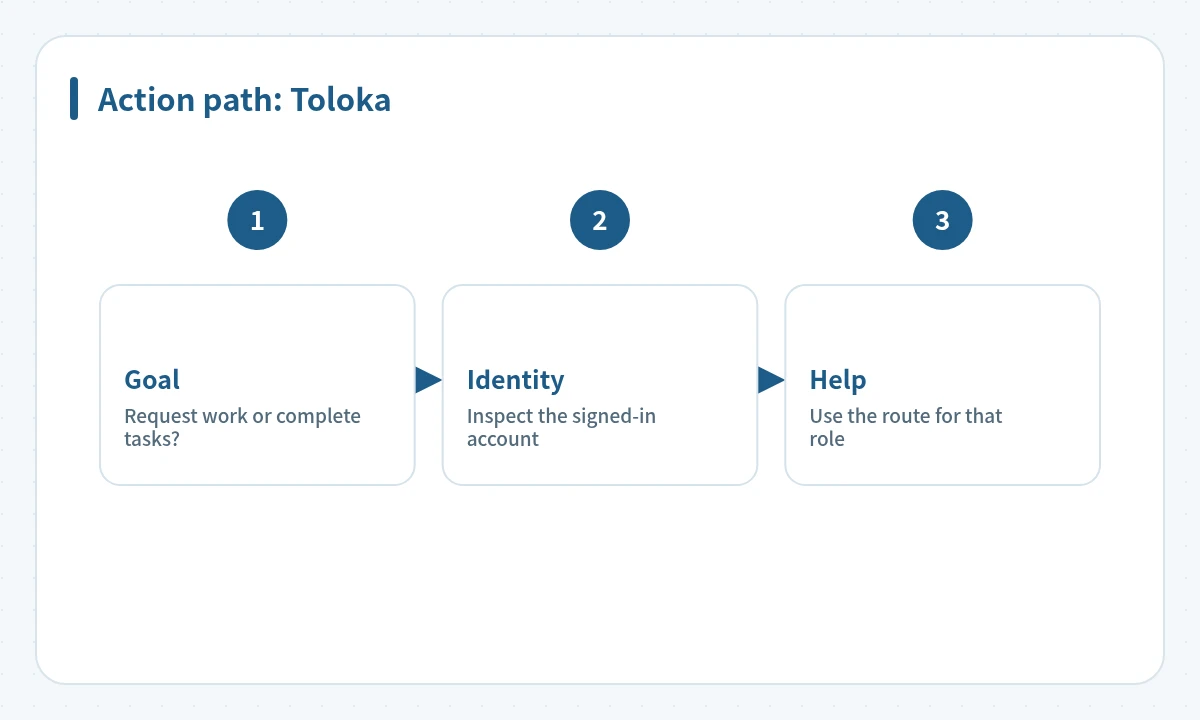
State what you are trying to do
Publishing and managing tasks differs from accepting and completing them. Before recovery, name the material you need: projects and organization management, or an individual's contributor profile. Searching only for the brand and login can lead to a surface intended for another role.
Read the role and signed-in identity on the current page. An empty workspace is a reason to inspect the route before creating new information. It does not, by itself, prove that the original content disappeared.
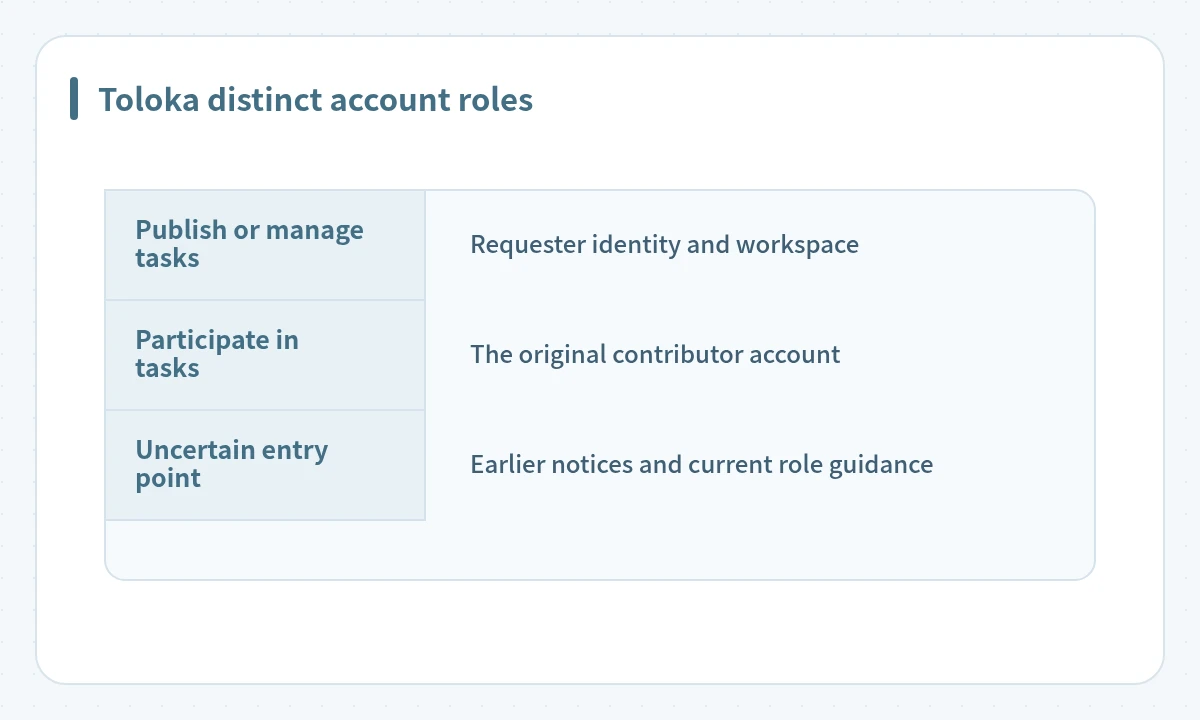
| Actual goal | What to inspect |
|---|---|
| Publish or manage tasks | Requester identity and workspace |
| Participate in tasks | The original contributor account |
| Uncertain entry point | Earlier notices and current role guidance |
The phone is one clue, not the whole identity
The cited requester guide describes account establishment in its own context, rather than a permanent menu for every version, region, and role. If the interface changed, follow the current page and matching official help instead of reproducing an old screenshot's button positions.
One person controlling a number does not establish that role-specific records merge. Do not try a value across several pages or assume it grants every workspace. Each confirmation belongs to an identified request and account context.
Your earlier correspondence can help locate the original route. Inspect the account identifier and role without forwarding complete login messages to colleagues. A project name can be relevant to a support question, but a live code does not establish that you belong to the organization holding it.
Describe the role and missing content to support
Explain which account type you want, your original identifier, the current page, and whether receipt fails or expected records are absent after entry. The first concerns an access resource; the second may require checking identity or permissions. They should not be collapsed into the same code problem.
Keep complete personal information, values, and project contents out of public questions. Necessary details belong in the official private process. Repeated registration and asking a stranger to receive a message do not clarify ownership of the original role.
After entry, inspect the relevant original content rather than merely noting that a portal opens. Account recovery, role choice, and eligibility for a specific task have separate outcomes. This avoids repeated work on a successful phone step while remaining in the wrong workspace.
If the account opens but only a different role's controls appear, preserve that observation before editing. Support can assess the identity context more easily when it has not been mixed with newly created projects or profiles added solely to test what the page allows.
Where a colleague originally created the workspace, distinguish your personal access from their organization role. Ask the appropriate administrator about the intended membership rather than exchanging a live value as a substitute for identifying which account should be invited.
References
Toloka: Official requester registration guide and role distinction
