
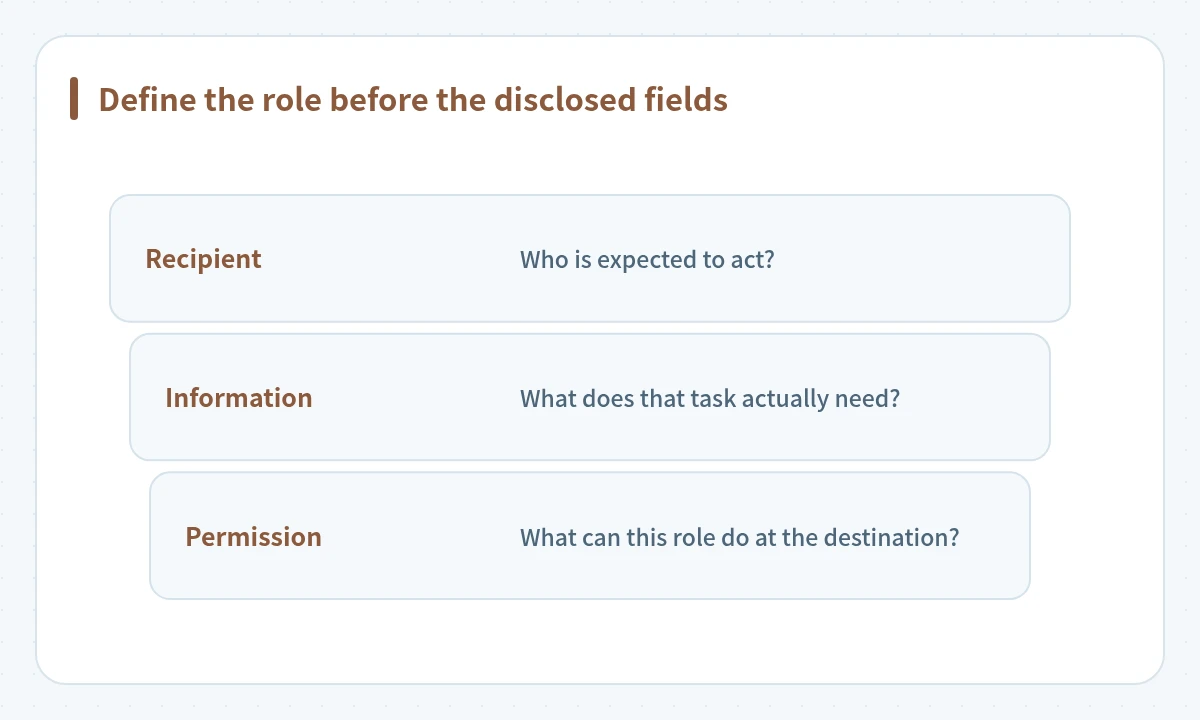
Notifications involving younger users should ask for the information needed for the task, rather than reproduce a household profile. Private SMS inbox access also does not prove that the recipient is the account user or has authority to change it. Define the recipient’s role before deciding what the message and destination should reveal.
Identify who is expected to act
A notice might be intended for a parent or guardian, the account user or an authorised organisational contact. Those roles can need different language and different access. Do not infer permission to manage the account simply because a phone receives its notification.
For a hypothetical activity-time change, the relevant information might be the activity, revised time and a recognised detail route. Full school records, identity numbers and unrelated family information do not automatically make the time clearer. Decide what each field contributes before including it.
The actual operator must establish applicable age, authority and retention arrangements for its service and regions. A short design checklist cannot decide those matters. Keep responsibility for unresolved requirements explicit instead of collecting extra identity material in case it might be useful.
Review the destination as well as the text
A restrained message can still lead to an overly broad account page. Check what the intended role sees after normal authentication. A guardian-oriented notice should not silently grant access to every historic activity or to another user’s settings.
Use the account system’s actual authorisation rules. The notification may identify a task, while permission to perform it is established separately. A clickable reference is not a replacement for those controls.
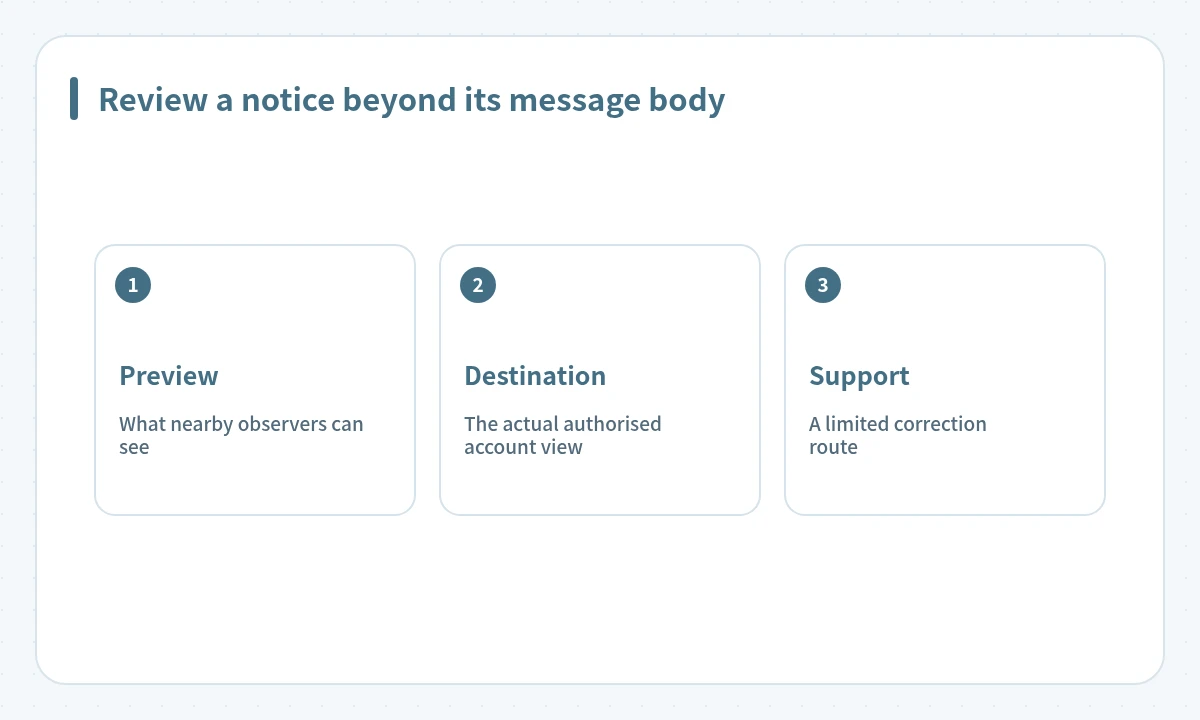
If the recipient cannot complete the step, give a supported route for help. Avoid turning a generic feedback form into an ad hoc identity-verification process. Collect only the additional material the responsible workflow actually requires, through its approved method.
Inspect previews and shared environments
Lock screens, desktop notifications and forwarded screenshots can extend the audience beyond the intended reader. Test the actual preview with harmless text and the selected device settings. Do not assume that a private account makes a shared display private.
For testing, create fictional people and dedicated resources. A role label such as guardian route can describe the case without copying real family relationships into the test report. Keep unrelated names and adjacent messages out of screenshots.
Make correction possible without broad disclosure
A mistaken contact assignment should have a clear reporting path. Ask for a limited reference and explanation first, rather than requesting a complete message history. The appropriate account team should handle changes in authority through its established procedure.
Test both the intended recipient and an account without the required role. Use the normal deployed access path, not only an administrator’s unrestricted view. The result to establish is that each person sees and can do what the actual design permits.
When review is complete, record which purpose, role and fields were approved, and which requirements still need confirmation. That record supports later changes without treating a past template approval as permission to collect or disclose more information indefinitely. The message should remain a focused route to a defined task, rather than a portable copy of private account details.
