
A survey should collect the feedback it needs without turning the response box into a second authentication channel. Define that boundary before testing SMS invitations, especially when respondents may copy entire messages to explain a problem.
Decide what the question needs
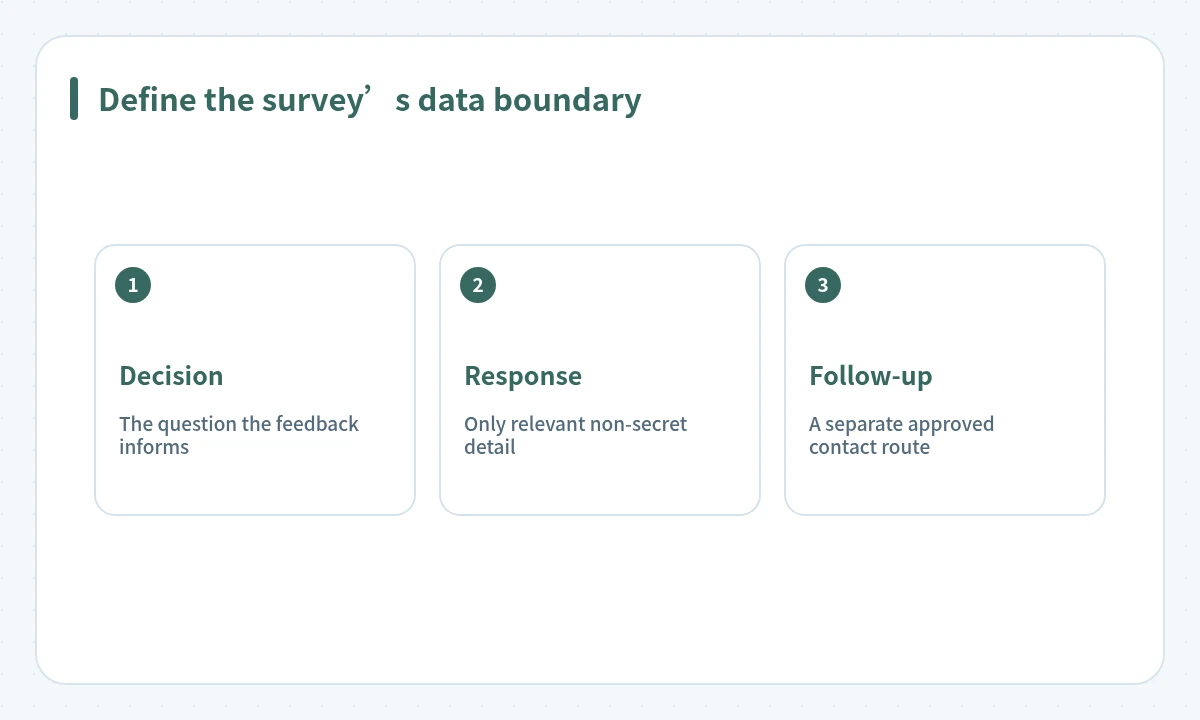
Name the decision the survey will inform and the minimum response required. A rating question rarely needs the text of a verification message. A question about a confusing notification can ask which part was unclear without requesting the recipient's active code, account password or complete inbox history.
When testing no sim sms inbox access, use an authorised test account and harmless messages. Keep the test separate from genuine customer authentication traffic. The survey workflow should be understandable with fabricated non-secret examples, rather than relying on access to someone else's live account material.
Put instructions next to the free-text field
Tell respondents what to include and what to leave out at the point where they can type or attach material. A brief prompt can request the relevant problem while asking them to omit passwords, codes and unrelated personal information. Avoid making the entire response unusable through an excessively broad demand for screenshots.
| Survey need | Safer question design |
|---|---|
| Clarity | Ask which wording was difficult to understand |
| Task outcome | Ask which step remained incomplete |
| Contact permission | Use a separate explicit follow-up choice |
| Technical diagnosis | Use an approved support route for necessary detail |
Keep incentive details and follow-up contact collection separate from the opinion wherever the design requires that separation. If the service calls a response anonymous, verify what identifiers the implementation retains and who can access them before using that description. The word anonymous in a heading cannot establish the actual data handling.
Review the stored result as well as the form
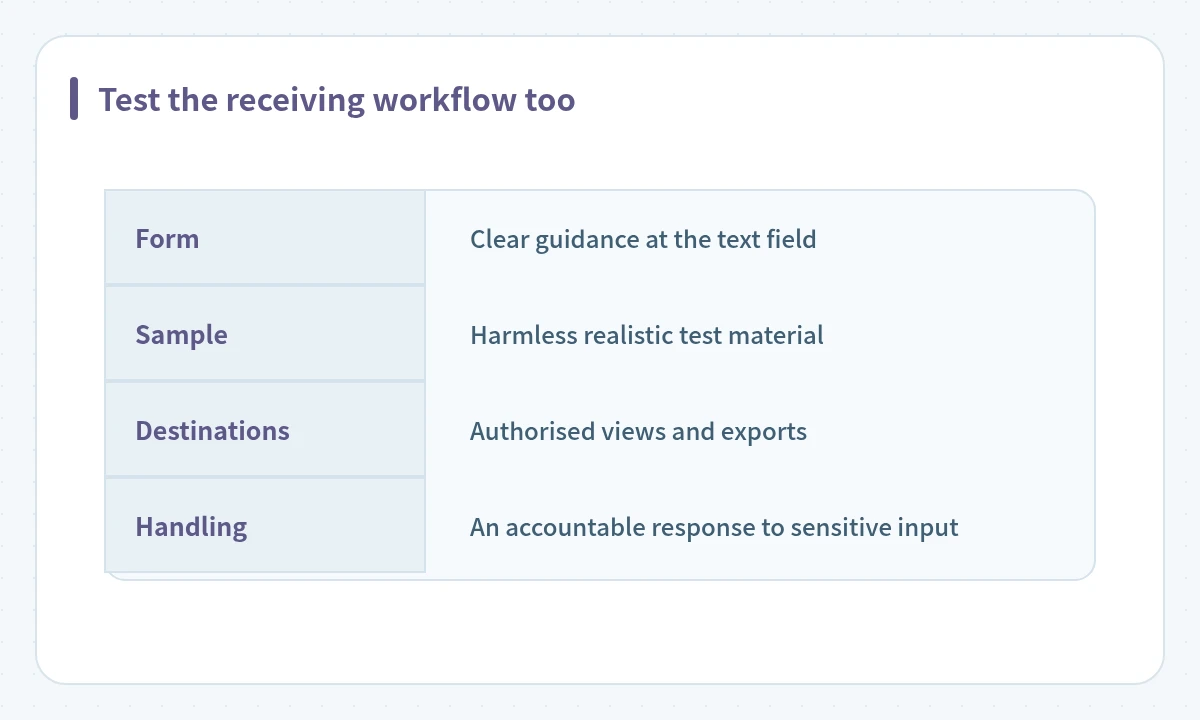
Submit a harmless sample containing the kinds of content a respondent might paste. Inspect the authorised backend view, exports and notification emails used by the survey team. A form that discourages secrets can still copy unnecessary data into a broad mailing list or reporting tool if the receiving workflow was overlooked.
Decide how attachments will be handled before enabling them. If the survey has no staff or process for reviewing uploaded screenshots safely, a focused text question may be more appropriate. Where attachments are genuinely necessary, explain the relevant redaction and submission instructions through the approved workflow. Review who receives them and how long the survey process needs them, using the organisation’s actual rules rather than inventing a retention promise in the invitation.
Plan for an accidental sensitive response
Give staff a defined way to report and restrict a response containing authentication material. Do not ask them to circulate the full response in a team chat while seeking advice. Follow the organisation's established handling process, and direct any account-security issue through the appropriate account owner and support route.
Finally, explain how staff will turn feedback into an action. Group responses by the problem being described rather than by how much private detail the respondent supplied. A concise comment can identify a genuine wording defect. Keeping the survey focused improves the quality of the evidence while reducing the temptation to collect material that the editorial or product decision never required.
