
A sideways screenshot needs a distinction between pixel arrangement and orientation metadata. A viewer showing it correctly does not prove that every thumbnail generator or browser follows the same interpretation.
Trace the two sources of orientation
A web based online text inbox may accept a screenshot through a supported feedback workflow. Preserve the authorised original while examining its pixels and any direction information. MDN's image-orientation documentation discusses how web presentation can use image orientation; the actual result depends on the file and processing path.
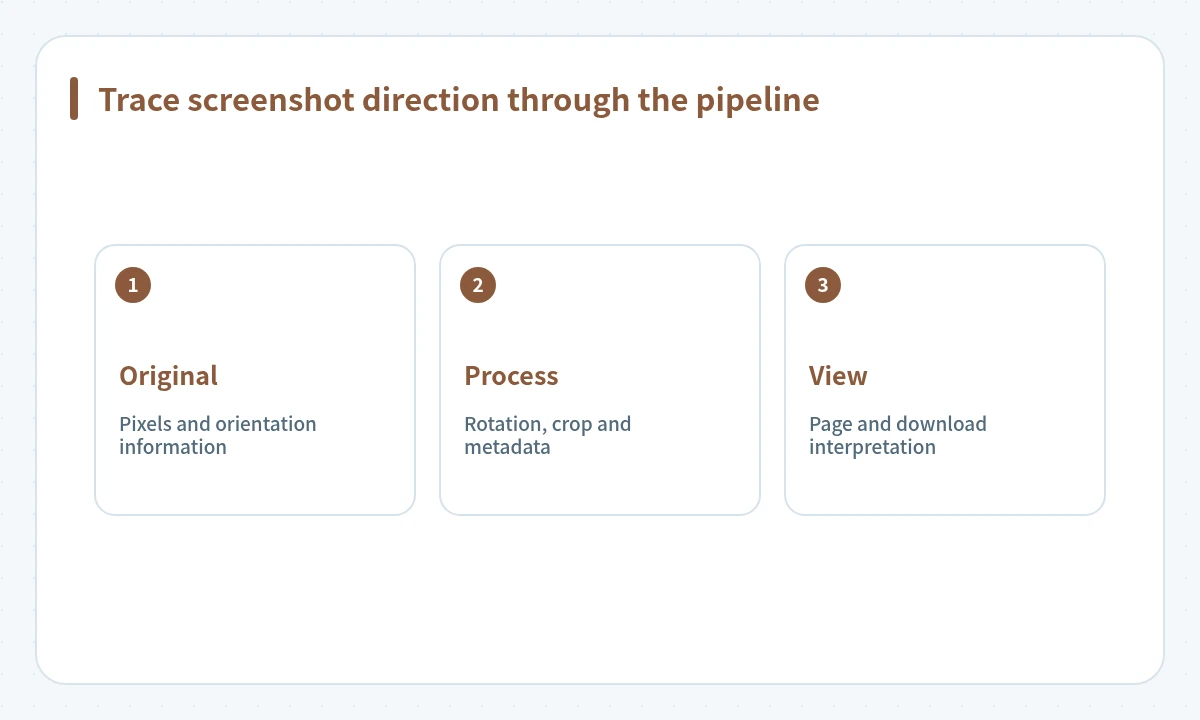
Compare a harmless fixture at upload, thumbnail generation and display. Repeatedly rotating and saving until one browser looks right can leave another path applying the rotation again or cropping relevant content. Find where the interpretation first diverges.
Define the processed output
Decide whether the pipeline preserves supported orientation information or normalises the pixels under its design. Check that later stages do not apply the transformation twice. The original, thumbnail and downloaded result need an explainable relationship even if they are not identical files.
| Stage | Inspect |
|---|---|
| Original | The pixels and orientation information |
| Processed file | Rotation, crop and metadata changes |
| Page | The actual display interpretation |
| Download | The result in another supported viewer |
A correctly oriented image can still be incomplete. Check whether automatic cropping removed the date, relevant number or error text needed for the task. Preserve enough evidence for the actual problem while excluding unrelated private material.
Reproduce with non-sensitive images
Prepare controlled pictures with different orientations and reasonable dimensions, then pass them through the supported upload and thumbnail route. Real codes, complete customer records and a private photo library are unnecessary test data.
Use the same processing settings as the supported product path where possible. A successful test in a separate editor does not explain a server thumbnail's result if it uses another library or applies a different sequence of operations.
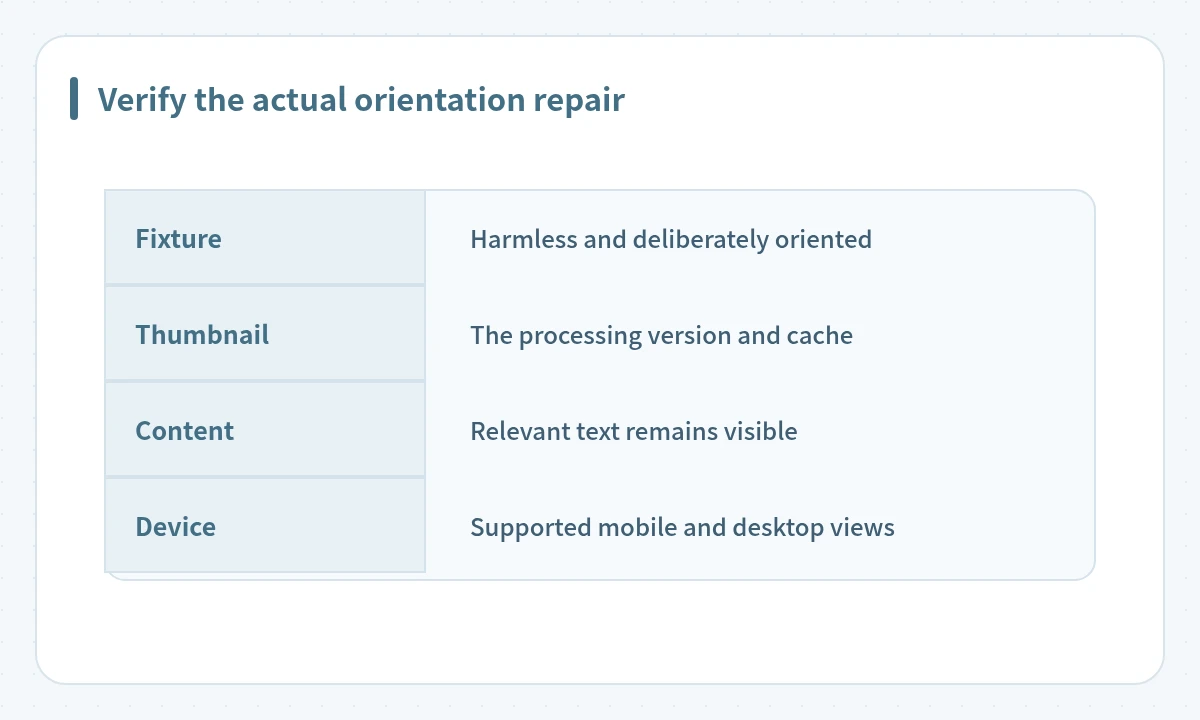
Check whether a processed file still contains an orientation instruction after its pixels have already been rotated. A later viewer can correctly obey that instruction and still produce the wrong business display because the earlier operation left conflicting information. Keep the pipeline’s chosen normal form explicit and inspect both metadata and pixels in a harmless fixture. Also include a thumbnail generated before and after the repair under the supported cache rules. Otherwise an old thumbnail can make a corrected generator appear broken, or a manually replaced thumbnail can make an unchanged generator look repaired. The file relationship should explain which result each page is actually using.
Identify the responsible stage in the report
Record where the change begins, the relevant processing version and the viewing context. Most orientation investigations can use a limited sample rather than distributing the original private screenshot to every person helping with the problem.
After the repair, inspect supported mobile and desktop display plus the downloaded result. Replacing only the already-visible bad files leaves the old generator able to produce more of them. A useful fix makes the pipeline's direction handling deliberate and reproducible, without relying on repeated manual rotations that operators cannot later explain.
