
A successful sandbox response may describe a simulation. Identify the environment and documented test behaviour before searching a live inbox or claiming that a real message was delivered.
Read the test environment’s contract
Providers use terms such as sandbox, trial and test credentials differently. A trial can have real resources with restrictions, while a simulation may never contact a telephone network. Read the exact product documentation rather than treating all non-production access as interchangeable.
Twilio’s test-credential documentation gives a specific example: supported test requests do not connect to real phone numbers or change production resources. It also lists which resources support those credentials. That example explains why a simulated send can return successfully without producing a text in a real inbox.
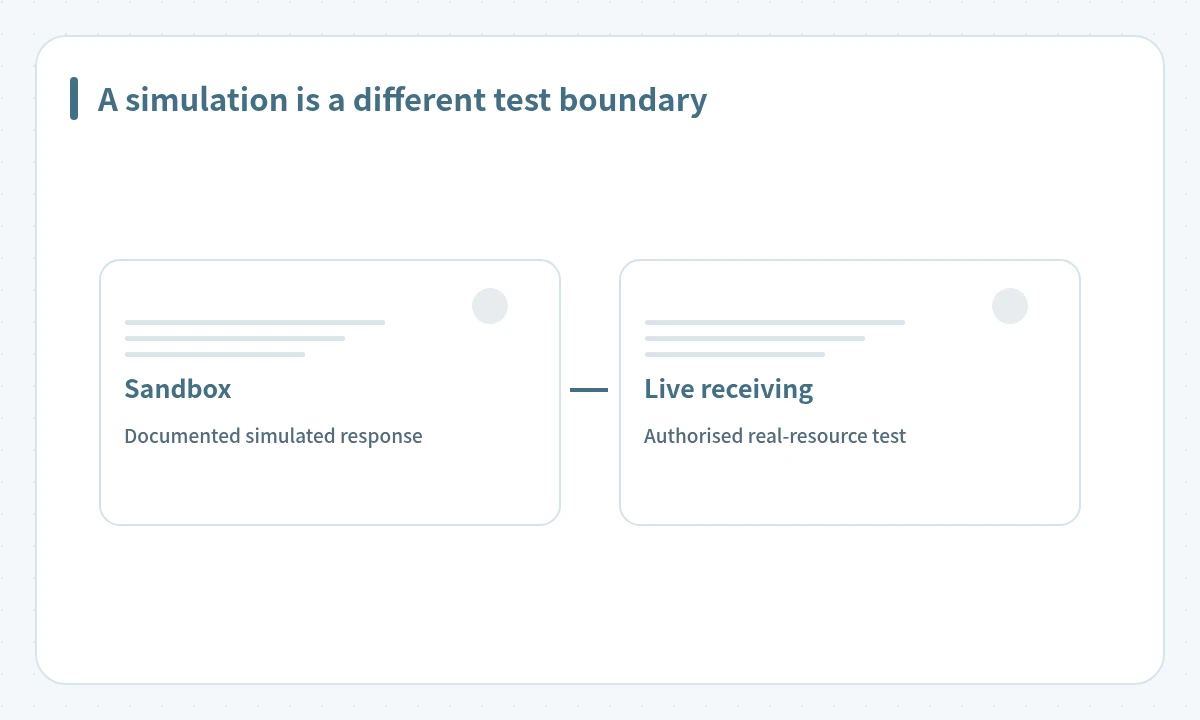
Record the environment, credential identifier and resource type without copying the credential secret. If a sample application uses a special test number, keep it in the test configuration. Substituting a live recipient does not necessarily turn a simulated request into a real send, and mixing environments can make the result difficult to interpret.
Split the test into claims you can actually establish
| Test | Reasonable conclusion |
|---|---|
| Simulated request validation | The tested input produced the documented simulated result |
| Application error handling | The application handled that controlled response |
| Authorised live ordinary text | The observed text followed that receiving path |
| Target-service verification | The specific authorised task reached its recorded outcome |
The rows build different evidence. Passing an error-handling test does not establish network delivery. Receiving ordinary text does not establish that every website accepts the number for verification. Keep each result attached to its scope instead of combining them into a single claim that SMS works.
Move to live testing deliberately
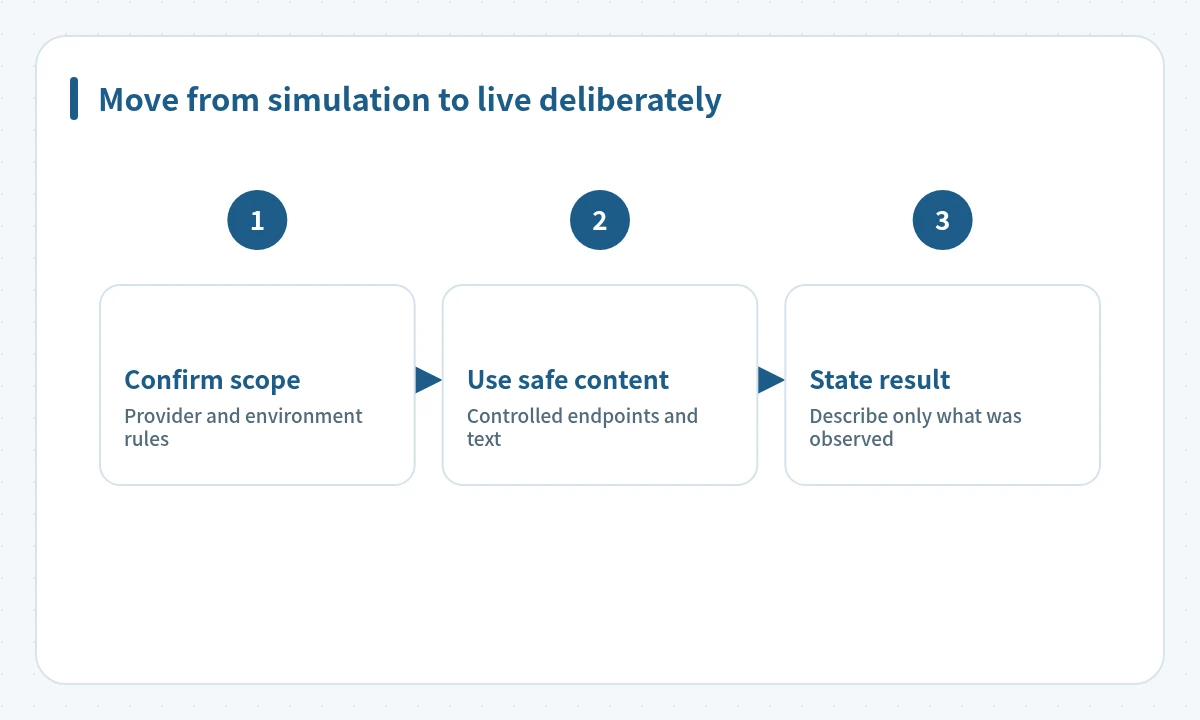
Before running a real test, confirm ownership or permission for both endpoints, the documented capability of the resource and any applicable charges. Use a harmless message with no personal authentication material. Limit the test to the smallest run that answers the outstanding question.
Keep production secrets in the approved server-side configuration. Do not paste them into a shared browser console or public request tool to speed up testing. Make the environment visibly identifiable in internal tooling, so a later test does not accidentally use live credentials or real customer contacts.
Compare the live request’s identifier with the corresponding receiving record using the provider’s documented fields. If only an initial acceptance is available, describe it as acceptance. If a later failure appears, retain it as part of the result rather than reporting only the earlier successful response.
A good handover states which checks were simulated, which were live and which remain untested. Someone else can then reproduce the correct layer without repeatedly refreshing an unrelated inbox or turning a private account’s verification flow into a testing fixture.
Reference: Twilio: test credentials and supported resources.
