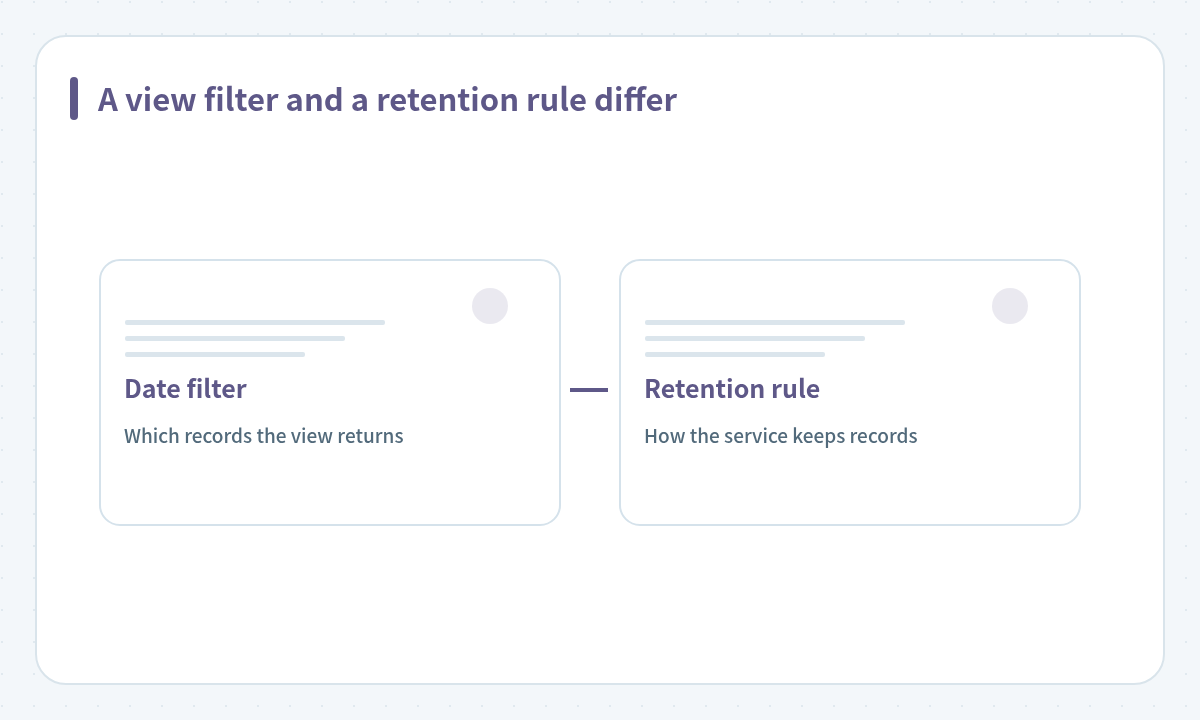
A retention rule and a date filter do different jobs. Read what the rule covers, when its clock starts and whether a change affects existing records before acting on old history.
Identify what the rule applies to
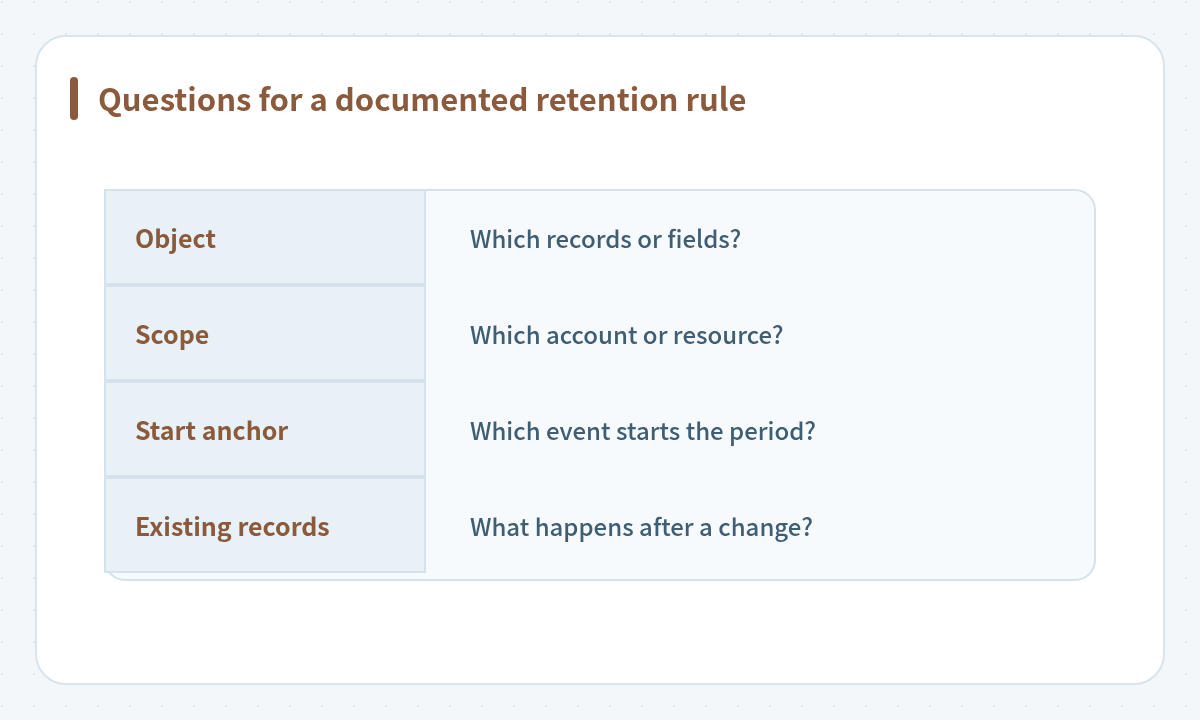
Read the actual description of the retention option, if the product provides one. Does it cover message bodies, related records, a particular resource or another defined object? A label saying “history” is not enough to establish every included field.
Also establish the scope: an individual account, a workspace, a receiving number or some other level. A personal view preference may have no effect on stored records. Conversely, a resource-level policy could affect colleagues as well as the person changing it. Use the product's documented meaning, not the location of a menu.
A number continuing to exist does not itself define how long its past messages remain available. Resource lifetime and record lifetime are separate conditions, even when the same product description discusses both.
Ask what starts the retention period
A documented rule could be anchored to a receiving event or another specified point. Do not substitute the time somebody first read the message, exported it or changed the setting unless the service explicitly defines that behaviour.
If the policy mentions a period, confirm how its start and end are interpreted and what happens at the boundary. Avoid inventing a purge schedule from the fact that a row disappeared during one check. A record becoming invisible in a filtered view is not direct evidence of a completed deletion process.
The same care applies when a field has no value. An empty retention field might mean an inherited setting, an unavailable feature or something else defined by the product. Do not automatically translate it into unlimited retention or immediate removal.
Changing a value does not explain the treatment of existing records
Before changing an actual retention control, ask whether it affects future records only or also material already stored. Do not expect a longer value to restore records that are no longer available, and do not assume a shorter value applies immediately without reading the actual process.
Where records remain necessary for authorised work, handle that need through the supported system and the applicable work requirements before proceeding. An export is a separate copy with its own access and handling concerns; producing one is not a universal answer to every retention question.
For a shared service, identify who is authorised to make the decision and who needs notice. An operational colleague reducing a personal search range is different from an administrator changing how source records are kept. Keep the action and scope explicit in any handover.
Keep the decision separate from the observation
A note can say “saved policy checked for resource A; existing-record treatment awaiting confirmation.” That is more accurate than claiming all copies were removed because one filtered view became empty.
For required work records, confirm the process owner and supported handling before changing the policy. Previously exported files and shared attachments require their own decisions.
Verify the setting and the observable result separately
After a supported change, confirm the saved value, its scope and any stated effective time. Then use appropriate, non-sensitive records to check the behaviour that can actually be observed. A successful save message establishes less than a complete audit of every underlying copy.
Local files, shared documents and other previously made copies will not necessarily be governed by a provider's setting. Similarly, a provider policy cannot be inferred from whether a downloaded file still opens. Record those locations separately where the work requires it.