An inbox read marker can describe a local interface action. Before using it as evidence, check whether it means a record was opened, a person acknowledged work, or a documented receipt was returned.
Follow the status back to its source
There are several distinct events: a sender submits a message, a receiving service records it, a browser displays it, and a person decides what to do. An inbox may add its own unread marker to help readers manage the list. None of these events should silently stand in for all the others.
For example, a support worker opening a text could clear an unread badge. That does not establish that the customer has been contacted. A preview could also reveal enough text to read without opening a separate detail view. Whether that changes the badge depends on the particular interface; it is something to verify, rather than infer from the familiar envelope icon.
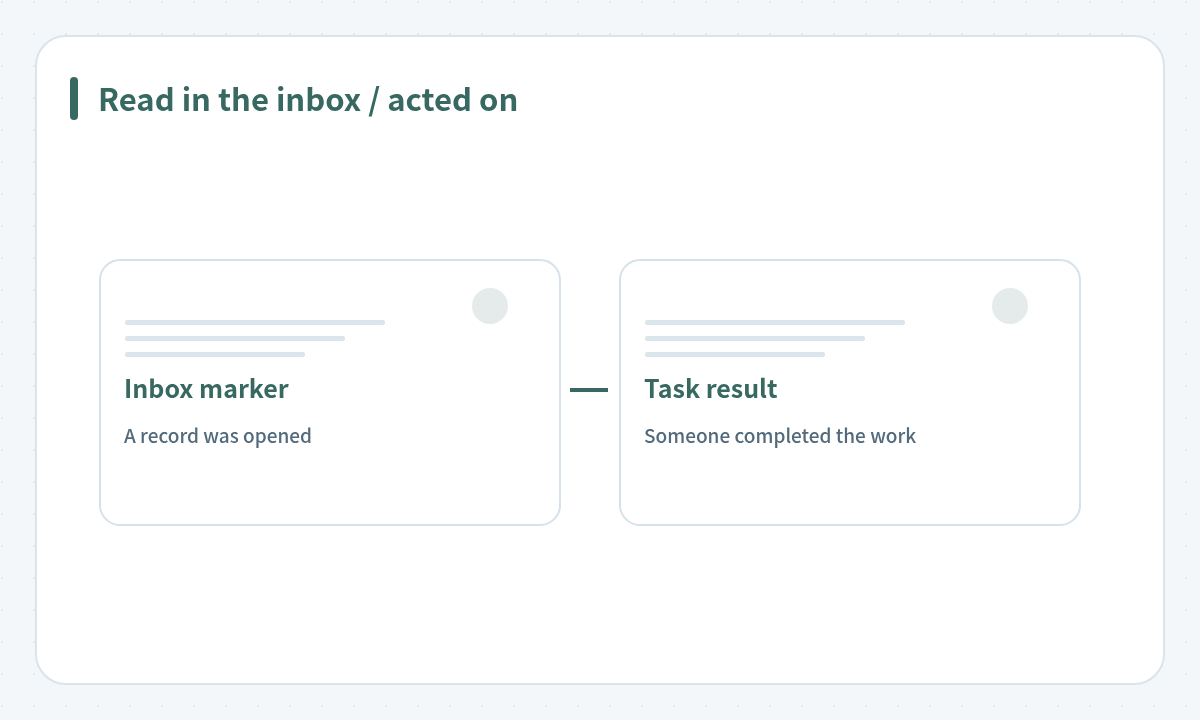
Do not turn a local badge into a sender receipt
Before telling a sender that their message has been read, check whether the service actually documents such a notification, which messaging channel it applies to, and what event generates it. A status available in one messaging product should not be assumed to exist in an ordinary SMS workflow or in another provider's inbox.
If the interface offers no explanation, use precise language: “The message is visible in our inbox” or “A team member opened the record.” These observations are useful on their own. They do not need to be upgraded to a broader technical claim about the sender's delivery or read reports.
A missing badge is equally limited evidence. An interface that does not track reading cannot tell you whether somebody saw the message. People may also consult a permitted export or notification outside the current list. Do not treat the absence of a local read event as proof that a colleague ignored an instruction.
Add a human confirmation where the task needs one
For an actionable business message, record the responsible person and the next step in the system where the work is managed. Acknowledgement, assignment and completion are separate states. Someone can acknowledge a request before they have the access needed to resolve it.
Suppose a text reports a changed delivery window. The receiving team might record that the correct order was found, that the change is still current, and that the customer response is assigned. Those facts are more useful than “read at 10:15.” This is an example of a workflow, not a claim that any particular inbox provides those fields.
Choose a confirmation method that the people involved can actually use. It could be a task update or a short acknowledgement through an already established business channel. Do not send a verification code back to a sender merely to demonstrate that the message was read, and do not reply to an unfamiliar message just to discover whether its address accepts responses.
Test the meaning, not just the colour
For an authorised, non-sensitive sample, ask two colleagues to observe the same record from their own permitted sessions. Note whether opening it changes the other person's list, whether a detail view is required, and whether marking it unread changes only the local display. This is a way to learn an interface's behaviour, not a substitute for the provider's technical documentation.
Keep the sample out of real customer work so that nobody interprets it as a new request. A team should not need to send genuine login codes to investigate an envelope badge. If the observations and the help text disagree, report both instead of inventing a rule that explains one test.
As one documented example of channel differences, Twilio's Message resource describes its read status for RCS and WhatsApp. That is a boundary in that product's documentation, not a claim about an unrelated SMS inbox.
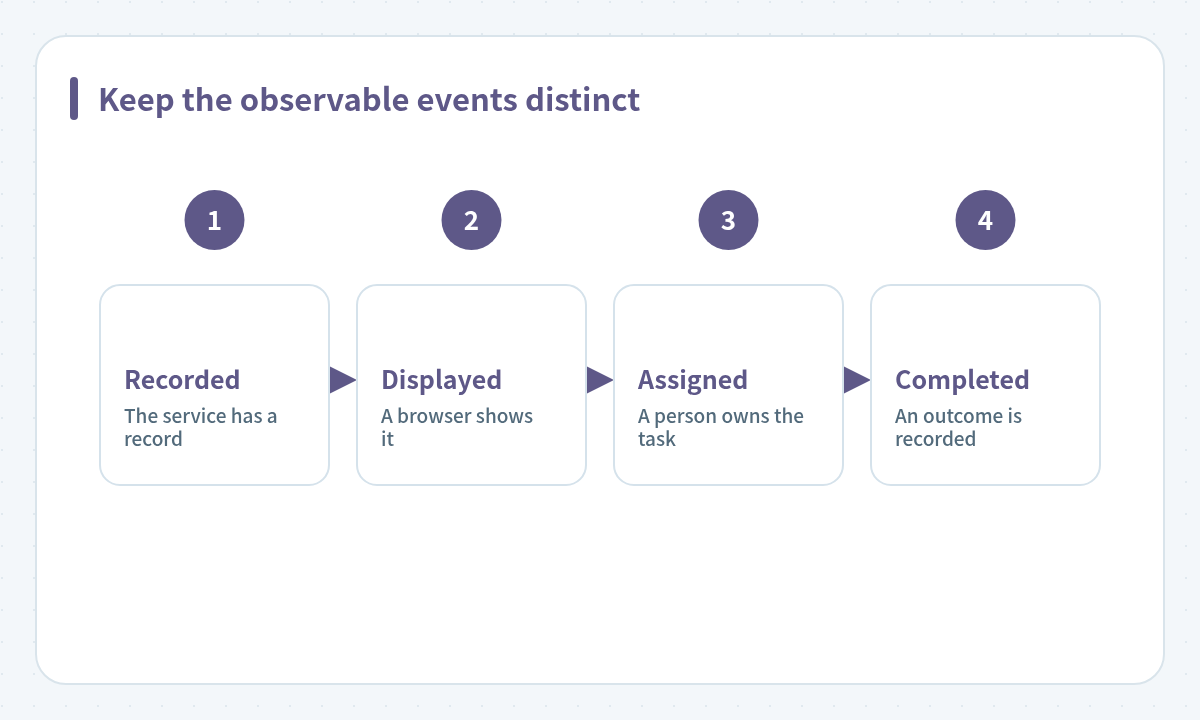
Write the state you can actually support
“Visible in the inbox,” “assigned to the afternoon shift” and “booking change confirmed” describe different evidence. Use the narrowest accurate statement instead of turning every cleared badge into “customer informed.”
Where colleagues disagree, compare the same recipient, message reference and work record. Then check whether the badge is personal or shared. A screenshot of an unread total cannot settle ownership of one task.
When two people disagree about whether a text was handled
Check the message identity, recipient number and business reference before comparing screenshots of unread counts. Then establish which person opened or reviewed which record, and where the action was recorded. A badge changing in one browser does not explain what happened in another session unless the service documents that synchronization.