
A web-push subscription endpoint should not be posted publicly as an ordinary link. Treat it as limited routing information and keep it separate from the account's password, message content and permission decisions.
Locate the browser receiving path
A no sim text message number inbox can support browser notifications under its implementation. MDN describes a PushSubscription as containing an endpoint and related information. That subscription is part of the browser delivery route; it is not the phone number itself or proof that every message to the number will be pushed there.
Create a restricted inventory of the current account’s subscription references, their browser context and lifecycle state. Use that inventory to locate the route implicated in a failed alert. Keep task records separate from this inventory so a notification route is not mistaken for another business request.
Limit who sees the routing data
Support can often start with a restricted subscription reference and error category. Use an authorised environment and approved channel if full details are genuinely required. Do not paste a real endpoint into an unfamiliar push-testing site simply to see whether it responds.
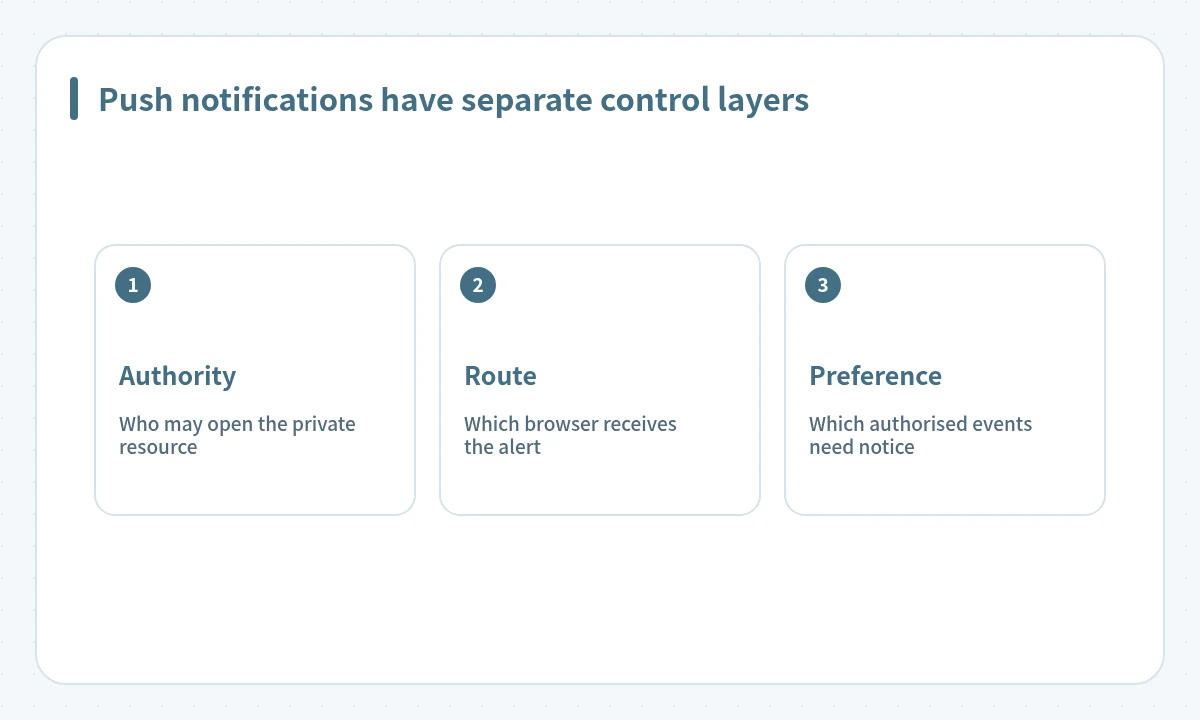
| Layer | What it controls |
|---|---|
| Account identity | Who may access the resource |
| Push subscription | The browser receiving route |
| Site permission | Whether that browser permits notifications |
| Business preference | Which authorised events need an alert |
These layers cannot stand in for one another. Permission to display a notification does not authorise access to every private message. Changing a notification preference does not establish that the underlying phone number has stopped receiving messages.
Retire bindings through the supported process
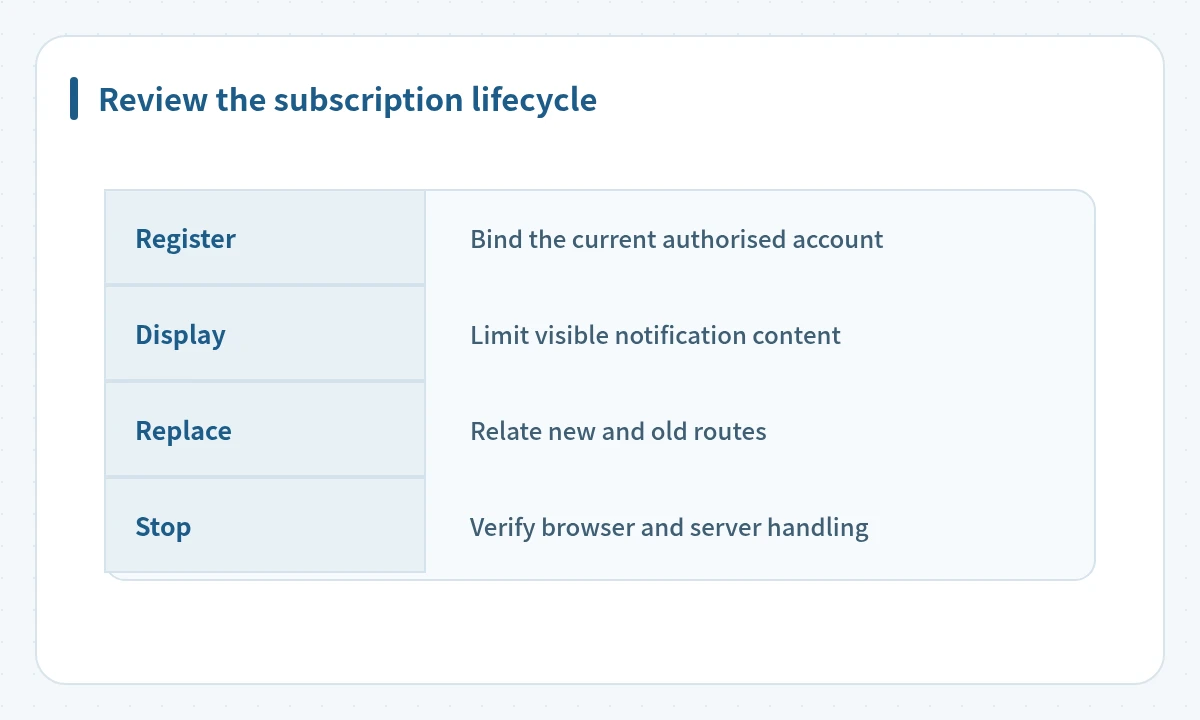
For sign-out, device replacement or stopping alerts, establish how both the browser subscription and server association are updated. Removing a visible row from a settings page is not sufficient evidence that every route has been retired. Clearing local browser data also does not explain all remote settings.
Check what happens when a subscription is unavailable or replaced under the actual implementation. Keep its lifecycle associated with the correct account rather than indefinitely retrying a stale route. Avoid using a new subscription to restore an access relationship that the user no longer holds.
Review the association step when a browser subscription is registered with the application. The server should bind it through the current authorised account workflow, rather than trust an arbitrary account identifier from a caller. A route that delivers successfully can still be attached to the wrong resource. Test registration and removal with controlled accounts, keeping the actual endpoint out of the shared report while retaining enough restricted references to explain the observed binding.
Inspect visible content with harmless samples
Test the lock screen, notification centre and click-through page using non-sensitive messages. Keep alert content within its necessary scope. Opening the linked page should still follow the current access checks rather than treating the notification as a permanent credential.
Record the limited subscription reference and relevant phase when reporting a failure. Verify that the intended browser receives permitted alerts and that obsolete or unauthorised paths are handled explicitly. Endpoint delivery alone is not a complete privacy review; the displayed content and subsequent resource access belong in the same practical check.
