
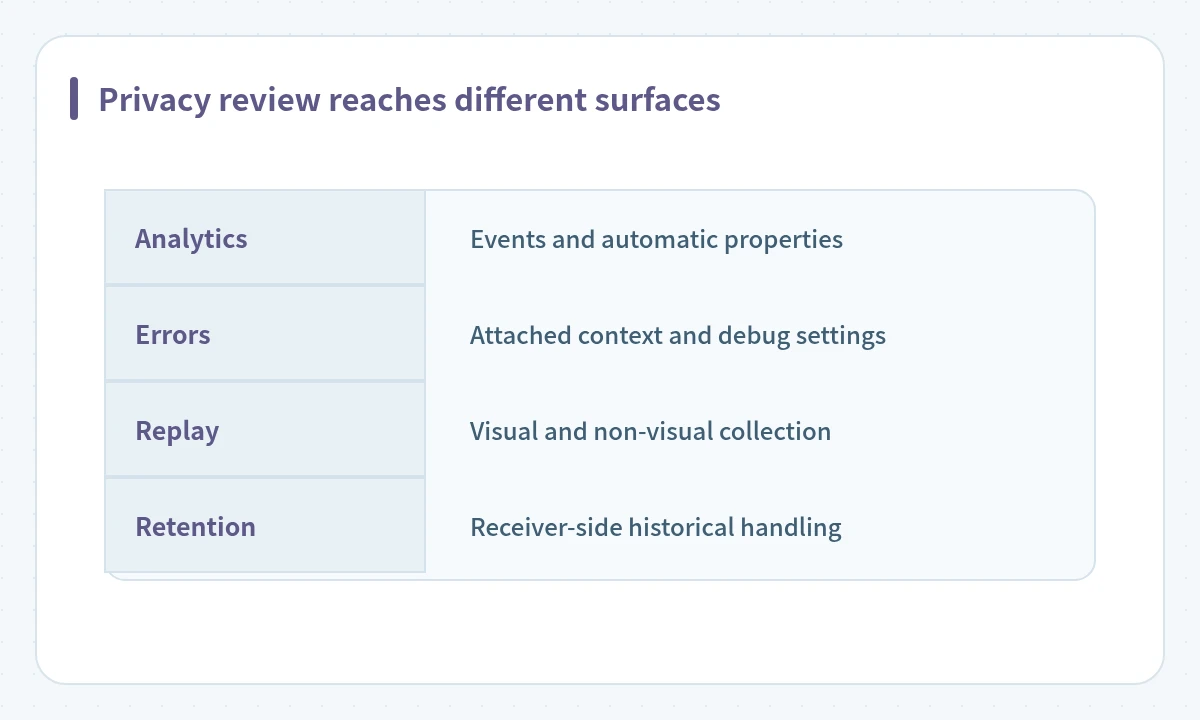
Usage analytics should describe what happened without routinely copying the SMS being handled. A lightweight web SMS inbox can measure searches, errors and feature use while keeping private bodies, live codes and token-bearing addresses out of telemetry. Analytics, error reporting and session replay need separate review.
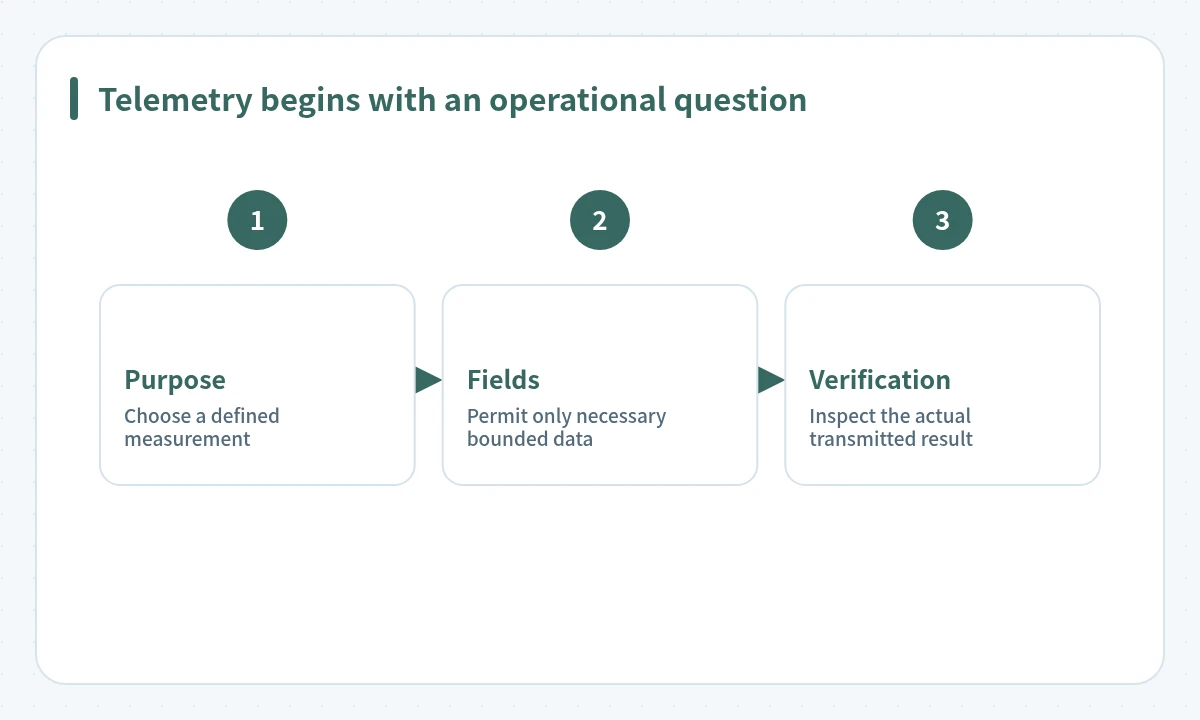
Start with the question a metric should answer
To measure whether a search completes, record a defined operation category, outcome and suitable duration information. The query text itself may be unnecessary. For a detail-view event, use a controlled reference where appropriate rather than placing a phone number or body into the event name.
Define an explicit set of permitted fields. Removing a few known sensitive property names after collection can miss private data under another key. The actual route, query string and automatically captured page context also need inspection.
A useful schema says why each field exists and who maintains it. A new property should not enter production simply because the tracking library accepts arbitrary objects. Keep metrics tied to an operational question rather than collecting all available state for possible future use.
Review error context as data
Attaching a whole response object to an exception can copy message records or credentials. Extract the relevant failure category, stage and non-sensitive reference instead. An authorised operator can use the controlled source system for additional background when necessary.
Development diagnostics should not become the production default without review. A temporary debug flag can change what is transmitted even when normal analytics events remain limited. Inspect the actual deployed settings and failure paths.
Use fictional markers to test handling. Real verification codes are not necessary to find out whether a field leaves the browser. A safe test should be reproducible without introducing live private material into the very system being evaluated.
Assess third-party and replay features separately
Installing analytics on a public page does not establish that the same script needs to run in every private inbox view. Check loading scope, automatic collection and any replay masking under the actual product configuration.
Visual masking may not cover network captures, custom properties or error attachments. Review what is actually sent and stored rather than interpreting a privacy feature name as a completed configuration. Give access and retention their own responsible owner.
A retention setting also needs verification at the relevant receiver. Reducing browser fields today does not necessarily remove older events already stored elsewhere. Review the actual supported deletion or retention procedure with the responsible owner, and record which period and dataset it covers rather than implying that a code change erased all history.
Inspect the transmitted result
In an isolated environment, exercise search, detail access, errors and sign-out. Inspect outgoing telemetry and its receiving records for the fictional markers that should be excluded. Cover new exception paths, not only successful clicks.
Review how operational staff use the resulting data too. A limited record can be undermined by a support workflow that later attaches a full private response to it. The collection boundary and downstream handling should agree.
OWASP’s logging guidance helps identify data that should not be recorded unnecessarily. Keep the event schema, purpose and verification outcome for maintenance. The closing result is a useful measurement path whose fields are deliberately bounded, rather than a favourable dashboard produced by silently distributing private message content.
Reference: OWASP: logging and sensitive data.
