
A help link in a notification should let the reader continue the relevant problem. Decide what help this task needs before directing every message to the same broad page where the user has to begin searching again.
Match help to the actual next step
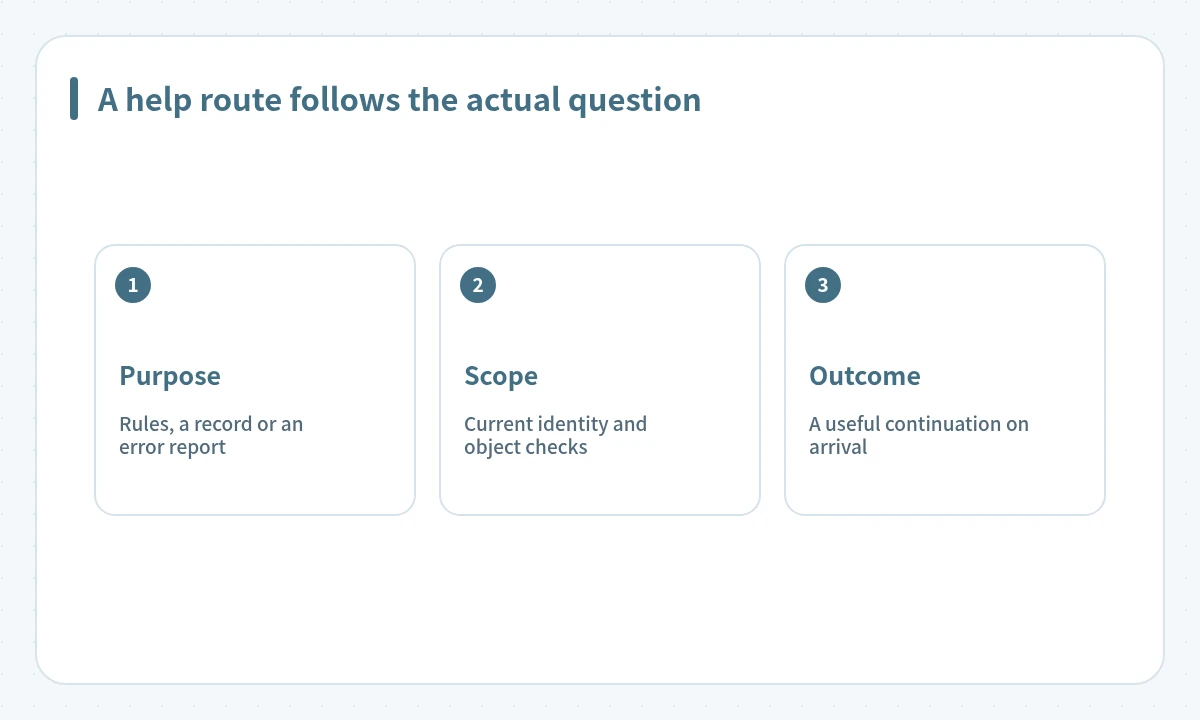
An instant virtual sms inbox notification can involve viewing a record, changing information or reporting an error. Those tasks may need different destinations. The link label and page should identify what can actually be done instead of calling a generic introduction contact support.
Not every short confirmation needs an added help route. Where there is a genuine next step, provide the appropriate supported language and resource path. A useful link has a purpose beyond making the message appear complete.
Preserve context without exposing private data
If the implementation supports a limited task reference, the destination still needs current identity and object checks. Do not place the complete message body, password or long-lived access capability in a URL just to make a support view easier to locate.
| Need | What the destination should provide |
|---|---|
| Rule explanation | The relevant conditions and scope |
| Current record | The user's actual processing state |
| Error report | A limited relevant submission route |
| Lost access | The supported recovery or contact process |
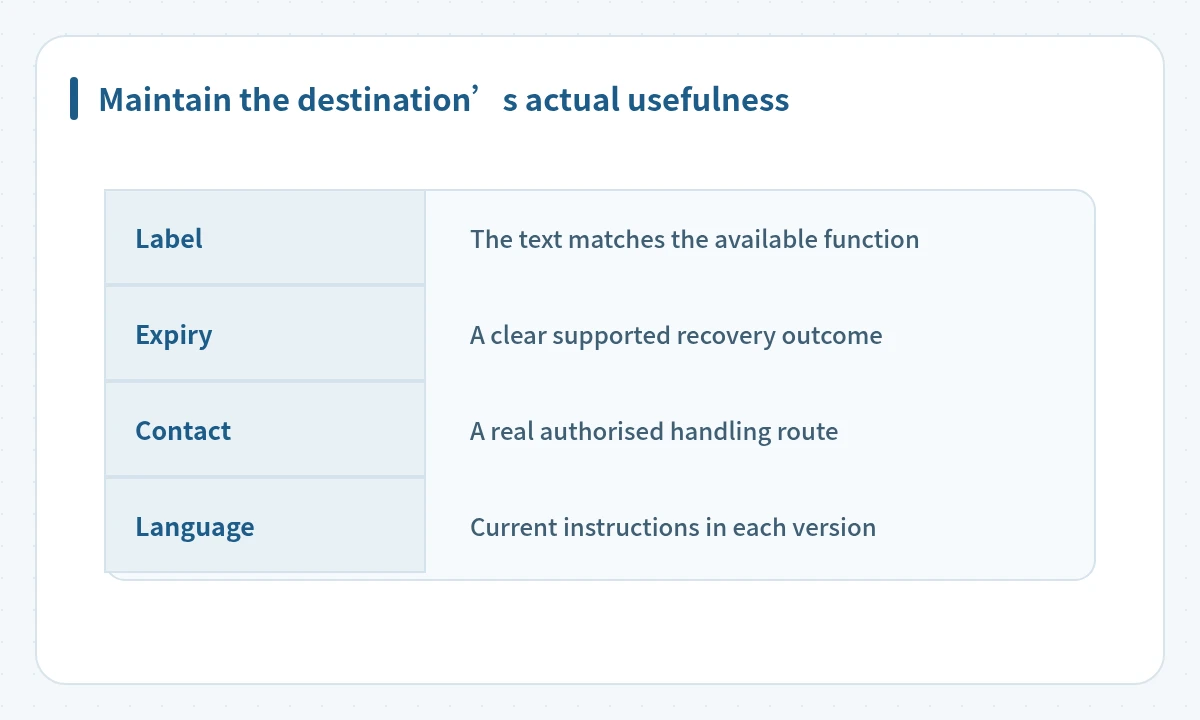
An old notification's route may no longer be usable. Provide a clear supported outcome for that case, rather than converting an expired reference into a permanent public link. An unfamiliar destination asking for repeated credentials should not become the default recovery experience.
Verify that the contact action is real
If the page tells the reader to reply by SMS, establish that the route is supported and has an owner. A normal-looking sending number is not evidence that replies reach the business team. Keep any alternative contact method within the known supported workflow.
Define who maintains the help destination when a service or language path changes. Otherwise a working link can gradually become an obsolete article, an unrelated homepage or an instruction for an interface no longer used by the account.
Include the case where the destination is technically reachable but cannot perform the advertised action. A page returning success while offering only a search box can still leave a user stranded. Record the expected continuation in a harmless acceptance example, such as reaching the relevant rule or the authorised task view. When the service changes, use that example to decide whether the help route still fulfils its purpose instead of monitoring availability alone.
Test the continuation in each language
Use harmless tasks to follow the message into the intended page. Check signed-in, signed-out, missing-record and changed-permission cases. The text should match the available function without presenting an unfinished interface or internal debugging notes as a supported service.
Retain the destination owner, scope and change record in the maintenance process. The purpose is to reduce repeated explanation and route the question to the right place. A button that cannot help with the actual task adds friction even if it looks polished and returns a technically successful page response.
