
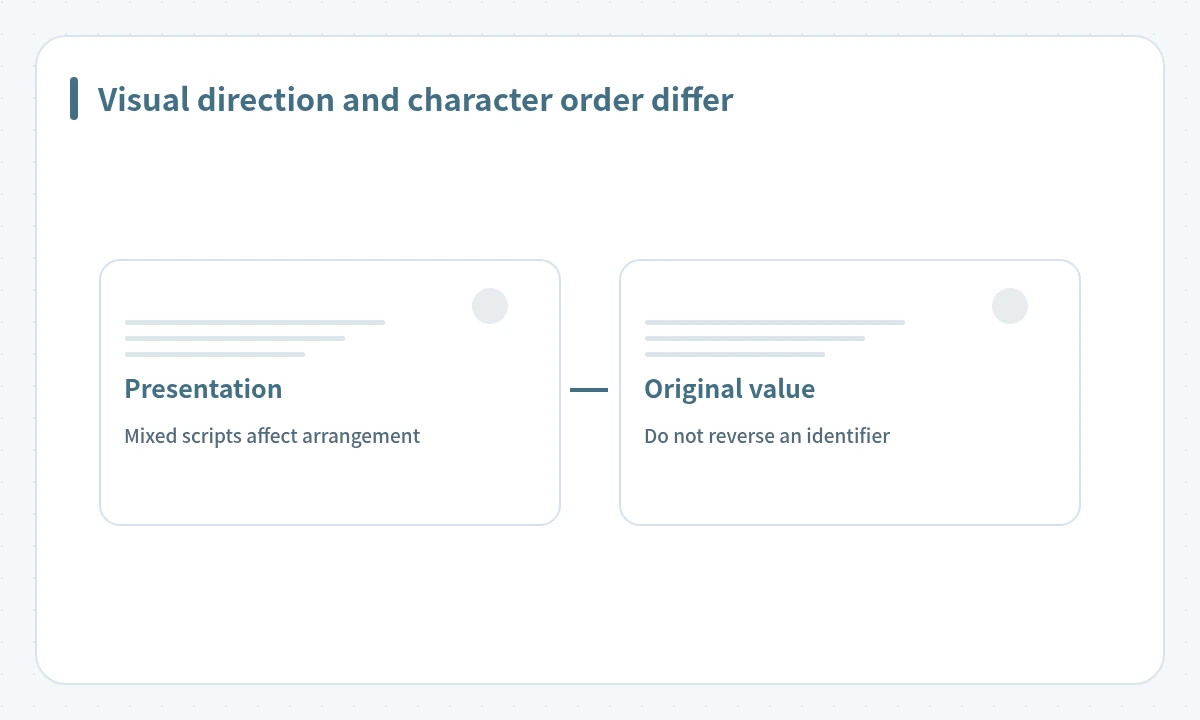
Arabic or Hebrew text mixed with Latin identifiers can appear in an unfamiliar visual order. Distinguish display direction from stored character order, and do not manually reverse a code or number to match its appearance.
Mixed direction changes presentation
Right-to-left prose and left-to-right identifiers can appear in the same message. Punctuation and neighbouring labels influence how the browser arranges the display. A phone number, reference or date can therefore be hard to associate with the surrounding words without appropriate layout handling.
MDN documents the HTML bidirectional isolation element, bdi, for content whose direction should be isolated from surrounding text. It is one tool an interface developer can use for suitable dynamic fields. It does not authenticate a sender, translate the message or repair an incorrectly stored value.
If the service offers a normal original-text view, use it to compare the complete record with a truncated preview. Do not submit private text to an external direction converter. A display issue should first be investigated with harmless synthetic content that includes ordinary prose, punctuation and a non-operational identifier.
Keep identifiers in their original order
A verification string is not a visual puzzle to solve by rearranging characters. Confirm the target field and current task, then preserve the authorised original value. If the layout prevents reliable reading, stop and use the service’s supported accessibility or troubleshooting route instead of trying permutations.
| Observation | Useful comparison |
|---|---|
| Punctuation seems misplaced | Full original view versus a shortened preview |
| A number appears beside the wrong label | Field boundaries and text-direction handling |
| Copied text differs visually elsewhere | The receiving editor’s display direction |
| Actual characters appear missing | Stored source versus rendered output |
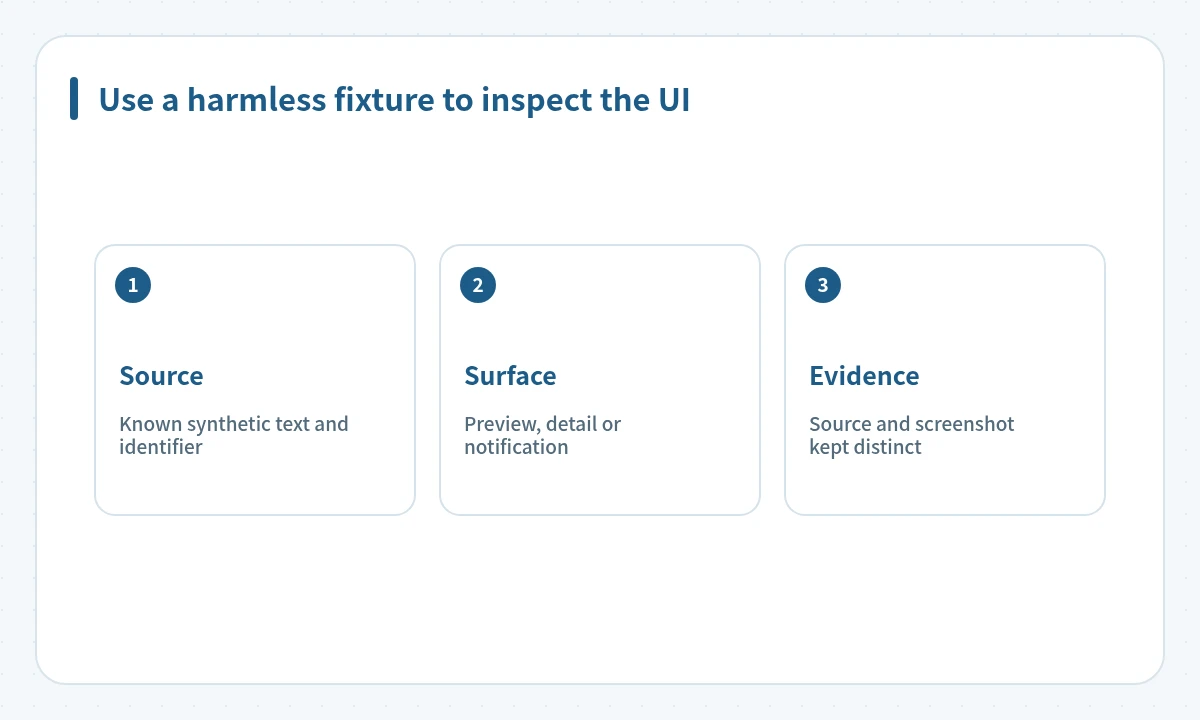
Test the final interface with a safe fixture
For developers, isolate the problem to the affected component: inbox row, detail panel, notification or exported view. Keep the synthetic source unchanged and compare how each surface renders it. A correct full-page direction setting does not guarantee that every embedded identifier is isolated appropriately.
The fixture should contain a clear expected identifier and surrounding text with known direction. Inspect narrow and wide layouts, where truncation can change what remains visible. Preserve the original text separately from any display markup, so a presentation fix does not silently alter the message record.
Be careful with copying as a diagnostic. Another editor may use different direction settings, so a changed visual arrangement there is not proof the inbox changed the underlying content. Compare character order using trusted local tools only when needed and avoid exposing real authentication material.
When reporting the defect, provide the harmless fixture, affected component and expected association between label and identifier. A screenshot can illustrate the arrangement, while the synthetic source helps a developer reproduce it. Keep those two pieces distinct rather than using an image as the only record of what the application stored.
Technical reference: MDN: bidirectional isolation in HTML.
