
A JSON payload can look as though it begins with harmless space while the parser reports an error at its first byte. Inspect the actual prefix and response context before applying a blanket cleanup to every incoming SMS payload.
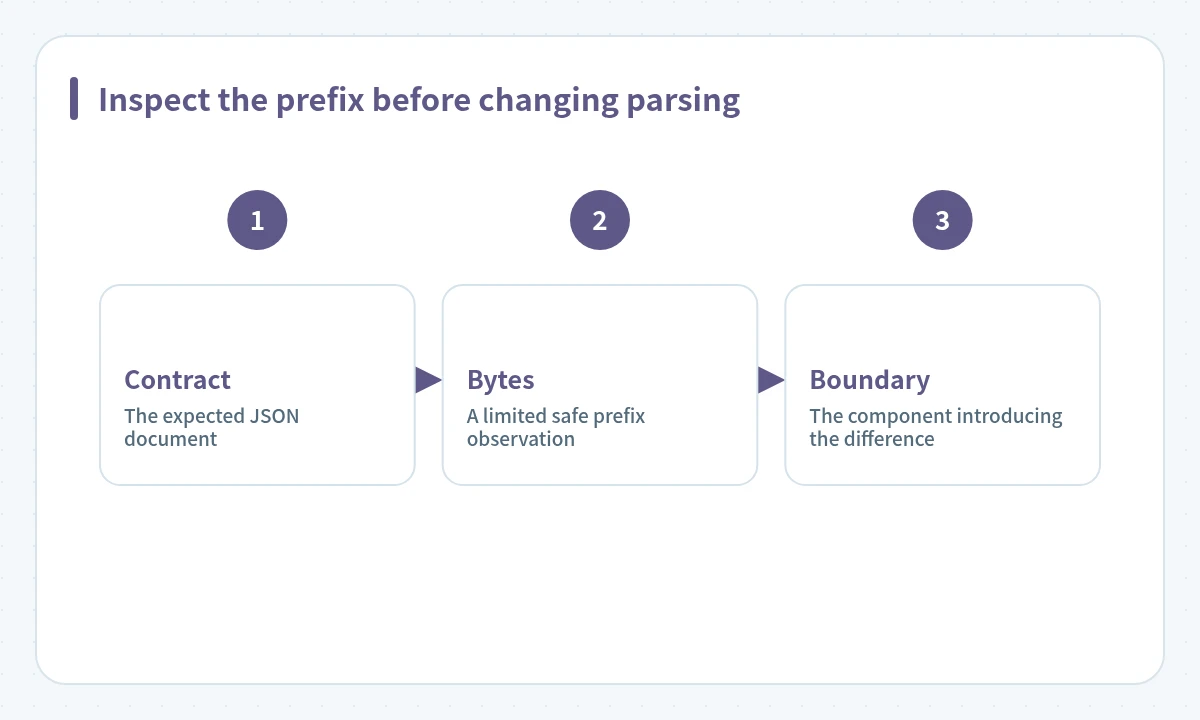
Establish that the input is the expected document
For an instant web sms inbox integration, check the request contract and content type. A proxy error page or debugging line is not malformed business JSON waiting to be repaired. It is evidence that a different part of the request path needs attention. Use an approved local tool and harmless fixtures instead of uploading private messages to a public parser.
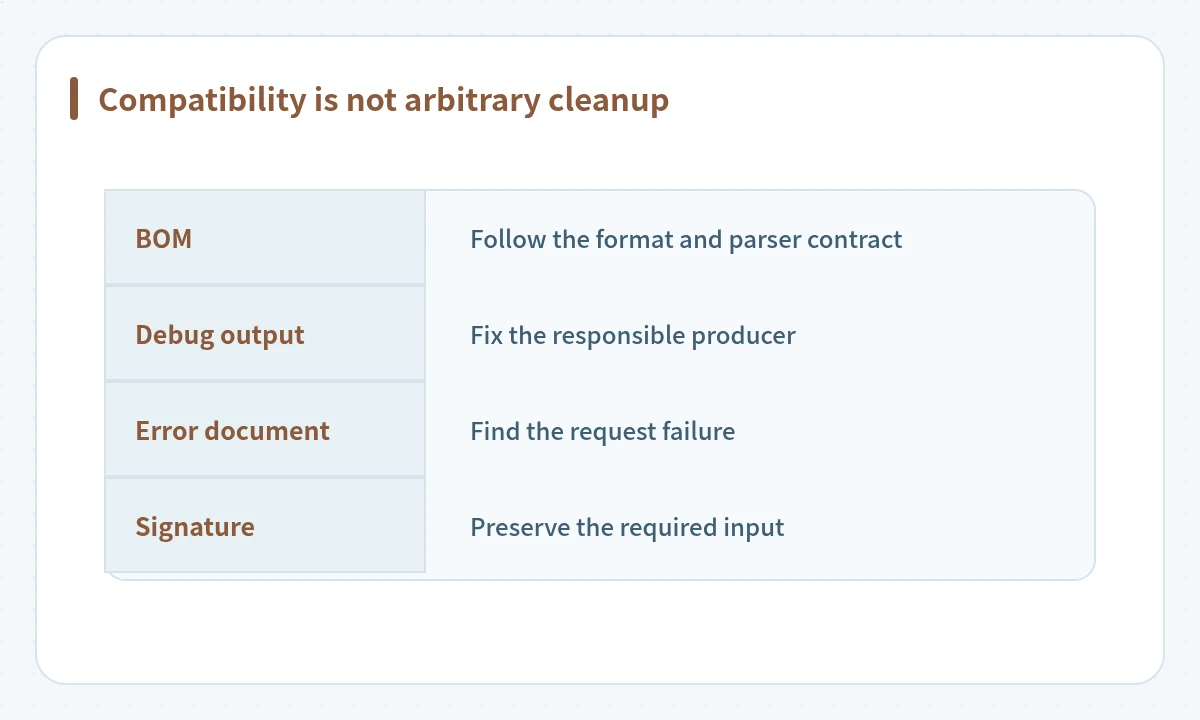
Capture only the prefix bytes and request reference necessary for diagnosis. If the protocol signs the raw body, preserve the defined input for verification. Cleaning the body first to make it parse can also change the very data that the signature is supposed to authenticate.
Distinguish a BOM from arbitrary content
RFC 8259 says networked JSON generators must not add a byte-order mark, while parsers may ignore one for interoperability. Check the actual library's behaviour and where any permitted compatibility handling belongs. That allowance is not permission to delete every unfamiliar prefix until a document becomes acceptable.
| Prefix | Investigation |
|---|---|
| Byte-order mark | Encoding and parser contract |
| Debug text | The component adding output |
| Error document | The underlying request failure |
| Allowed whitespace | Normal format-aware parsing |
A bounded hexadecimal view can distinguish bytes that an editor displays similarly. Keep byte offsets separate from character positions, especially when non-ASCII text is present. Do not infer the raw stream location from a visual selection alone.
Fix the responsible boundary
Global unescaping, repeated decoding and removal of invisible characters can alter legitimate string values. Correct the generator or reader that introduced the unexpected representation. If the contract requires a compatibility rule, implement that specific rule without modifying unrelated message content or bypassing source authentication.
Retain a useful distinction between format rejection and a document whose fields fail business validation. Saving an empty message after a parse error loses that distinction and can make operators believe the sender supplied a blank body.
Compare a failing fixture before and after any middleware that reads the body. A logging component may add output to a response, while a decoding component may transform the request representation. Trace the actual direction of the defect rather than assuming every invisible prefix originates with the sender. Keep the investigation bounded to an approved fixture and note the responsible layer before changing the application’s parser settings.
Test the parsing and verification sequence together
Use fixtures for normal UTF-8, permitted whitespace, a BOM case, non-JSON content and invalid byte sequences. Check the result through the actual handler, not just a standalone editor. Authentication should still use its documented input, and accepted documents should pass the usual field and resource checks.
Document the layer responsible for any permitted prefix handling so later middleware does not apply it a second time. Keep errors concise and private data out of routine logs. After the fix, compare the preserved message values with the controlled fixture to confirm that better parsing did not quietly rewrite the content the application was supposed to store.
Reference
RFC 8259: JSON Data Interchange Format
