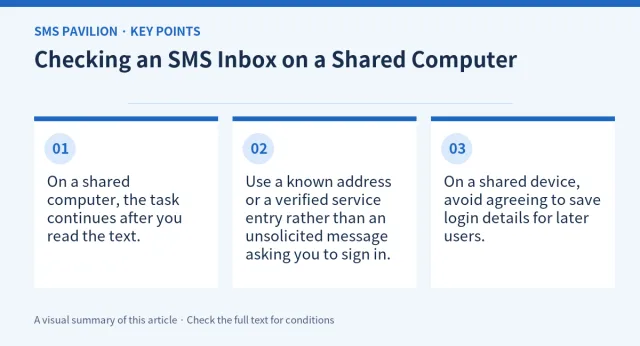
A repeated sign-in prompt is an access problem until you reach the inbox. Record where the flow loops before requesting more messages or changing broad browser settings.
Notice where the loop starts
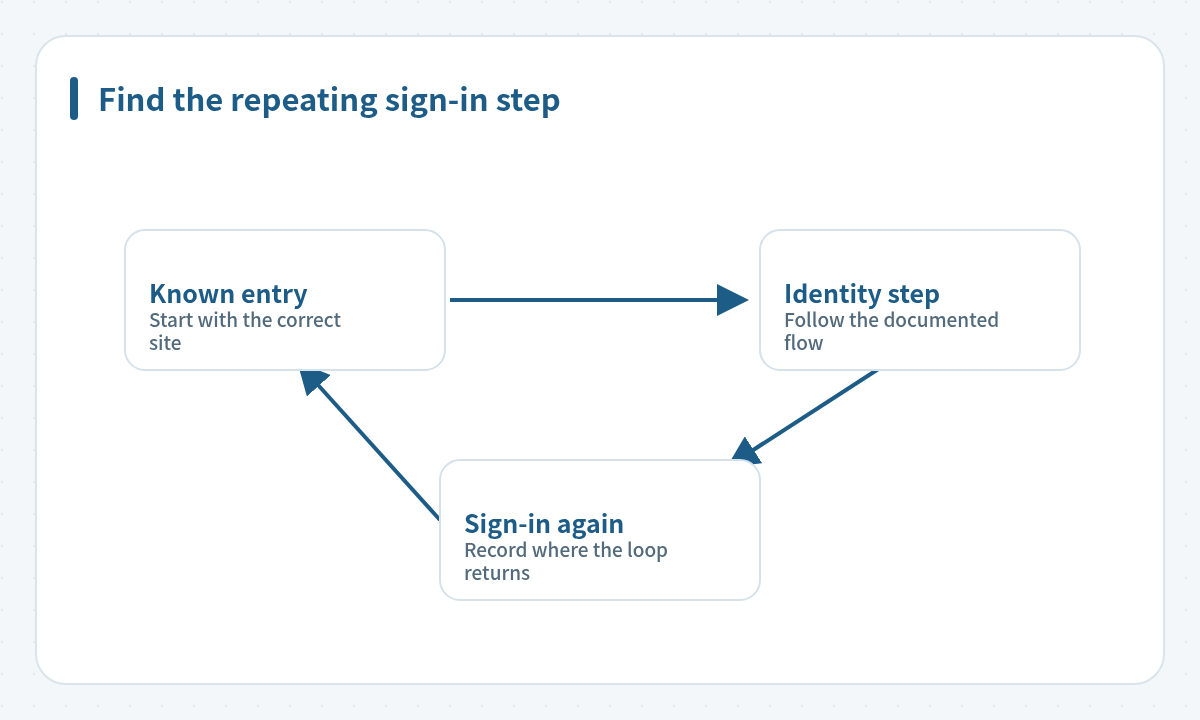
Record the sequence without including passwords or live tokens: the service opens its sign-in page, a recognised identity provider appears, and the browser returns to a sign-in prompt instead of the inbox. Compare that with a normal expired-session prompt that lets you sign in once and continue. The visible symptom may be similar, but the next question differs.
Check that you began at the provider's known address. An unexpected redirect to an unfamiliar domain is a reason to stop entering credentials and verify the intended sign-in process. Do not judge an identity page by its logo alone, and do not paste session-bearing URLs into public troubleshooting websites.
Browser storage is one possible cause, not the diagnosis
Cookies and other site data can help a service maintain a signed-in state. Some sign-in flows also involve more than one site. Google Chrome's help documentation notes that blocking certain cookies can affect site functionality; this does not prove that cookies caused every loop, or that all restrictions should be disabled.
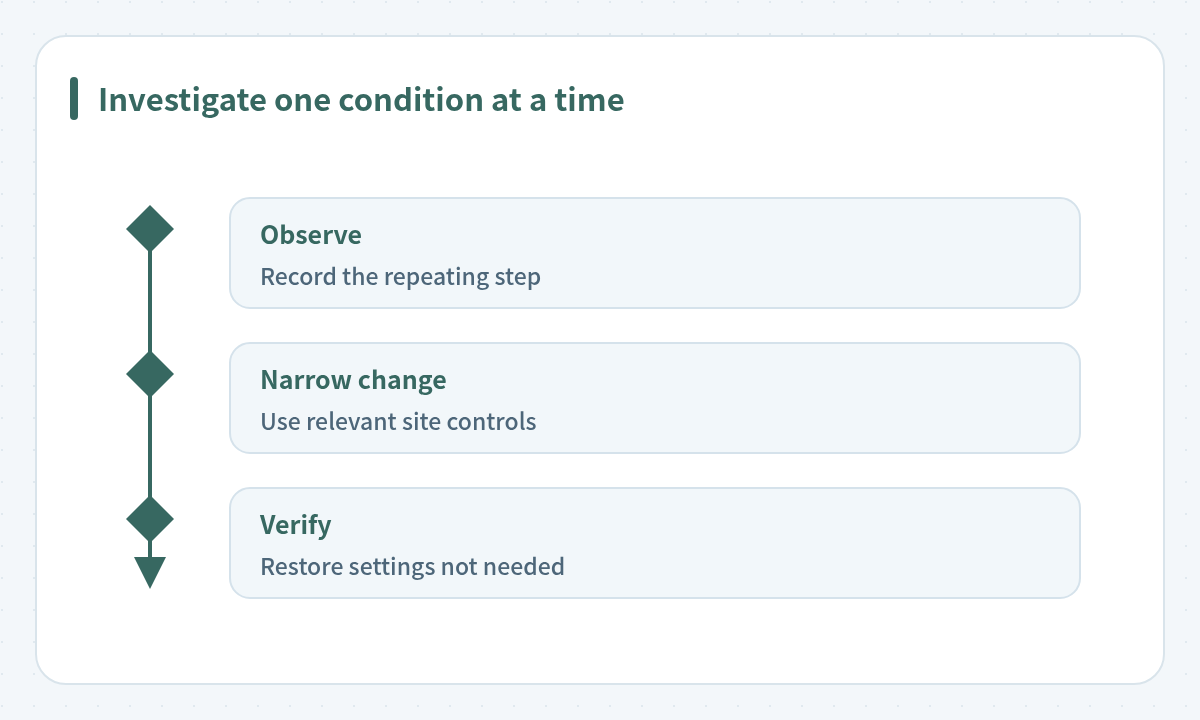
Begin with narrow observations. Does the same confirmed service work in a supported browser configuration? Is the problem limited to a private-browsing session? Did it begin after a site-data or privacy-setting change? Keep the account and task constant while comparing one condition, and use a device you control.
If the provider documents a necessary setting, apply it only to the relevant trusted site where the browser permits that scope. Do not globally enable every cookie, popup and extension permission to make an unexplained login succeed. A workaround should have a known purpose and a way to undo it.
Clearing data changes access, not the SMS history by definition
Before removing site data, confirm that you know the legitimate sign-in and recovery route. Clearing browser state may sign you out or remove local preferences. It should not be described as a guaranteed way to restore messages, and it is not evidence that a provider's server-side records will be removed or retained.
Avoid clearing all browser data as the first experiment. Where the browser provides site-specific controls, understand their scope before using them. A work-managed browser may restrict changes; in that situation, use the appropriate administrator or provider help process rather than bypassing the managed environment.
Once access works again, confirm the selected account and number, then check the intended time range. Restoring a session does not automatically return every previous filter or resource selection. Only after you have reached the correct inbox should you investigate whether a particular message is missing.
Check whether access expired somewhere else
A session problem may also come from the account or sign-in service rather than the browser's cookie controls. Check any visible account-status notice, documented outage information or provider instruction before repeatedly changing local settings. A browser comparison narrows a problem; it does not prove the remote service is healthy.
If the same account fails through supported, controlled environments, report that pattern. Do not create several new accounts or try unfamiliar sign-in routes merely to escape an unexplained loop. Such changes add variables without clarifying what failed in the original task.
Give support a reproducible sequence
Useful details include the browser and version, whether ordinary or private browsing was used, the domains involved in the documented flow, and the step that repeats. A clean, non-sensitive reproduction is more useful than a video containing passwords and an entire message history. Note any visible error wording without exposing tokens from the address bar.
For Chrome's explanation of site-scoped cookie controls, see Google's cookie settings guide. Other browsers may present different controls and defaults, so follow the relevant browser's own instructions.