An HTTP error describes a particular web request. Identify the failing action before using a status code to explain missing messages or changing account settings.
For the complete workflow around this question, continue with Receive SMS Online: Complete Steps, Codes and Troubleshooting. The link opens the relevant section.
Keep the response attached to the request
First identify which action produced the error: signing in, opening a message, refreshing a list or using another documented function. Record the visible wording and approximate time. Do not assume that every failed request belongs to the inbox's receiving operation; a page can load several different components.
If the interface shows only an error message, report that observation rather than guessing an HTTP status. A browser page displaying the digits “403” and a verified response for a particular request should still be described with their actual context. An authorised technical investigation can establish the request details where necessary.
No diagnostic step requires you to disclose a live code, password or complete private response body in a public conversation. Keep evidence limited to the investigation and use the known support channel.
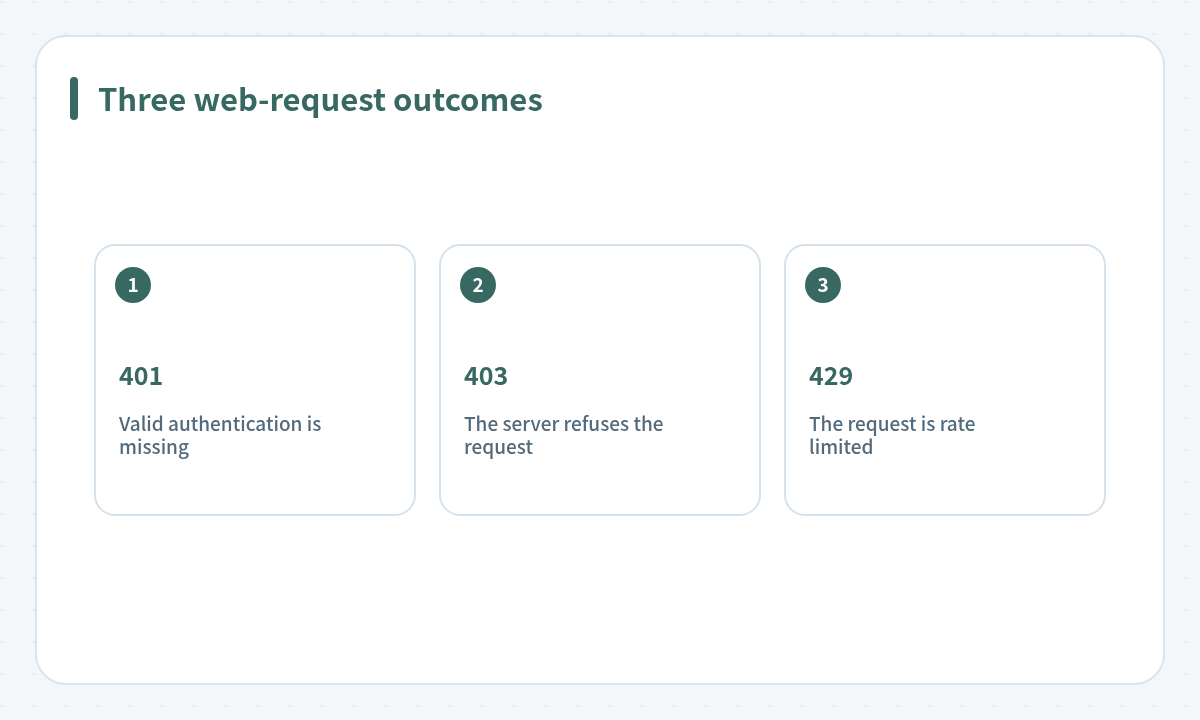
401: the request lacks valid authentication credentials
MDN describes 401 in terms of missing valid credentials for the requested resource. In an inbox workflow, use the service's normal sign-in path and confirm the intended account. A current login at another site or another browser view does not automatically authenticate this request.
Do not paste tokens from one session into another or obtain someone else's session to make the error disappear. If ordinary supported access fails, report the sequence and current account context with secrets removed. Resolving authentication is different from repeatedly asking a sender for new messages.
403: the server refuses the request
A 403 response indicates that the server understood the request but refuses it. It should not be treated as a generic invitation to keep re-entering a password. The reason requires the actual service's explanation; a resource permission or other application condition may be involved.
Check the authorised account and resource scope, then use the documented administrative or support process. Do not assume that changing the URL or using another person's login is a legitimate fix. Receiving a task assignment from a colleague is not a substitute for the service's required permission.
429: too many requests
A 429 response indicates rate limiting. The server may supply a Retry-After header with waiting information. Follow the service's current instructions and avoid repeated rapid refreshes or simultaneous retries that add to the request volume.
The response alone does not tell you whether the limit is counted per account, address, resource or another dimension. Do not invent that scope, and do not rotate accounts or connections to evade it. If the reason remains unclear under normal use, record the relevant steps and ask support.
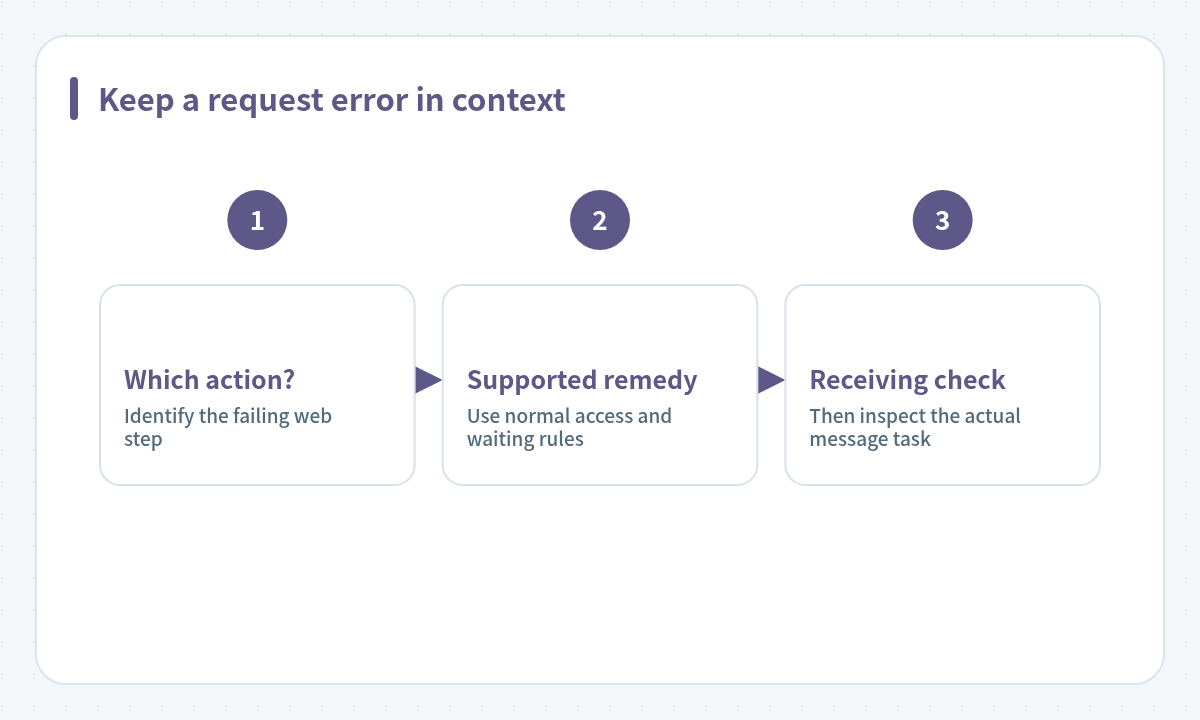
Write the next check beside the observed response
For an authentication failure, return through the normal sign-in path. For a refusal, check the authorised resource scope and provider explanation. For rate limiting, follow supplied waiting guidance and stop adding rapid retries.
The code alone does not define the product’s reason, limit scope or message history. Once access works, separately verify the intended number and successful query range.
Restore access, then check the receiving task
If a diagnostic log is requested, review its scope and contents before sharing it. A full browser capture can contain private information unrelated to the failing operation. The status code and a narrow reproduction may be enough to begin the investigation.
The underlying definitions are documented in MDN's references for 401, 403 and 429. Keep the meaning narrow: they describe request outcomes. Explaining the message's receiving history still requires evidence from the relevant systems.
Main guide for this question
Receive SMS Online: Complete Steps, Codes and Troubleshooting