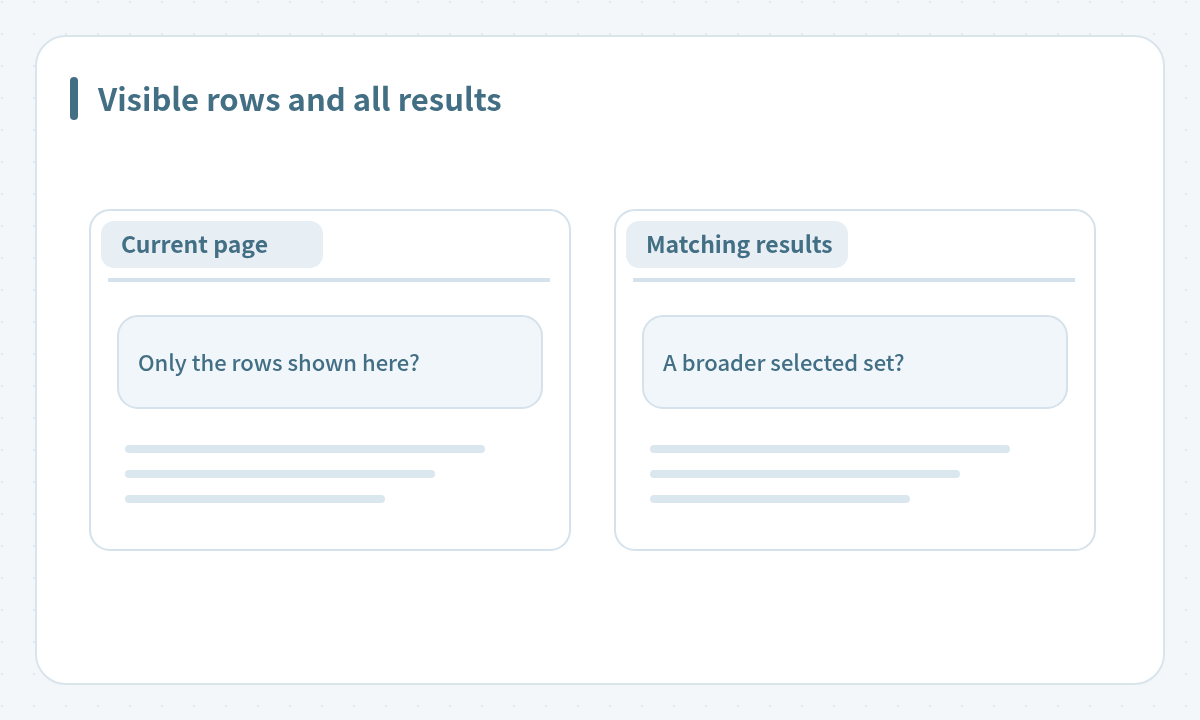
Select all may refer to visible rows or a wider result set. Before a bulk action, check the account, number, filters, selected count and exact operation.
Read the selection summary before the action
Start with the currently selected account, number and filters. Look for a selected count and any wording that distinguishes visible rows from all matching records. A list showing a small page of messages may represent a larger result set, and the action's scope should be explicit before you confirm it.
Do not assume that changing pages preserves or clears the selection. Similarly, changing a number or date filter may alter the selected set in ways that depend on the product. If the interface gives no clear answer, cancel the action and consult its help rather than learning through a destructive operation.
These are questions for products that actually provide bulk operations. A missing feature should not be inferred from a toolbar screenshot of another service, and a guide should not promise that your current inbox offers export, restore or bulk deletion.
Separate selection from the effect you intend
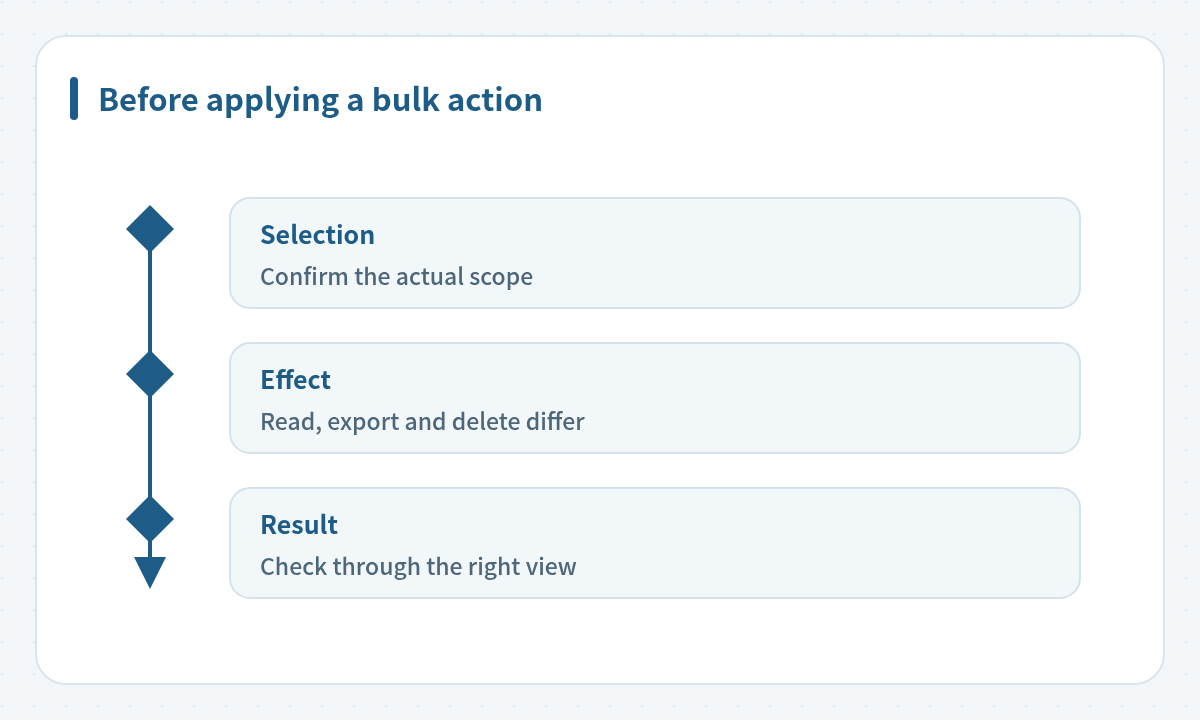
Selecting rows does not itself describe what the next button will do. Marking records read, exporting them and deleting them have different outcomes. Read the action label and any confirmation text with the current selection still in view.
For a shared workspace, also establish whether the effect is personal or shared. A change that only adjusts your unread view is different from removing a source record for colleagues. Do not interpret a personal-looking browser session as evidence that every change is local to you.
If the purpose is to prepare a work record, export only the authorised range through a supported method. There is no need to select unrelated messages simply because selecting a whole page is quicker. Keep the exported files under the appropriate access scope rather than assuming they inherit the inbox's permissions.
Avoid broad changes while the list is moving
New content, automatic updates or a changed sort order can make a selection difficult to follow. Before confirming, compare the displayed selection summary and the intended records again. Do not rely on row positions remembered from an earlier view.
If the interface offers a documented way to stop or control updates during a review, use it according to the actual guidance. Do not invent a freeze mode or assume that an animation stopping means the data is fixed. Where the scope cannot be established, reduce the task to a smaller, understandable operation.
For an important action, a permitted test environment with harmless sample records can help clarify behaviour. A real private inbox is not a suitable place to experiment with whether Delete has an Undo option. Verify any recovery feature from the actual product before depending on it.
Check what an empty list means afterwards
Marking selected items read can empty an unread view without deleting the source records. Likewise, creating an export does not prove the file contains every intended row. Verify through the view appropriate to the action.
If selection scope is unclear, cancel and reduce the task or consult the product help. Do not discover deletion or recovery behaviour by experimenting on real private history.
Check the result through the appropriate view
After a bulk operation, confirm what changed. A filtered list becoming empty might mean the selected rows no longer match the filter, not that the records have disappeared. An export completing indicates that a file was produced, not that every intended record was included or remains readable.
For shared operational work, record the action, scope and outcome where colleagues can understand it without receiving unnecessary message copies. A short note about the date range and resource can be more useful than a screenshot containing the whole inbox.