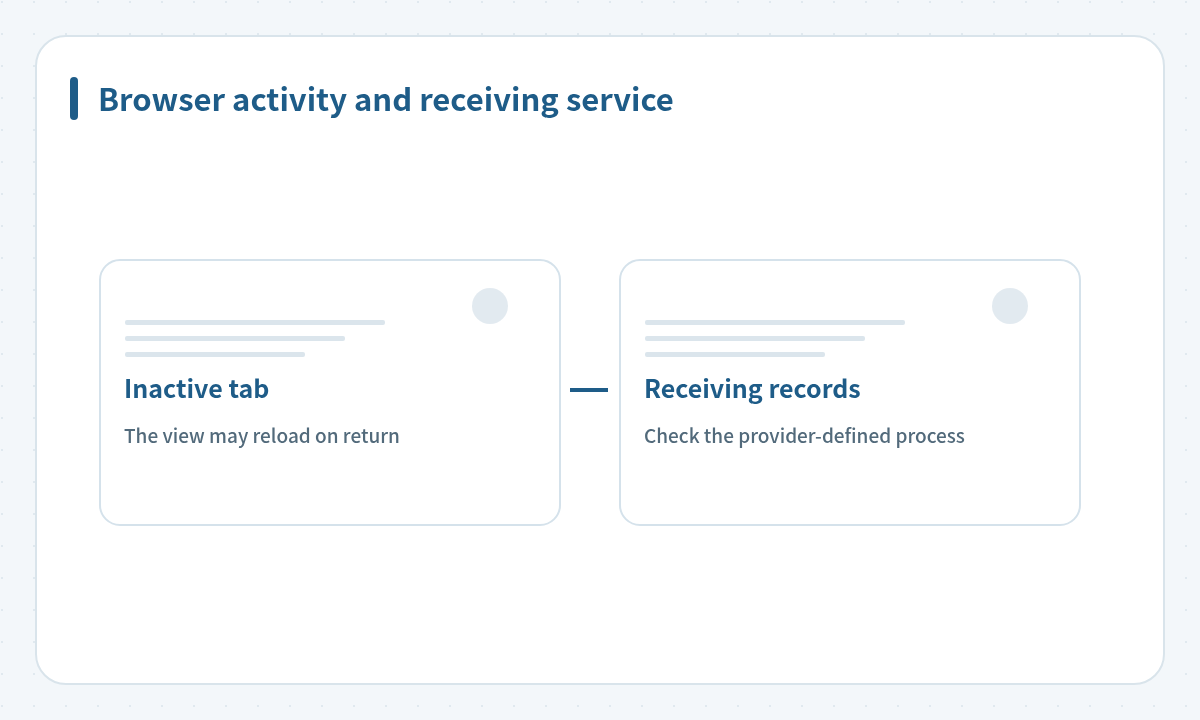
A browser reloading an inactive tab does not establish what happened at the receiving service. Resume from the current account, resource and successful query rather than a recovered preview.
For the complete workflow around this question, continue with Receive SMS Online: Complete Steps, Codes and Troubleshooting. The link opens the relevant section.
Recognise the browser behaviour
Chrome's performance settings guide explains that desktop Memory Saver can deactivate unused tabs and reload them when revisited. It also describes a supported way to keep specific sites active. The guide does not offer the same performance controls on mobile Chrome, so instructions should match the actual device.
That behaviour explains why a page might reload; it does not tell you what a particular SMS provider did during the interval. The provider may have its own receiving and record-retention design. Read its documentation rather than assuming that an open tab is required, or that server-side receipt is guaranteed whenever the tab is closed.
Resume the task from current evidence
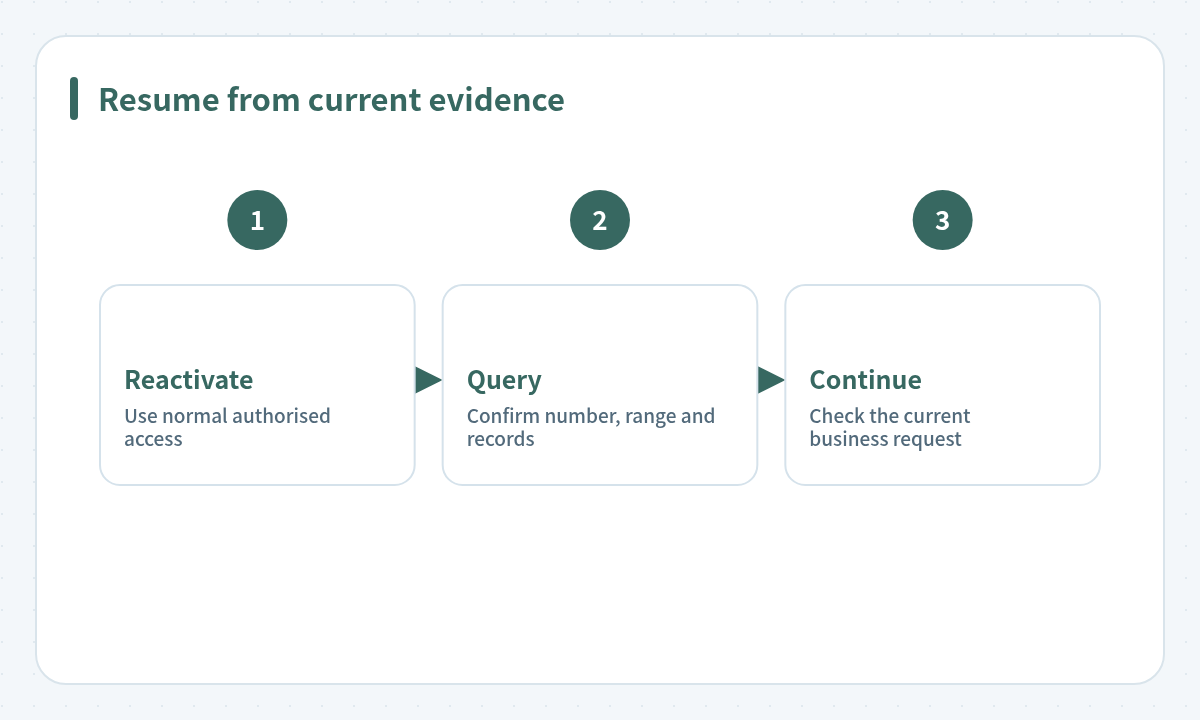
When the tab becomes active, confirm the account and receiving resource before interpreting the list. If sign-in is required again, use the normal authorised process. Reloading a page does not extend the number's allocation period or keep a business verification request alive.
Perform a normal current query using the intended date range. Compare actual message records with the task you were waiting for, including their timestamps and identifying context. The moment the tab wakes up is not necessarily the moment a message arrived, and an old preview should not be used as if it were a new request result.
Do not compensate for inactivity by repeatedly sending verification requests or installing a refresh extension. A forced refresh routine can create unnecessary requests and still cannot establish compatibility, receipt or business completion. It may also interrupt an unfinished form or introduce another tool with access to sensitive pages.
If the provider documents a supported alert mechanism, evaluate it separately for the task. Notifications and an always-active tab are not interchangeable promises, and a missed alert is not by itself evidence that a message record is absent.
Decide whether keeping the tab active serves the task
A supported site-specific desktop performance exception may affect browser activity, but it does not guarantee connectivity, login continuity or number availability. Device and service conditions still need their own checks.
Record the reload and subsequent current result. Do not add repeated verification requests or an unfamiliar refresh extension to compensate for uncertainty, and do not apply desktop instructions to a mobile environment without matching documentation.
Use a narrow exception only when it serves a real need
On supported desktop Chrome configurations, a site-specific performance exception can help keep a relevant page active. Use the browser's documented control and confirm that the address matches the intended site. There is no need to disable every performance or security feature across all websites.
An exception is a browser preference, not an uptime commitment. Device sleep, connectivity, sign-in expiry and the service's own limits can still affect what you see. If the work needs monitored continuity, choose a provider-supported workflow with explicit operational expectations rather than relying on a laptop tab staying alive overnight.
For managed work devices, ask the responsible administrator about policies instead of trying to defeat enforced settings. If you compare another supported browser, use the same account, resource and query conditions so the comparison actually helps isolate the environment.
A clear support report can state that the tab reloaded on return, when the resource was last checked and what the subsequent query showed. Include browser version and any visible error, but not active codes or session details. That lets the investigation distinguish a browser lifecycle event from a receiving-service failure.
Main guide for this question
Receive SMS Online: Complete Steps, Codes and Troubleshooting