Notification groups, summaries and badges describe presentation. To determine which work arrived, inspect the authorised inbox records and their time range rather than counting sounds or alert cards.
Notifications have their own presentation rules
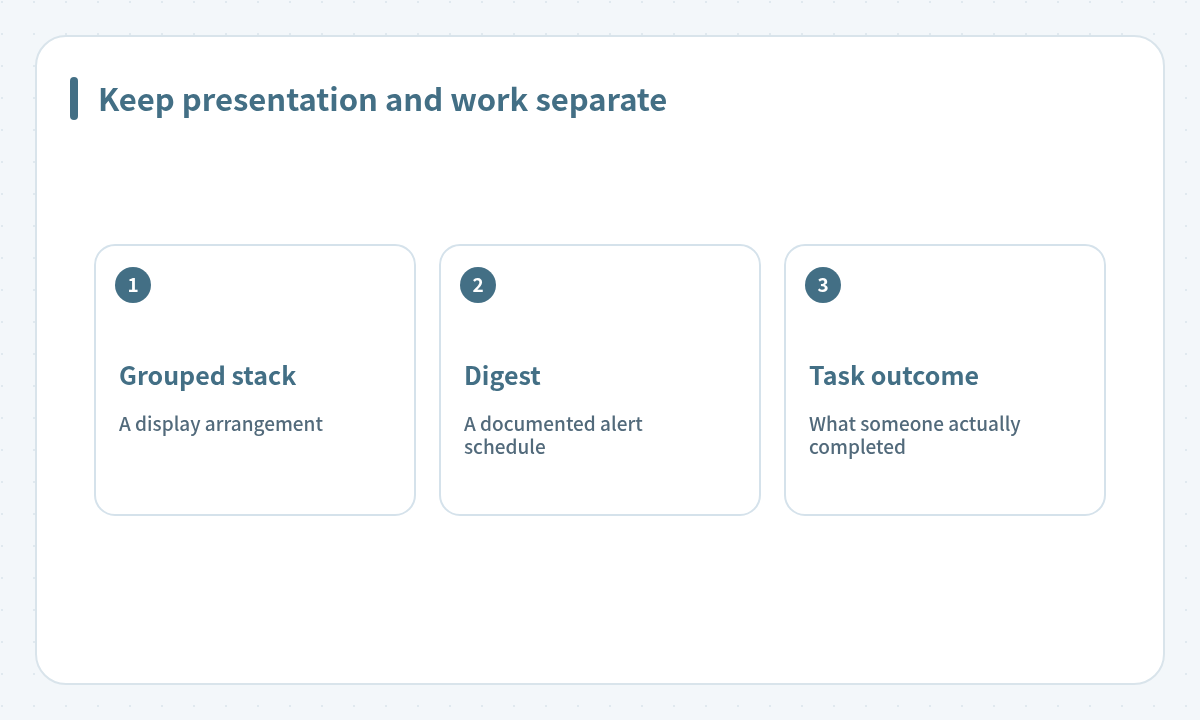
An operating system may group alerts from the same app or website. A service may also offer a digest instead of individual alerts, but that capability must be confirmed in its own settings. A grouped stack, a digest and a single-message notification are different presentation choices.
Apple's notification guide describes opening a group to view its recent notifications. Its settings documentation also explains grouping and scheduled summaries on supported configurations. Those examples concern device presentation; they do not establish the receiving count or alert policy of a particular web inbox.
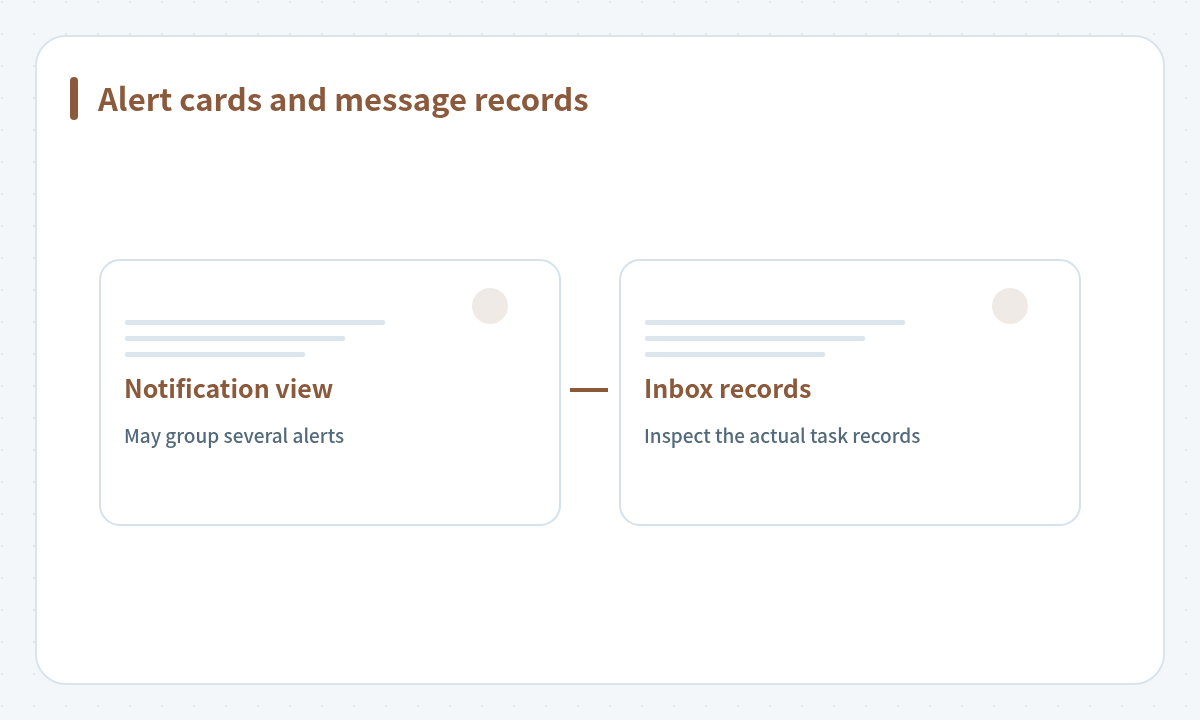
The text visible in an alert may be shortened, and a summary may not reproduce every original detail. Open the authorised inbox through the normal route when the task requires the complete message. Do not use a notification excerpt as the only basis for entering a code or responding to a business request.
Reconcile records rather than badge numbers
Begin with the intended account and receiving resource. Check the relevant time range and identify the records that belong to the current task. A badge could describe unread items or another product-defined quantity; read its meaning rather than treating it as a universal received-message total.
If an alert bundle mentions several messages, inspect its expanded entries where supported, then compare with the inbox. Keep the observations separate: the device displayed a group; the service returned these records. If the numbers differ, check whether their scopes and time boundaries match before calling the difference a delivery failure.
Clearing a stack from the notification centre is not the same as handling the corresponding business tasks. It may simply remove the local presentation. Conversely, reading a message inside the inbox may not immediately remove every alert on every connected device. Do not promise automatic synchronisation without the product's explicit support.
Compare like-for-like scopes
Record whether the device showed one card, a group or a digest. Then separately identify the records returned for the relevant number and interval; a difference in counts is a question to investigate, not proof of lost delivery.
Dismissing an alert does not assign or complete its business task. Shared work needs a deliberate handler, while notification settings should be tested with harmless content.
Arrange a routine that does not depend on counting pings
For a receiving task that matters at a particular moment, use an appropriate normal inbox check as well as whatever alerts the service supports. If you choose a digest for less urgent work, understand when it is expected to appear and what it includes. That schedule should not be confused with the time each SMS reached the receiving service.
For shared work, use an actual assignment or completion record where the workflow provides one. A colleague dismissing an alert on their device should not be taken as confirmation that they accepted responsibility for the message. Presentation state and work ownership need their own meanings.
When troubleshooting, record whether you saw a single alert, a grouped stack or a digest, along with the device, relevant account and non-sensitive time context. Then state which inbox records were present. This gives support a specific comparison instead of a broad statement such as “three messages only made one sound.”