
A game account alert should describe an observed event, not announce a conclusion the system has not established. A new device can belong to the player. When testing with a digital SMS inbox number, check whether the message explains what happened and leads the account holder to the correct current record.
Give different events different wording
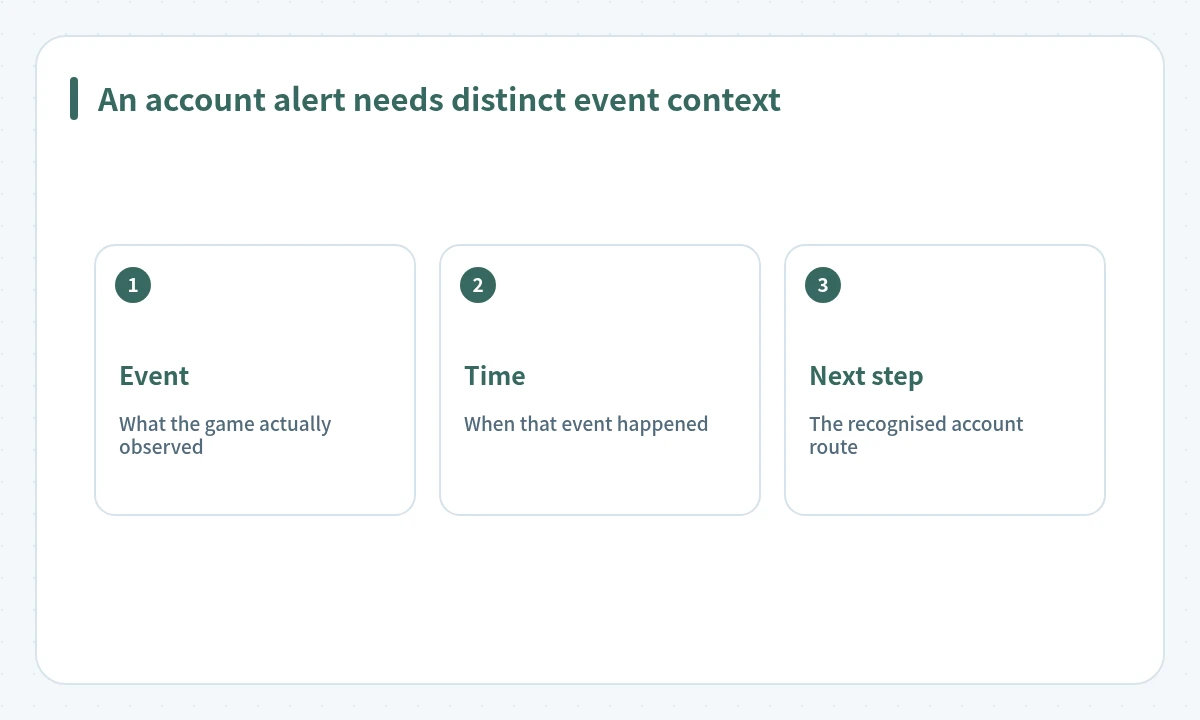
A new sign-in, password update and recovery-detail change affect different parts of access. Calling every event a security emergency removes information the player needs. State the event type and time, with only the device or masked field details necessary to recognise it.
Keep event time separate from notification time. A text seen in the afternoon may describe a morning action. If the interface can only show one timestamp, explain its meaning rather than letting the reader infer that the account is changing at that moment.
The sending system should retain a stable event reference and the relevant processing stages. That supports investigation without including passwords, session tokens or a complete activity history in the message itself. A notification is not a substitute for the protected account record.
Make the next step work for the account holder
Tell the player to inspect the relevant security area through the game client or a known official website. If a link is supplied, its destination and purpose should be recognisable. Receiving the message should not itself grant authority to alter account settings.
A player who does not recognise the event needs the game’s supported security procedure. Do not ask them to reply with a verification code, or submit all recovery material into an ordinary feedback form. Help can identify the right route while the account holder keeps authentication inside the proper flow.
A player who recognises the event should also be able to finish without creating a new incident. An old alert should not force another password change merely because its delivery was late. Current state and historic event information need distinct presentation.
Test late messages against updated account state
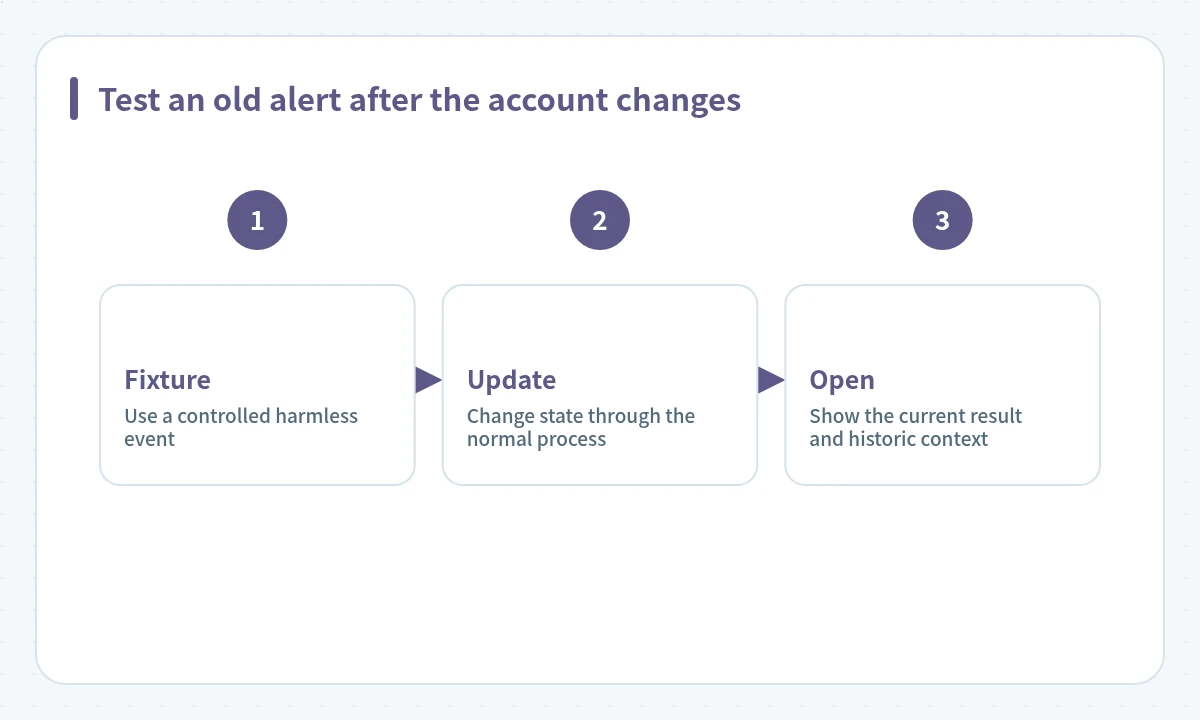
Use fictional accounts and ordinary sample text. Create a controlled event, update the account through the supported flow, then open the older notification. Check that the destination shows the current account while making the earlier event understandable.
Also inspect a message opened after its action is no longer available. The page should explain the supported next step instead of producing an unexplained error or recreating an old change. Record which event and current state were used in the test.
Inspect the support handoff too. If the player follows an official report route, the case should retain the relevant event reference so an agent can distinguish this alert from another login. That association need not expose the underlying session data.
Choose measures that match the question
A provider accepting the text, an inbox storing it and a player handling the event are different observations. A successful sending response cannot establish comprehension or account recovery. Use the game’s actual task result where a completion measure is needed.
When a player reports a discrepancy, request the event reference, approximate time and non-sensitive description first. A full inbox export usually adds unrelated material without clarifying the account event. Escalate through the verified support route if more detail is necessary.
Keep wording and procedures aligned with the real game. These are general notification-design checks, not claims that this site supplies a game security system or a particular delivery guarantee.
