
An unexpected SMS export filename does not necessarily mean the exported records are corrupt. Inspect the content, the response's suggested filename and the browser's saved name as separate parts of the download path.
Confirm which export result was downloaded
A web based digital phone line may expose exports through an authorised account interface. Start with the task reference and expected format there. Keep the existing permission and expiry checks in place; a filename problem is not a reason to publish a private storage path or make the download public.
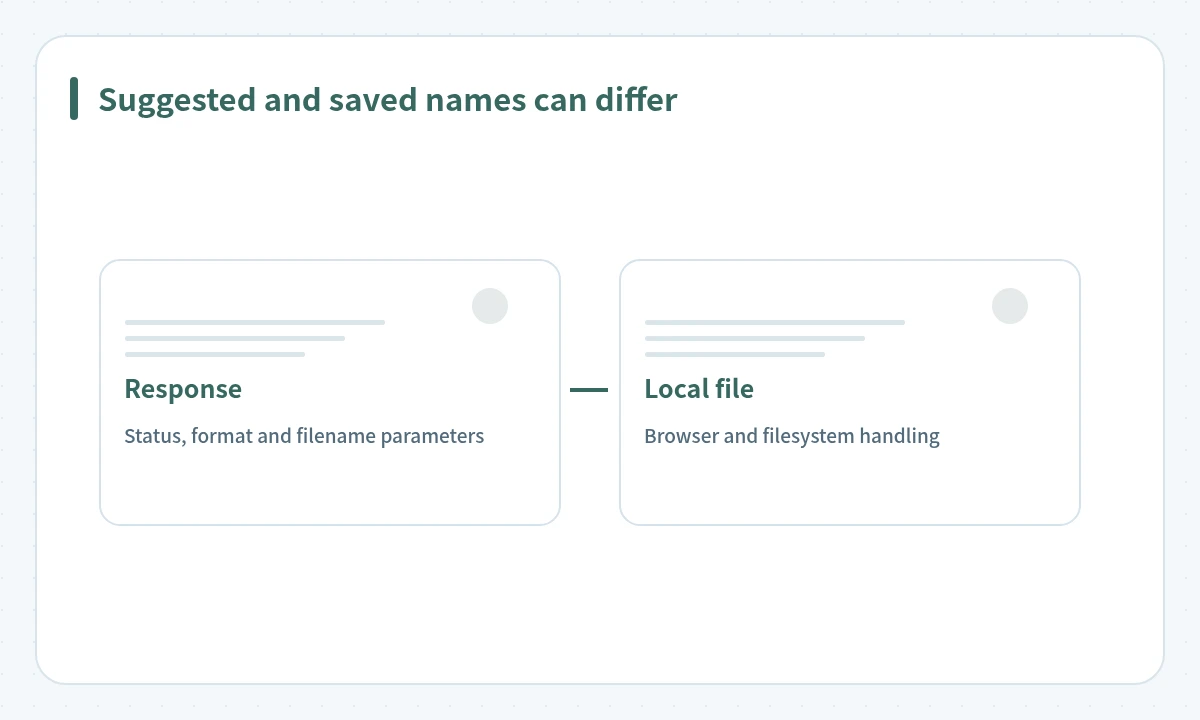
A browser can adjust characters for the local filesystem or add a suffix when a file with the same name already exists. A changed disk name alone cannot establish that the server generated different data. Compare the approved task result before rerunning a large export or altering the source messages.
Inspect the actual download response
MDN's Content-Disposition documentation describes disposition and filename parameters, including handling for non-ASCII names. Use the framework's supported header construction and examine the response that reaches the browser. A reverse proxy or another middleware layer may add a second header or replace an expected value.
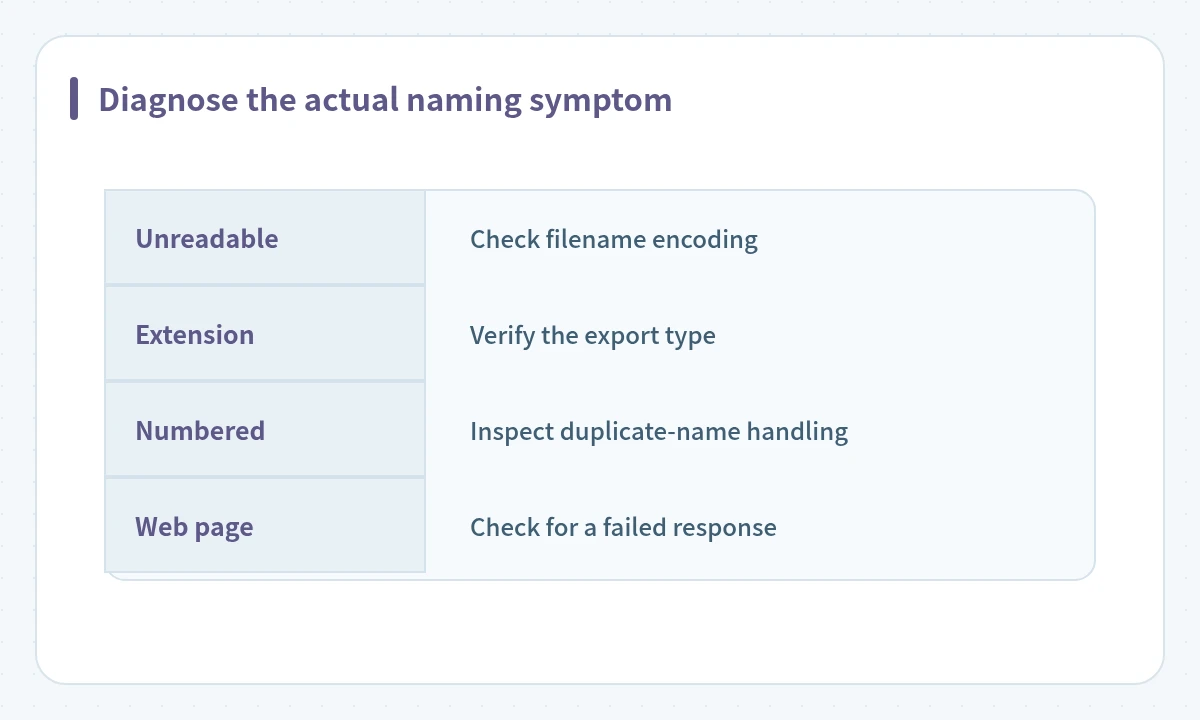
| Observation | First check |
|---|---|
| Unreadable name | Filename parameters and encoding |
| Wrong extension | Export format and response type |
| Numbered suffix | Local duplicate-name handling |
| Downloaded web page | The actual status and error response |
A login page or failed export response should not wear the successful file's name and conceal its failure. Distinguish an authorised file response from an error before deciding how the download should be presented. A status check is more informative than renaming every received item to the expected extension.
Generate a limited, non-sensitive suggested name
Avoid inserting message text, customer names or unrestricted path characters into the filename. Header values should not accept uncontrolled line breaks. Use an application-generated naming scheme that identifies the export sufficiently without exposing private content in browser history, download lists or shared folders.
Keep the filename's role separate from record identity. A user can rename a file locally. The application's authorised task reference and supported integrity checks should provide the relationship to the original result where that relationship matters.
Include the browser’s failure behaviour when a temporary download address has expired. The service should return an understandable authorisation or expiry result through its supported path, rather than encourage repeated renaming of an unusable response. Request a fresh authorised result where the product permits it. Keep that recovery tied to the original export so a naming investigation does not create several indistinguishable background jobs.
Exercise the supported devices
Test a non-ASCII name, spaces, repeated downloads and the allowed length boundary in the desktop and mobile browsers the service supports. Check the saved type and whether the intended application can open the result. Also test permission failure so a user does not receive an apparently valid file containing an error page.
Record the affected task and limited response metadata when reporting the issue. After the fix, retrieve the same authorised data again and verify both content and naming. There is no need to rewrite historical message bodies or expose internal diagnostic filenames on public pages to repair this part of the download experience.
