Preparing an export, transferring a file and reviewing its contents are separate stages. Follow the product’s actual status instead of treating a success banner as a completed local backup.
Follow the file through the actual stages
If the service offers an export, read what its confirmation means. It might start a background job, provide an immediate download or show a link to retrieve a prepared file. Those are possible designs, not features to assume. Keep the selected resource and date range identifiable so that you know what the resulting file should contain.
Use the service's normal export status page, if provided, rather than repeatedly starting the same job. A queued task may need time; a failed task needs its own error checked. Seeing a filename in a job list does not necessarily mean that a browser transfer has begun.
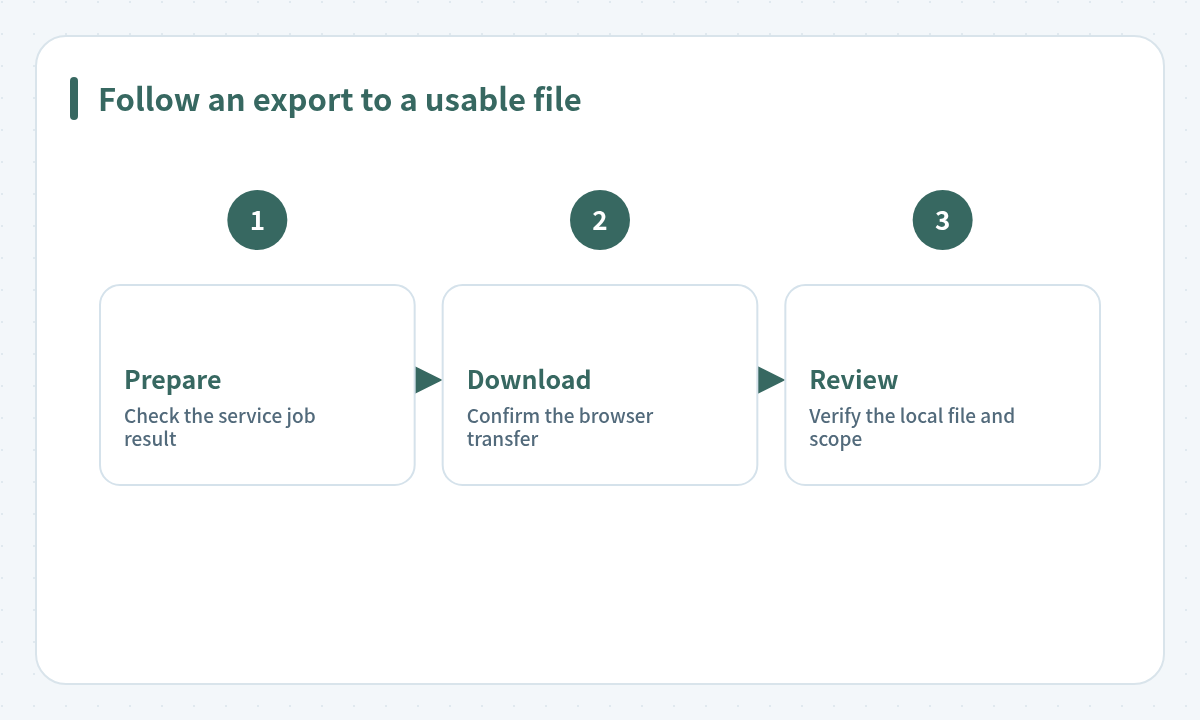
Once a download starts, check the browser's download record. Chrome's download documentation distinguishes an in-progress transfer from a completed download and explains how to locate downloaded files. Other browsers have their own controls. Use the actual status, not the disappearance of the web page's spinner, to decide whether the transfer finished.
Identify the new file without overwriting your evidence
Check the destination folder and the file's name, type and saved time. Browsers may change a name when another file already exists. A similarly named file from yesterday is not proof that today's export completed, and an empty file is not a useful archive simply because it has the expected extension.
Keep the original download unchanged while you check it. Use a suitable trusted viewer and compare a few authorised, non-sensitive identifying fields with the selected export scope. For structured exports, distinguish the number of records from the number of lines: one record may occupy several lines. If the service provides an expected record count or integrity information, use its documented meaning; do not invent one from a progress percentage.
A file that opens normally can still cover the wrong date range or number. Review the scope as well as readability. If you require evidence of a complete set, ask how the service defines completeness and whether retention limits affected the export. Sampling is useful for catching obvious mistakes, but does not certify that every intended record is present.
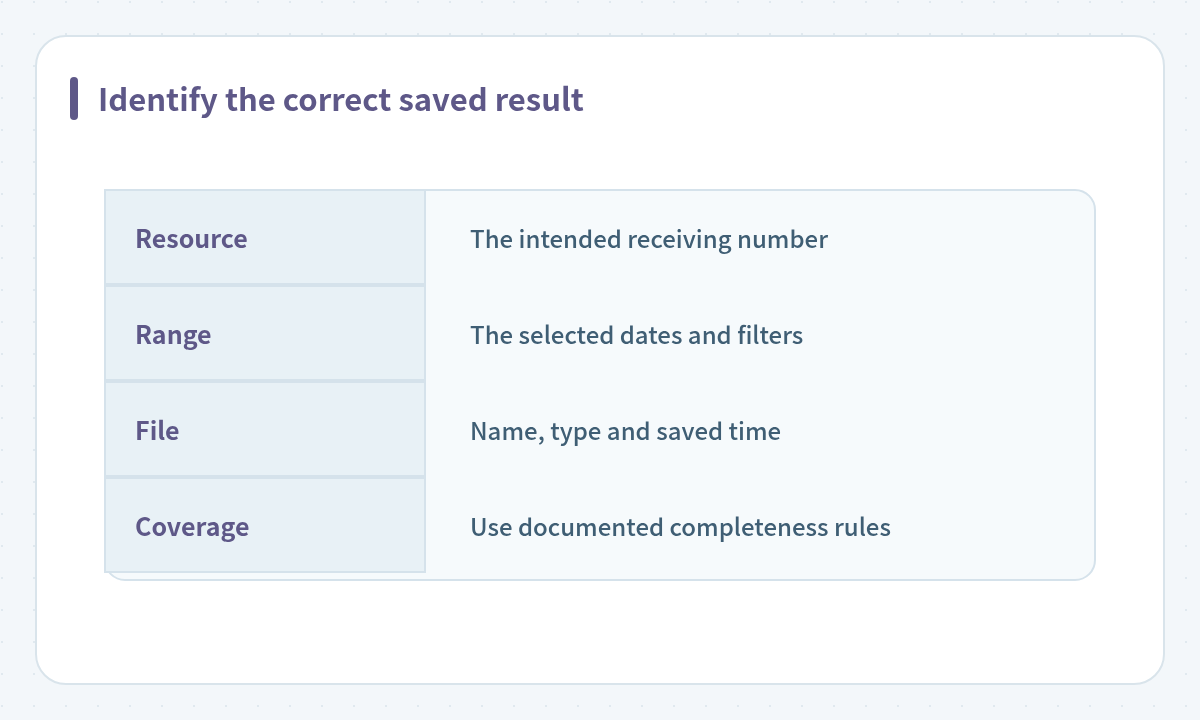
Match the new file to the selected scope
Check the browser’s completed-download entry and the destination file, then confirm the number, interval and expected format. A similarly named older file or a partial transfer cannot stand in for this export.
Keep the source unchanged while checking complete authorised rows. A readable sample can catch errors but does not certify full coverage; ask about the documented completeness and retention boundaries when that matters.
Recover from interruption through the supported path
If the browser reports an interrupted transfer, use its normal retry or resume option where available. If the download link has expired, return to the authorised export page and follow the service's retrieval process. Do not change the extension of a partial file and treat it as complete, or share a private download URL so that someone else can try it.
A security warning is a different issue from a routine interruption. Check the source and use the browser's documented safety guidance rather than disabling protection to retrieve an unfamiliar file. Do not upload a private message export to an unknown repair website just because a local program cannot open it.
For a temporary resource, confirm the permitted export and access window before relying on later retrieval. Saving a file does not extend the number's lifetime, preserve the target account's recovery path or retain the service's online records. Those require their own arrangements.