
An SMS timestamp displayed near the epoch or far into the future may have the wrong unit. An ongoing online SMS inbox should establish whether its source supplies seconds, milliseconds or another representation before converting a value. A time-zone setting cannot repair a thousandfold numeric difference.
Read the field definition first
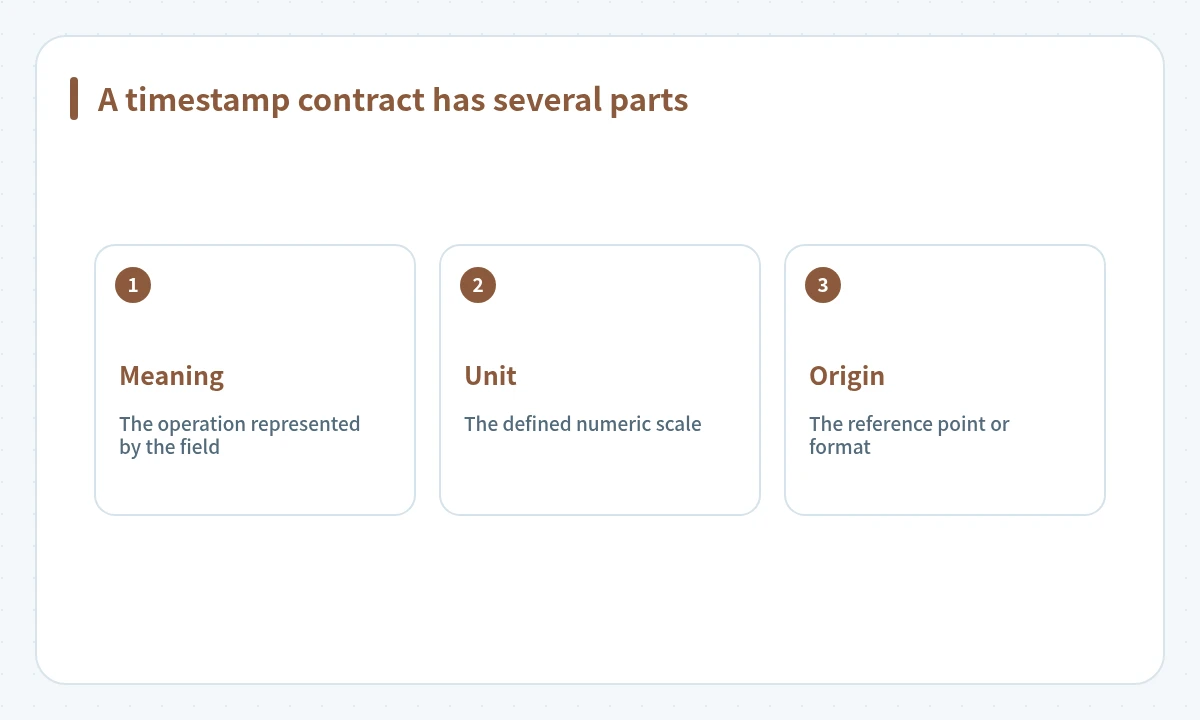
Determine the epoch, unit and meaning from the current endpoint contract. A value may be an absolute time, a duration or something else. Digit count can be a useful clue during investigation, but it is not a replacement for documentation.
JavaScript’s numeric Date construction uses a millisecond time value. If a source explicitly supplies seconds, conversion is needed before that use. If the source already supplies milliseconds, applying the conversion again creates another error. A date string needs its own supported parsing rules.
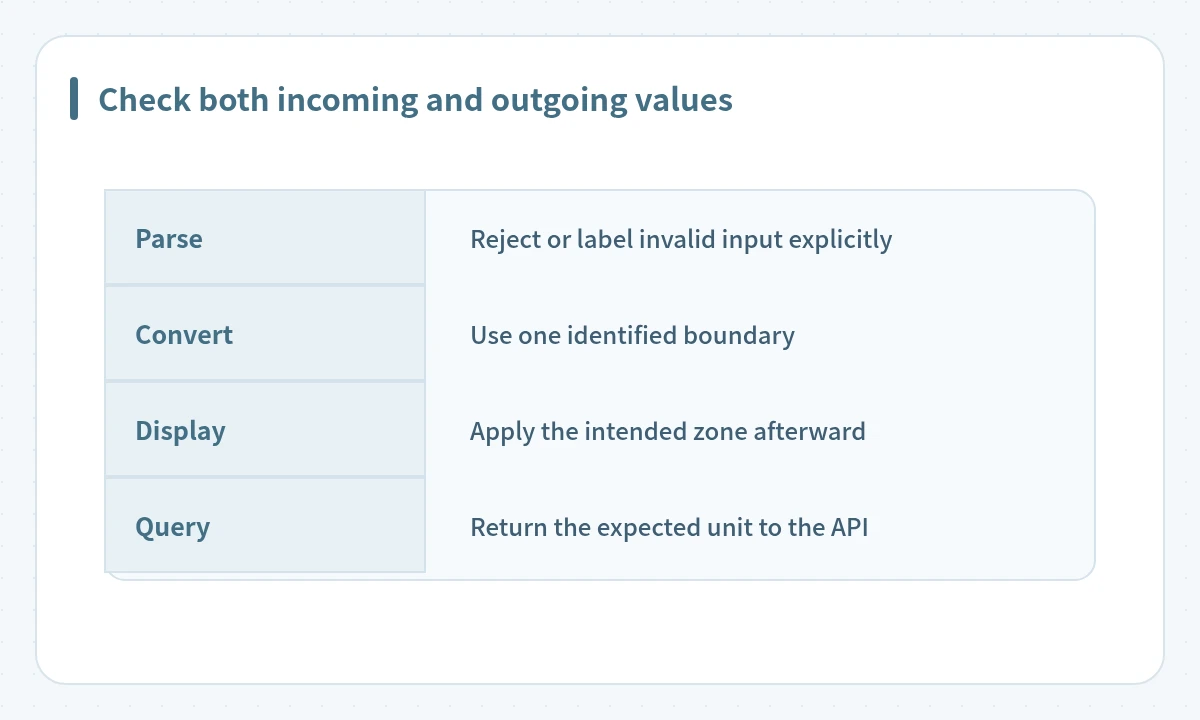
Keep missing, invalid and zero values distinct according to the API. Defaulting every parse failure to zero can create a plausible-looking date that later affects filtering and reports. An unknown time should not silently become an asserted historic event.
Convert at an identified boundary
Give the converted field an explicit name or type rule so later layers know it has already been handled. Independent conversion in the backend, UI and spreadsheet can make the same record change each time it moves.
Where diagnostic retention is necessary, preserve the original value and unit separately from the derived form. Avoid overwriting the source without explanation. Use harmless known values for tests rather than copying active verification messages into external conversion tools.
When a source contract changes, review both incoming values and outgoing query parameters. A display can be correct while its date filter submits the wrong scale back to the server. Treat the two directions as a defined interface, not unrelated formatting tasks.
Apply display context after the instant is correct
Once the numeric instant is established, apply the intended display time zone. Event time, provider receipt time and local refresh time remain different fields even if they all use the same unit.
For delay analysis, compare meaningful stages with understood semantics. Do not report an enormous receiving delay caused by a unit error. Likewise, clipping future-looking values to the current time hides a defect rather than explaining the source data.
When investigating imported data, inspect the import configuration as well. An earlier conversion may already have changed the stored value before the UI reads it. Mark which dataset uses which contract instead of applying another blanket scale conversion to all history.
Test displays and queries together
Use known fictional examples for seconds, milliseconds, missing input and invalid input. Verify their expected instants, then inspect the corresponding query conditions and exported fields. Include a date boundary rather than testing only one ordinary afternoon value.
Compare list, detail and reporting views. Their formatting helpers may differ, so one correct screen does not establish that the whole path follows the same contract. Retain the tested source unit and conversion location in the maintenance note.
A useful defect report names the field, documented unit, observed transformation and affected operation. It does not need the private SMS body. Close the issue when each relevant component agrees on the same source meaning and the same intended instant, with invalid inputs handled explicitly instead of disguised as normal dates.
Reference: MDN: numeric Date construction.
