
A date-only value appearing one day earlier can result from treating a calendar date as an instant and converting its time zone. Establish the field's meaning before adding hours to compensate for the display.
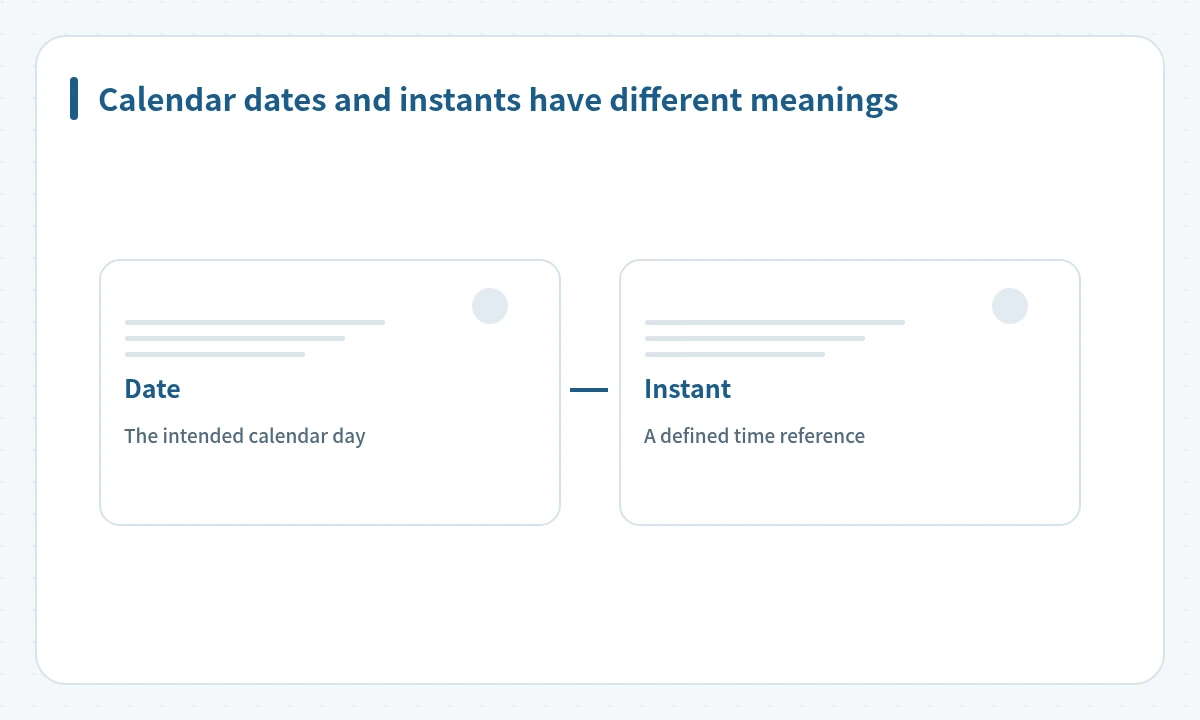
A calendar day and an instant are different data
A single use digital sms inbox application might retain a business date separately from an event timestamp. A birthday or date label need not represent midnight at a particular location. Giving every date a time and repeatedly converting it can change information that originally had no cross-day meaning.
MDN's Date.parse documentation describes rules for supported date forms, including date-only standard input. Trace the representation the code actually uses and where it becomes a time value. A familiar-looking date string is not enough evidence that each component interpreted it the same way.
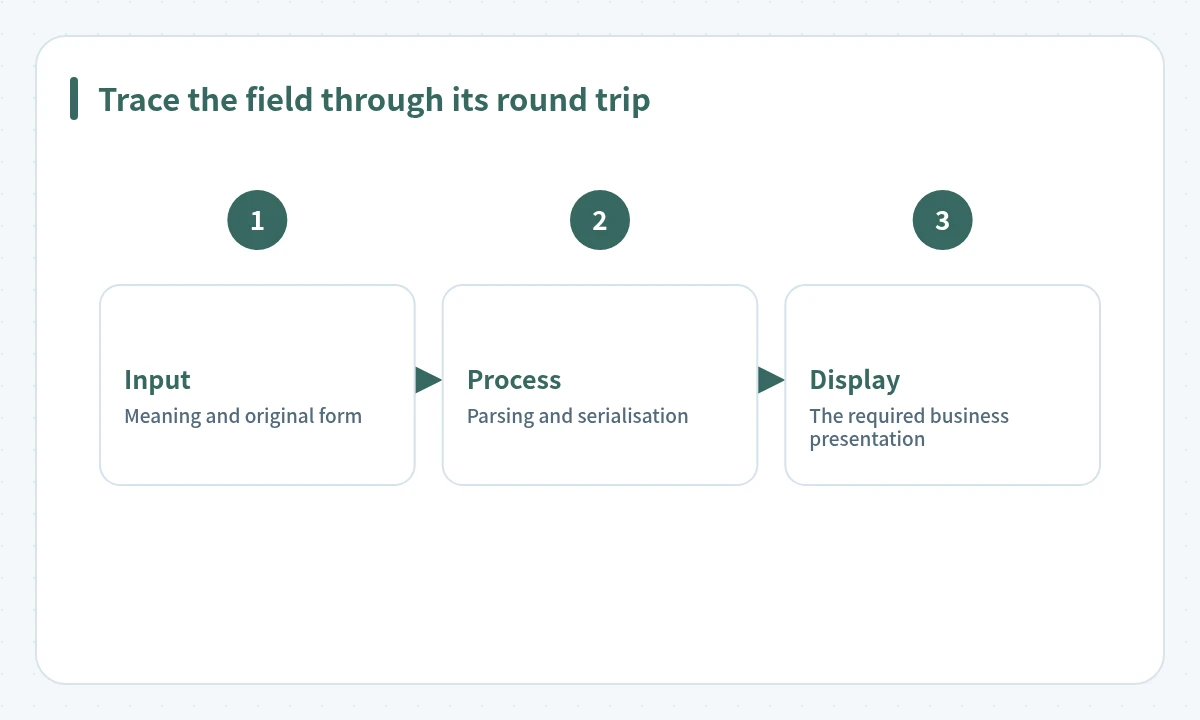
Follow the value from API to display
Keep the original harmless fixture and record the input form, any attached zone and output value at each parsing, serialisation and formatting stage. Locate the first calendar change and compare it with the field’s semantic definition. This gives the investigation a specific conversion boundary to inspect before deciding whether the stored data needs correction.
| Meaning | Handling focus |
|---|---|
| Calendar date | Preserve the business-day meaning |
| Instant | A defined offset or time reference |
| Display | The required business locale and format |
| Round trip | No unsupported change after saving |
Keep missing input separate from a valid date. A parser default should not manufacture a precise historical day that the user then mistakes for registered information. An unknown value needs its own state under the field's contract.
Exercise different display environments
Use non-sensitive fixtures with the relevant business zones, device locales and edit-save paths. The acceptance question is whether the intended meaning survives. It is not that every location must display an identical time string for a genuine instant.
Inspect the value after saving and reopening, not only its first display. A form can appear correct while its next serialisation writes a shifted value. Keep the calendar-date and timestamp cases distinct in the tests so a repair for one does not silently rewrite the other.
Keep the field name and API documentation specific enough to distinguish a calendar date from an event timestamp. If both use an indistinguishable date label, later developers can reintroduce the same conversion during an otherwise routine refactor. Include a fixture that travels from the API through edit, save, export and readback under the supported contract. An export column intended for a date should not quietly acquire an instant from the editor. This adds an observable end-to-end condition to the field definition rather than relying on a comment about time zones that the next data consumer may never see.
Separate a data correction from a rendering repair
If storage contains the correct calendar date, fix the unsupported conversion rather than bulk-editing history. If an earlier writer stored the wrong representation, define a reviewable correction scope with evidence. The current screen alone is not a basis for shifting every historical record.
Keep the field, input form and limited request reference in diagnostics without exporting private message records. The useful outcome is a clear contract for dates and instants that works through the supported workflow, rather than a display that happens to look right in the developer's own region.
