
Physical line count is not a reliable SMS count in a CSV export. A digital SMS enabled number can have message bodies containing line breaks, which may remain inside one quoted field. Use a parser for the source format before counting data records or comparing them with an inbox view.
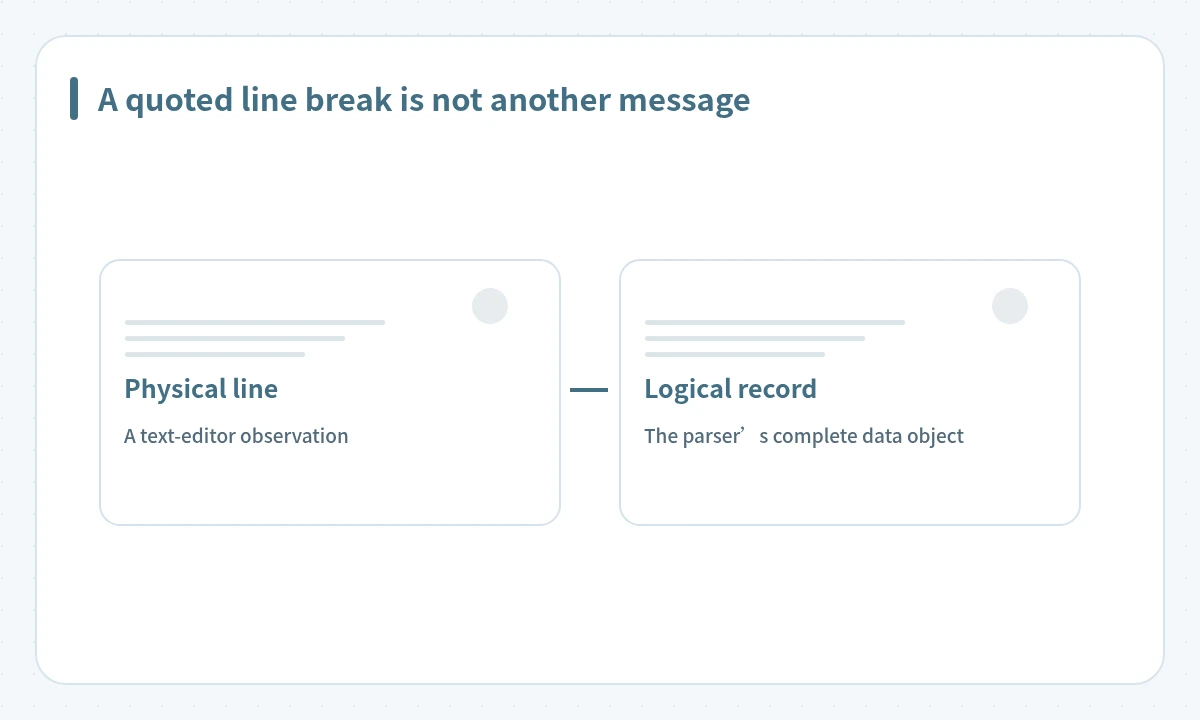
A field can span several text lines
RFC 4180 describes a common CSV format, including quoted fields containing line breaks, commas and quotation marks. It does not define every dialect used by every exporter. Confirm the actual delimiter and formatting rules before interpreting the file.
A fictional message with two lines can still be one data record after correct parsing. A text editor showing several physical lines does not prove duplication. Deleting a line to make the count look right can damage the message and the rest of the file structure.
Likewise, splitting every input line at commas can separate punctuation inside a quoted body. Use a supported parser and explicit format settings rather than an improvised line-and-delimiter routine for arbitrary private history.
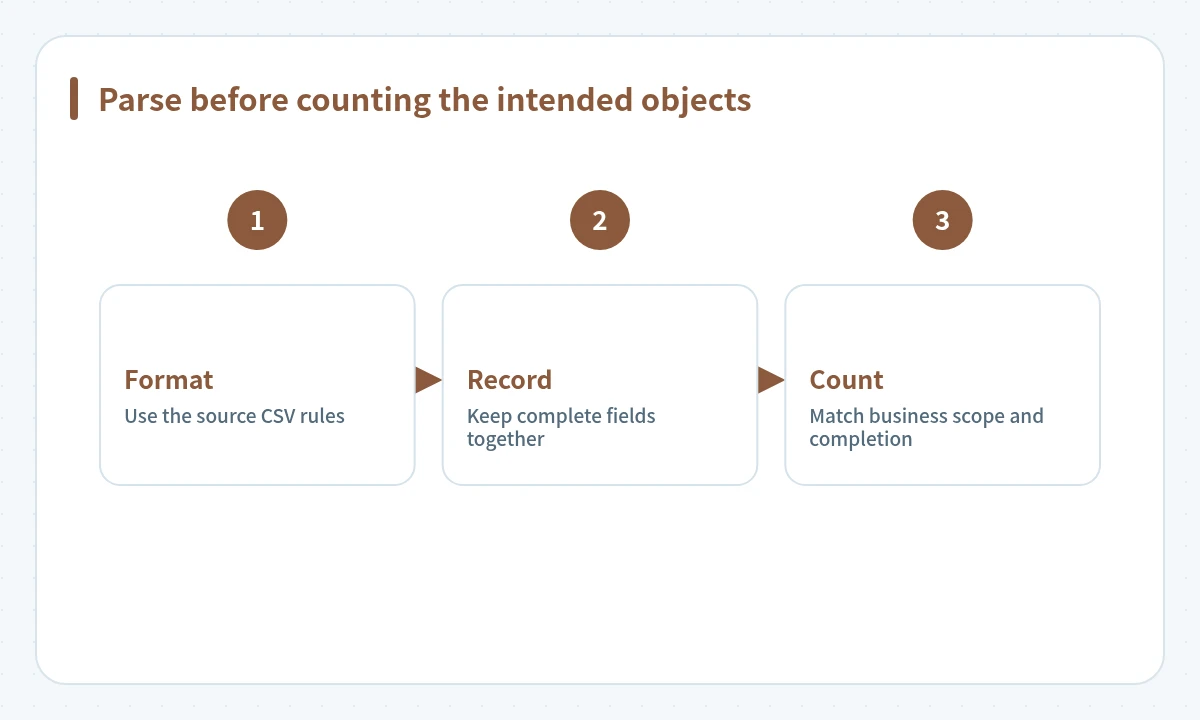
Count parsed objects with their meaning attached
Check expected field count, required columns and parsed values. Determine whether a header exists under the format definition. A first row containing words should not be discarded automatically if the source says it is ordinary data.
A data record may still represent something other than one logical incoming SMS. Establish what the export includes before comparing totals. Resource, date and folder conditions should match the view being used for comparison.
Do not interpret two totals from different scopes as evidence of lost messages. A current list, an archived range and a file created earlier can legitimately cover different data. Preserve those conditions with the count.
Make malformed input visible
An unclosed quote, unexpected structure or truncated file needs an explicit error outcome. Silently skipping records and reporting success hides missing work. State whether a reported location is a physical line or a parsed-record index.
Use harmless fictional content to reproduce the issue. Commas, quotation marks and line breaks are enough to test the structure; actual verification codes and customer messages are unnecessary.
Distinguish blank physical lines from empty fields and intentional empty records under the format. A blanket remove-empty-lines step can interfere with a quoted multiline body before parsing even begins. Preserve the original approved file and apply the parser first. Any later filtering should describe its business reason rather than being disguised as a harmless text cleanup.
Check completeness separately from parsing
A partially downloaded file can be readable without being the complete export. Conversely, a complete valid file can still cover a narrower query than the whole inbox. Download completion, parsing and business coverage answer different questions.
Keep source context, query range and parser settings together. Record successfully parsed, rejected and unresolved counts as appropriate, rather than showing one unexplained total. Inspect a sample of complete records near the relevant boundaries.
If another tool later opens or rewrites the file, repeat the relevant structural check before trusting its count. A spreadsheet view can be convenient without becoming an independent definition of the source format. The useful outcome is a reproducible count of the intended objects, not a text file whose visible line total happens to match an expectation.
Reference: RFC 4180: common CSV format.
