An authorised export can still contain externally supplied text. Review CSV through a suitable data-only path and keep source values intact instead of assuming spreadsheet interpretation is harmless.
Why an ordinary-looking CSV needs care
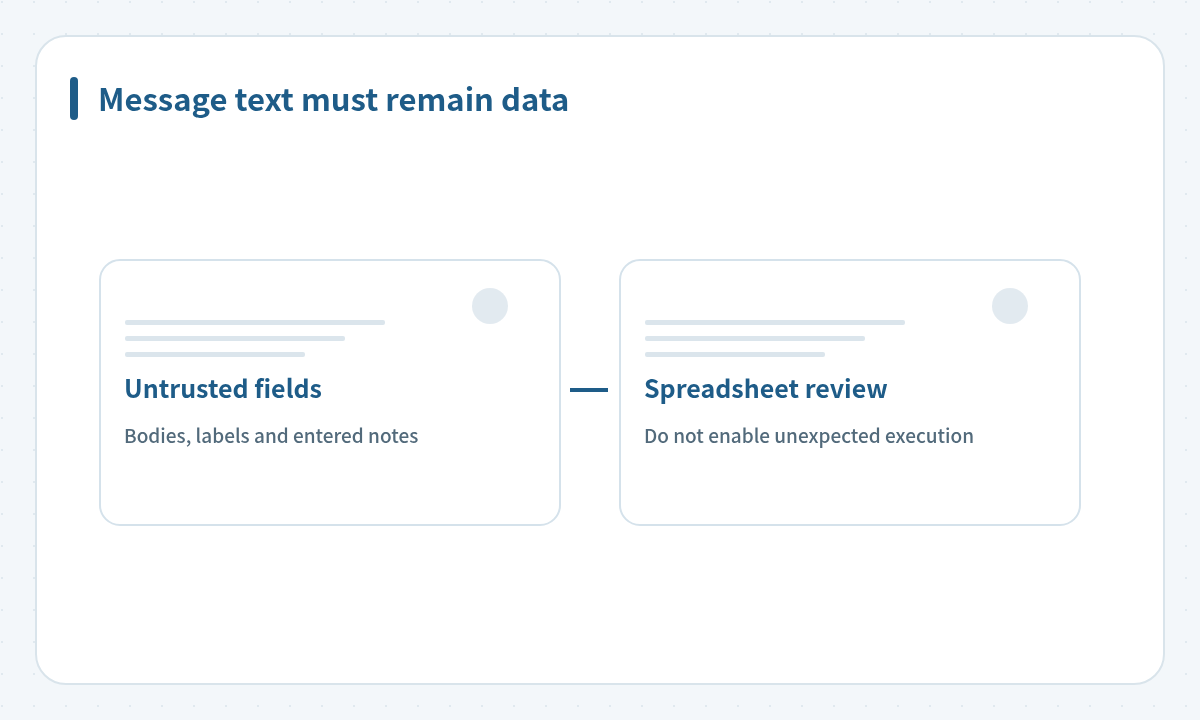
CSV is a data exchange format, but spreadsheet applications can interpret some cell contents as formulas. The OWASP explanation of CSV injection describes the risk of placing untrusted input into CSV files that are later opened by spreadsheet software. Message bodies, sender labels and user-entered notes can all require scrutiny; the concern is about how the viewing application interprets them.
This does not mean every export is harmful or that a particular receiving service is vulnerable. The risk depends on the data, exporter, import process and spreadsheet behaviour. It does mean that recognising the export's filename or website is not enough to establish how every field will be treated.
Preserve the original and choose a data-only review path
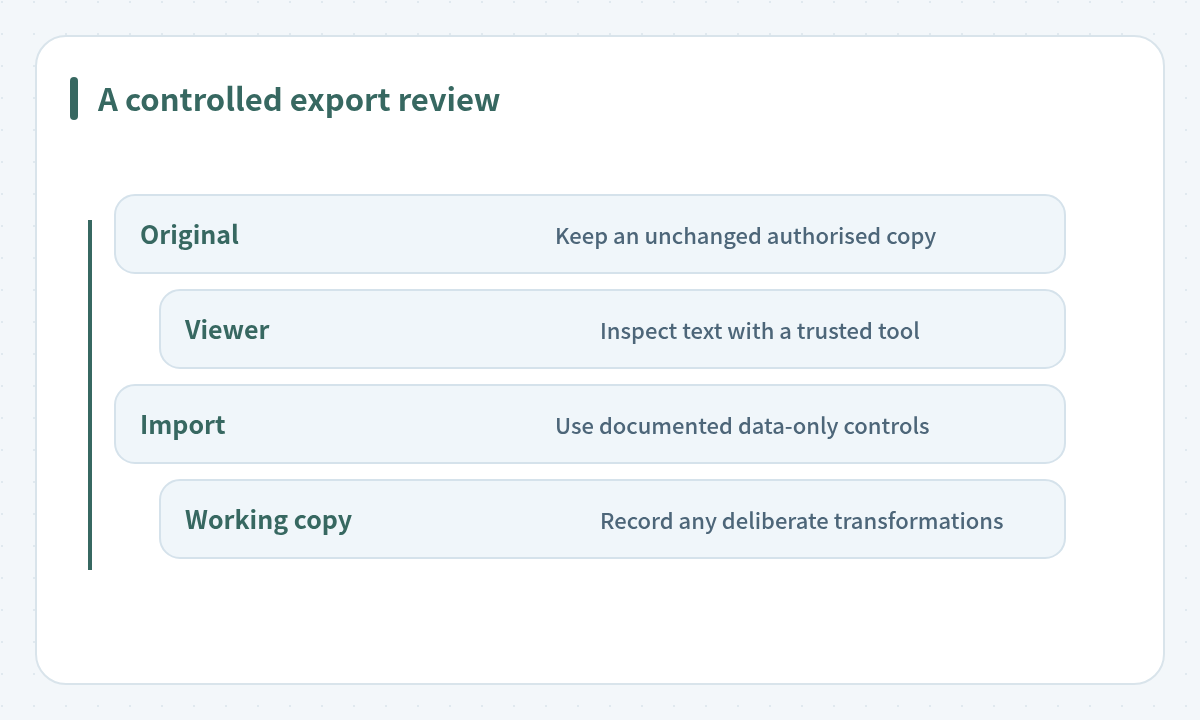
Keep an unchanged original in authorised storage. For initial inspection, use an appropriate trusted text viewer that presents the file as text rather than evaluating it as a workbook. Do not upload private messages to an unfamiliar online CSV checker or repair service.
If a spreadsheet is necessary, use its documented import controls and confirm that untrusted fields are handled as plain text. Review the relevant application guidance instead of assuming that double-clicking the file produces a safe data-only import. Do not enable active content, external links or formula execution simply because a prompt appears during review.
Check a harmless representative sample before working with a large sensitive export. Verify that message text remains literal, identifiers remain intact and embedded separators or line breaks stay within their intended fields. A safe handling choice still needs a correctness check: damaging references while removing risk can make the resulting report unusable.
Avoid applying an improvised global replacement to the original file. Changing characters indiscriminately can alter legitimate message content, timestamps or references. If a transformed working copy is required, retain its relationship to the original and document what changed so another authorised reviewer can interpret it properly.
Test safety and correctness together
With harmless representative data, check that text remains literal and that separators, multiline fields and identifiers survive import, saving and reopening. Merely adding quotation marks is not a universal guarantee against formula interpretation.
If a protected review report differs from an exact archive, label the purposes and preserve the relationship. Do not silently replace the only original, enable unexpected active content or upload private messages to an unfamiliar repair site.
Export protection belongs in the producer's design too
For a team maintaining an exporter, read the documented recommendations for the target spreadsheet tools and test the full workflow, including reopening or re-exporting a working copy. Quoting a CSV field is a formatting measure; it should not be treated as a universal guarantee that a spreadsheet will never interpret the resulting cell as a formula.
Make the intended output clear to reviewers. An archival file that preserves exact original values and a protected human-review report may have different purposes. If both exist, label them accordingly and limit access to each. Do not silently substitute a transformed presentation for the only original record.
For routine users, ask the provider whether its supported export is designed for spreadsheet review and what import instructions apply. Do not assume the provider offers a protected export merely because CSV is available. An unanswered question should remain an uncertainty, not become an invented product assurance.
If something unexpected executes or an application shows a security warning, stop the review and follow your organisation's response process. Preserve the minimum necessary evidence without forwarding the full message archive to a wider audience.