
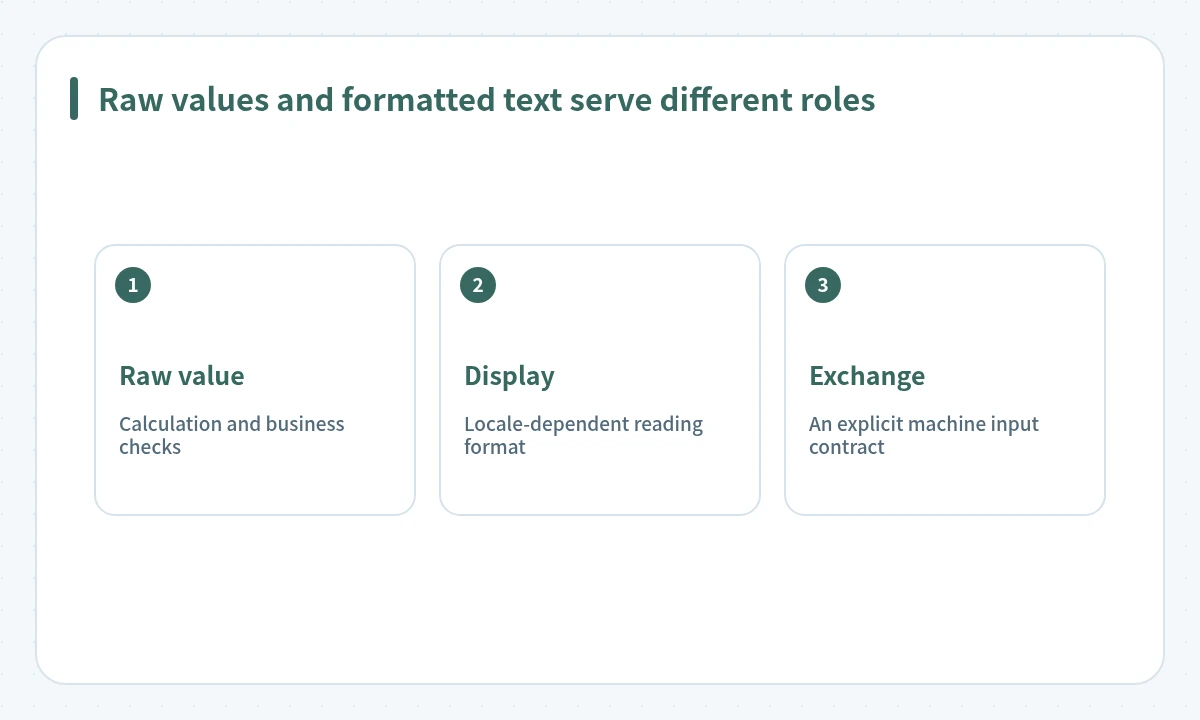
A displayed count with grouping punctuation is not necessarily the value an API should calculate with. Keep machine-readable data separate from locale-formatted presentation and parse text only under an explicit input contract.
Preserve the raw value
A single use sms inbox online can display a message count or allowance in the reader's locale. MDN documents Intl.NumberFormat as formatting numbers for presentation. It is not a universal inverse parser for arbitrary locally written numeric text.
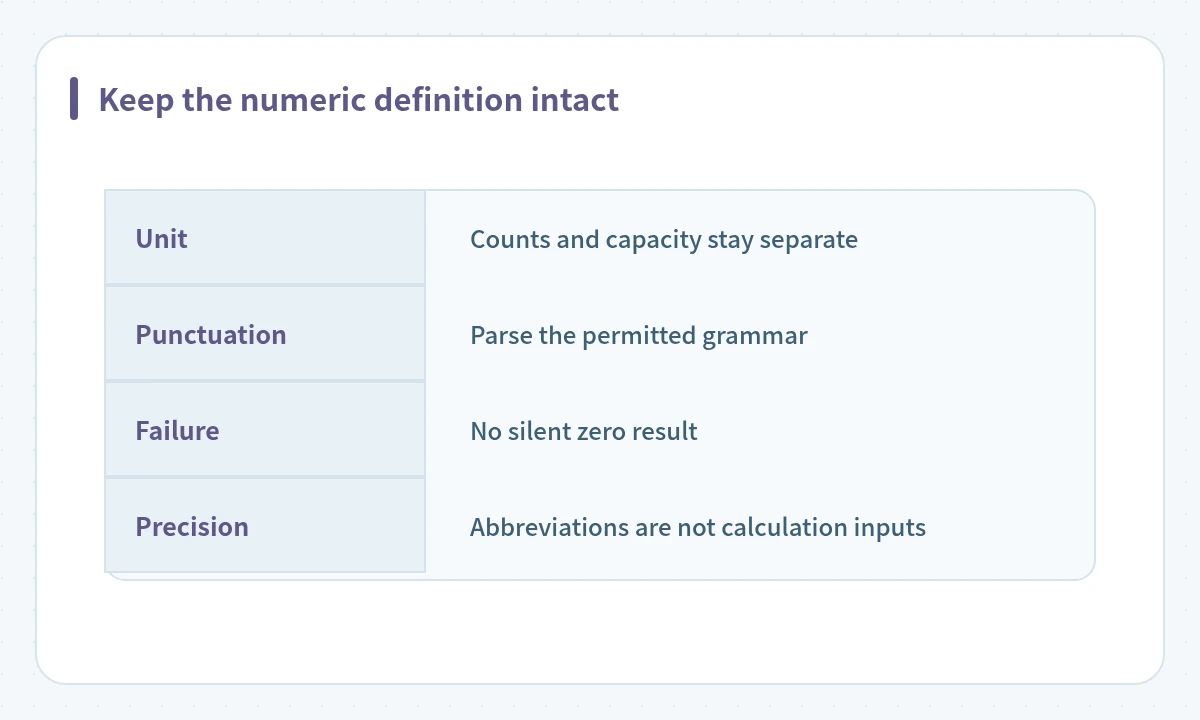
Retain the approved business value and choose its presentation at the display boundary. Keep the unit explicit too. Message counts, operation allowances and storage sizes should not be combined merely because each can be rendered as an attractive number.
Do not guess punctuation away
A separator's role depends on the defined input. Deleting every comma, period or space can turn one intended quantity into another. Establish the permitted locale and syntax, and give ambiguous or invalid input an understandable result.
- Define whether the field accepts a numeric value or formatted text.
- Give supported text input an explicit locale and grammar.
- Check the range, unit and business type after parsing.
- Keep a display change from rewriting the confirmed value.
Distinguish absence, valid zero and parsing failure. Returning zero after an error can alter allowances, reports or task conditions while leaving a neat-looking interface. A tidy result is not a substitute for a successful interpretation.
Give exports a clear exchange contract
A file for human reading and a file for program exchange can need different fields. Identify which column is display text and which preserves the machine-readable value. A later tool should not have to reverse-engineer the number from page typography.
If a spreadsheet or another application is involved, verify the actual value saved after opening and editing. A familiar visual display can conceal a changed representation. Keep the supported interchange path explicit rather than assuming every local tool makes the same formatting choices.
Check whether the display intentionally rounds or abbreviates the value. A shortened count for readability can lose precision even when its locale separators are correctly understood. That presentation should not become the input to a later business calculation or export. Use the retained raw value for those operations and label a deliberately approximate display appropriately. If the application permits editing, show a supported editable form instead of expecting a user to reconstruct the original number from an abbreviation. This makes the distinction between reading convenience and data precision visible in the actual workflow.
Verify the full round trip
Use harmless fixtures for supported locales, zero, boundaries, invalid text and edit-save behaviour. Compare the final business value, not only whether the form accepted something. Do not expand the contract to every numeric-looking string merely to avoid rejecting unclear input.
Record the field, locale and limited sample needed for investigation. Complete private records are unnecessary. The repair should create a reliable boundary between data and display instead of accumulating replacements that make one sample look correct while leaving the next locale or export path open to a different interpretation.
