A character that looks like another may still be a different value. Check the original detail view and target field requirements before entering a reference or verification code.
Appearance is only part of the text
A small font can make a digit and a letter difficult to distinguish. Different writing systems also contain characters that resemble one another. The Unicode Consortium's security FAQ discusses this visual similarity and the role it can play in misleading text. It does not mean that every unfamiliar character is malicious, or that all similar characters are interchangeable.
Begin with the original message in the authorised inbox, not a retyped note, translated preview or compressed screenshot. Expand the supported detail view and read the surrounding wording. A reference number, a link and a verification code have different uses; the context should tell you which object you are trying to interpret.
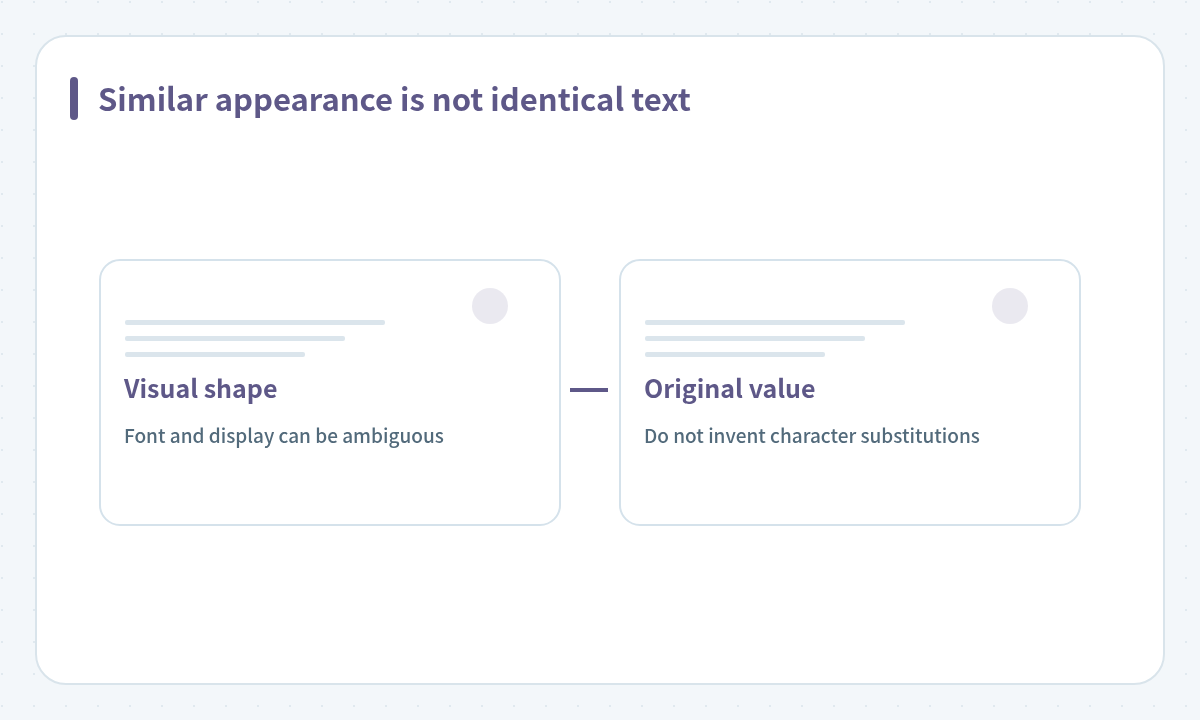
For a harmless example, a printed capital O and the digit zero may be hard to distinguish in a particular font. That observation is a reason to inspect the source more carefully, not a rule that tells you to replace one with the other. A target service may require an exact value or may impose a format of its own.
Keep interpretation separate from submission
Read the target field's stated requirements before submitting anything. If it explicitly asks for a numeric code but the message appears to contain a letter, check that this is the current message for the current request. You may be looking at a different reference or the wrong task. Do not repeatedly try imagined variants across accounts.
A supported copy control can reduce typing mistakes, but inspect the intended field and the resulting value normally. Copying text does not establish that it is authentic, current or accepted by the destination. Do not send an active code to an online character analyser, search engine or stranger in order to identify one symbol.
For non-secret data that genuinely needs technical analysis, an authorised specialist can inspect the underlying text through a trusted local process. Preserve the original and document any display-only changes separately. Applying automatic character substitutions to an entire message archive can destroy distinctions that later matter for matching records.
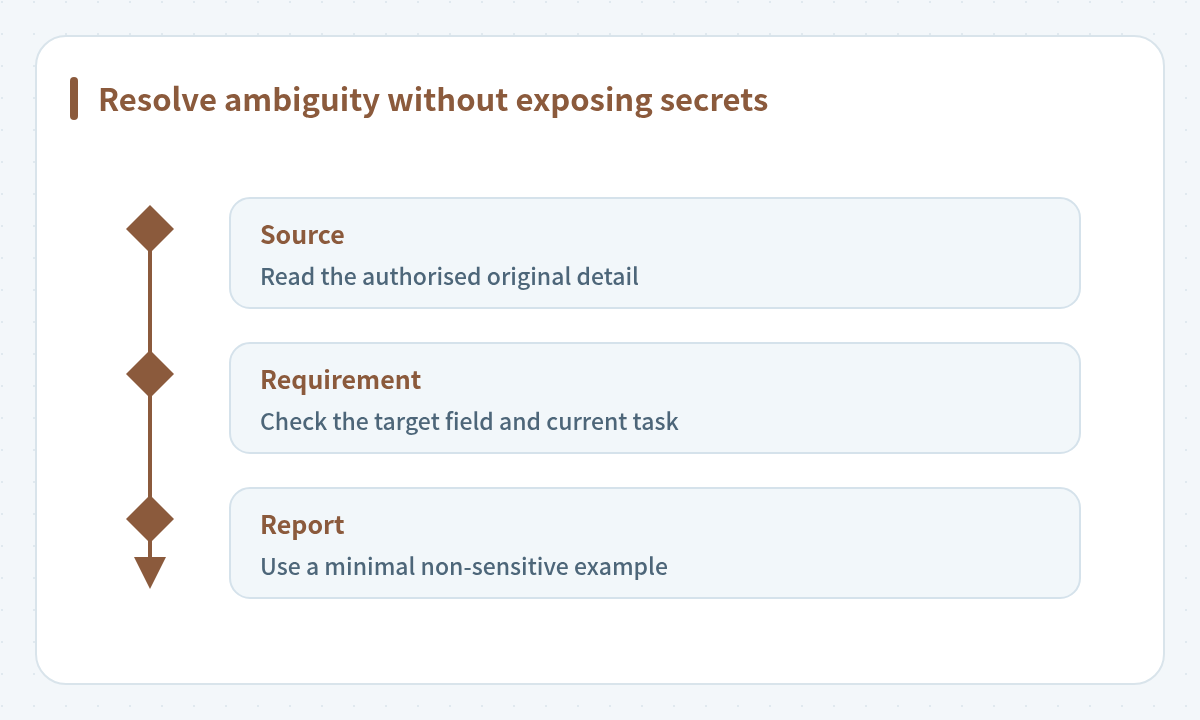
Treat ambiguity as a question, not a substitution rule
A printed O resembling zero is a harmless illustration, not permission to replace one with the other. If the current verification field and message appear inconsistent, first confirm they belong to the same account and request.
Report a font problem with an invented sample where possible. Preserve any later confirmed correction separately from the source, and do not send a live code to a public character-analysis tool.
Sender and address checks need independent context
A familiar-looking sender label is not enough to identify a legitimate business action. Open the service through a known official entry and check the relevant account activity there. A look-alike character in an address should not be resolved by trying nearby spellings until one loads.
Likewise, a warning about confusing characters is not evidence that the receiving number failed. Separate the text you observed from the result of the business operation. If the target service rejects material copied from the correct current message, preserve the exact error and follow its documented recovery or support process.
Report a display problem with the smallest useful example: which field is affected, the browser and device, and whether the ambiguity remains in the original detail view. Mask active codes and personal data. A synthetic example showing the same font issue may be sufficient; do not circulate a real verification message to make the screenshot easier to understand.