
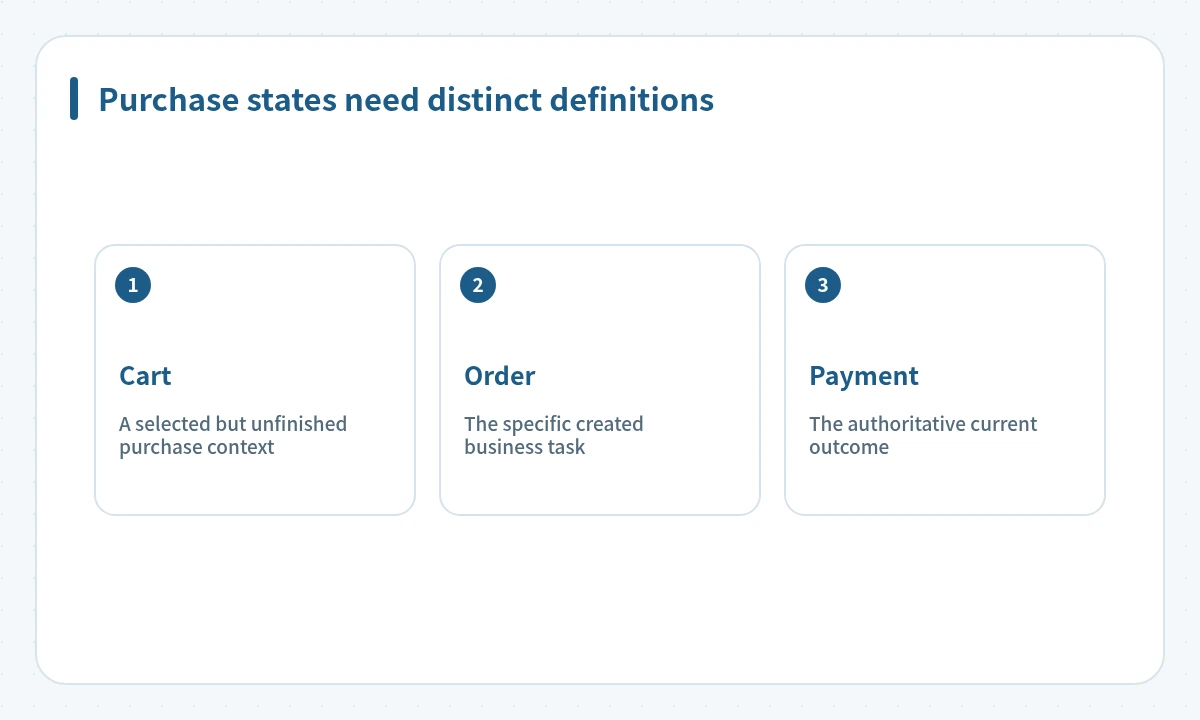
A cart, an existing order and a completed payment describe different states. Establish the current business record before choosing reminder wording or suggesting that a payment failed.
Give internal labels a business definition
Terms such as abandoned and pending can arise from different conditions. Ask the order owner what starts and ends each state. A technical label should not turn directly into a statement that the buyer made a mistake or failed a payment.
An order notice describes an existing task. A cart-recovery contact may seek to encourage a purchase. Classify them according to their actual purpose and contact arrangements, rather than presenting every reminder as an essential account message.
A person entering a phone number at one stage does not itself define every later contact permission. The responsible business needs to establish the applicable choice and use it in the sending workflow. Copywriting cannot supply missing authority by changing the message’s name.
Recheck the order before release
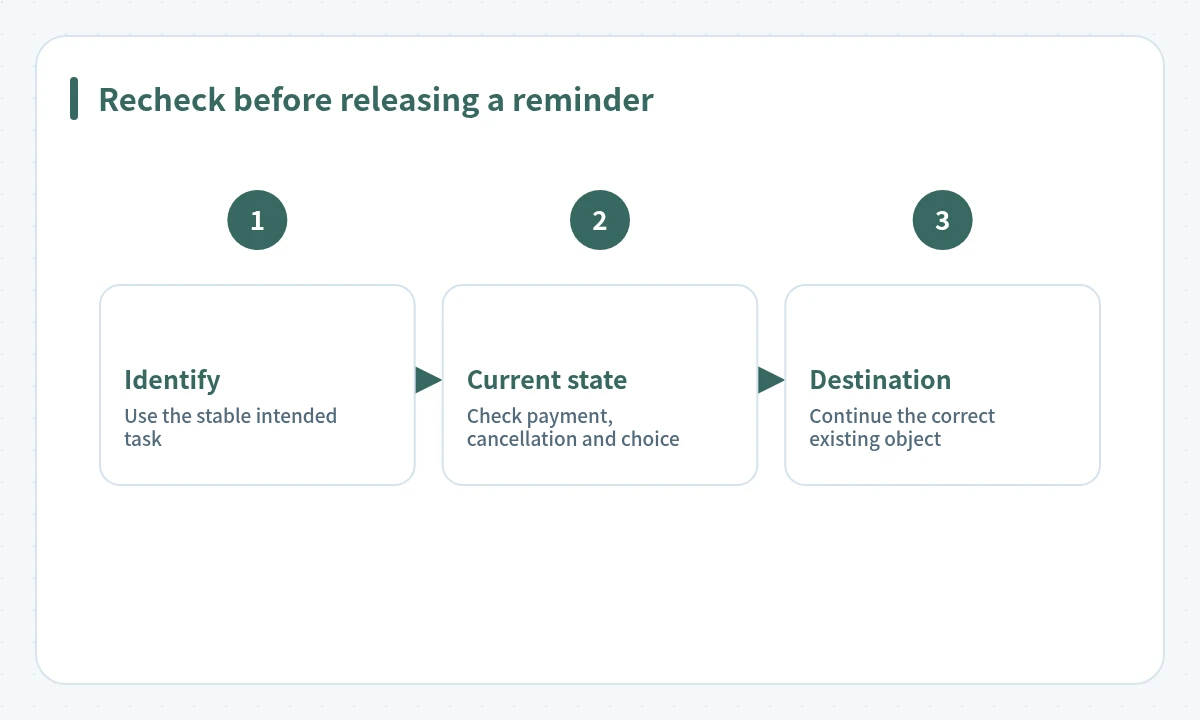
The customer may pay on another device while a reminder waits. They may also cancel or change their contact choice. Work still under the application’s control should inspect the relevant current state, rather than rely only on the original queued payload.
Use stable cart or order references. Matching an amount and approximate time is insufficient when several tasks resemble each other. A reminder should not attach one order’s status to another merely because the contact number is the same.
Where an external message cannot be recalled, keep its original event context and make the destination current. The interface can explain that payment completed instead of displaying an obsolete demand or creating another order.
Test the cross-device path explicitly
With fictional records, create an unfinished checkout on one device and finish the supported payment workflow on another. Inspect the old reminder before it is sent and again when its link is opened after completion.
Also test a cancelled order and a changed preference. Define which tasks stop and what remains visible in the account. The exercise should not charge real customers or create unwanted promotional contacts merely to obtain screenshots.
If the customer changes the cart, inspect which object the reminder references. A revised selection should not be described using an earlier total or an obsolete item list. Keep the authoritative order record responsible for current prices and purchase conditions.
Let a returning user continue the right task
An old message should identify the intended object and lead to its current state. If the task no longer exists or cannot continue, show an accurate next step rather than silently rebuilding a duplicate purchase.
Retries need the same business-state checks as initial release. A failed sending attempt can become obsolete while awaiting another attempt. Technical delivery recovery is not a reason to ignore that the customer has already acted.
Keep task identity, preference scope and final order outcome separate from provider sending status. A successful API result says little about whether the contact was still useful. Review should close when the intended audience receives an accurate, current path under the actual rules, not merely when a message counter increases. Unresolved states should remain visible to the responsible operator so a stale purchase reminder does not continue indefinitely.
