
A filename extension should not decide whether an SMS-related attachment runs inside the inbox page. An online virtual phone line may have a product-specific media feature, but extension, declared media type and actual content are separate observations. External files should not automatically inherit the account page’s trust and session context.
Establish the message-file relationship
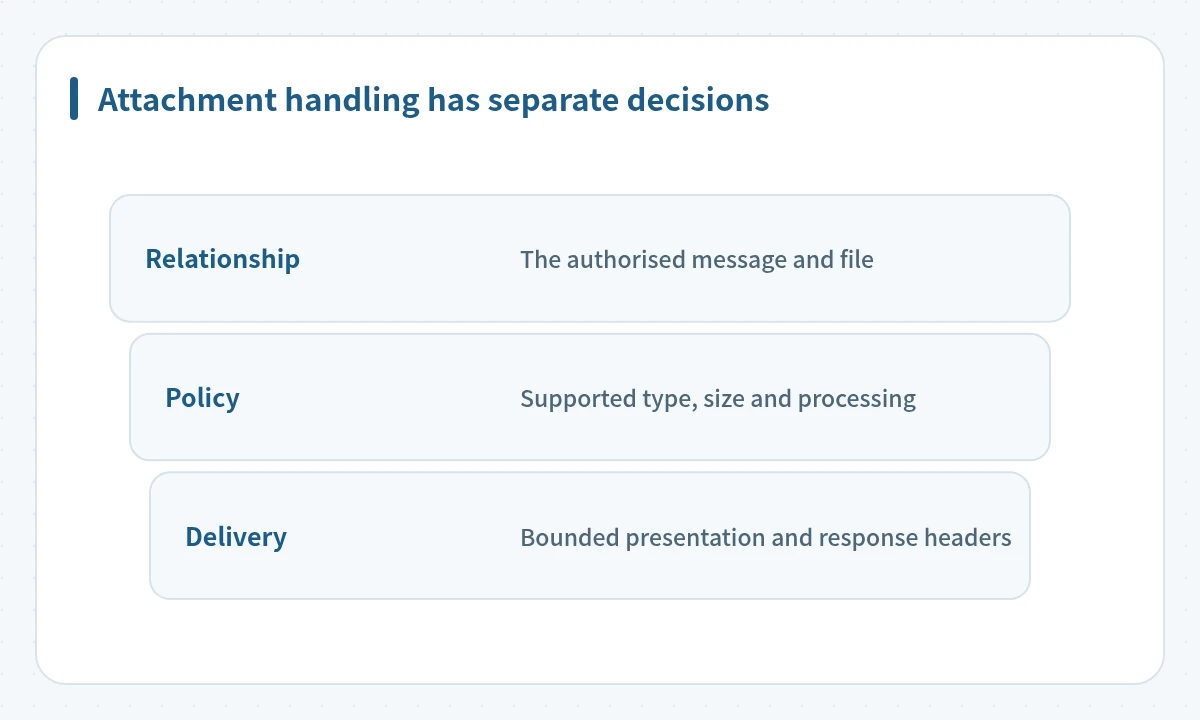
Ordinary SMS support does not imply every media capability. Read the actual product’s attachment or media rules and associate the file with an authorised message and receiving resource. A URL in a body is not, by itself, a provider-certified safe attachment.
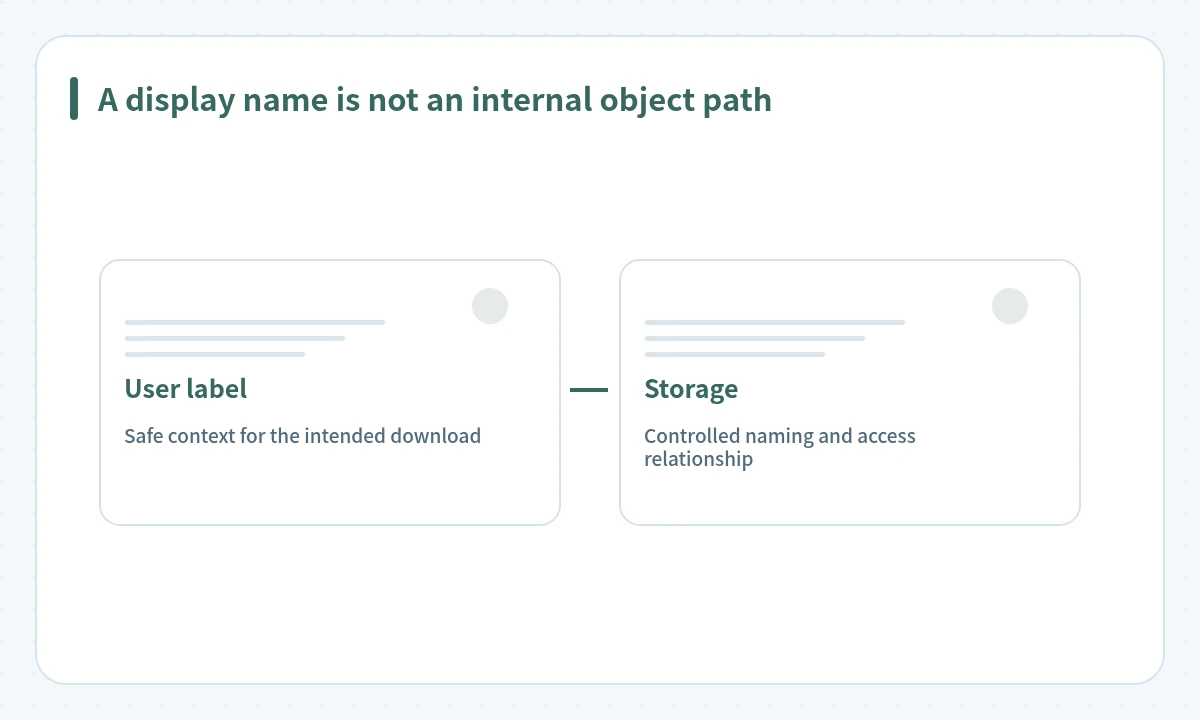
Treat the filename as external input too. Use controlled internal naming and path handling rather than letting it choose a storage location or response structure. The original display name can be preserved safely as data without becoming the internal filesystem path.
A useful record links the permitted file object to the message and access decision. Avoid an independent download path that loses those relationships and grants delivery to anyone holding a filename.
Combine the appropriate type checks
Neither a supplied Content-Type nor a suffix should carry the whole decision alone. Apply a suitable policy for supported formats, validation, size and processing. Unsupported content needs an explicit outcome instead of being opened because a browser might guess how.
Serve an accurate media type with appropriate download or presentation controls. Mechanisms such as nosniff have a defined role; they do not replace content checks or certify every format in every viewer.
OWASP’s file guidance and MDN’s header documentation describe parts of these boundaries. The application still needs to choose the actual supported feature and review how its deployed viewer handles it.
Isolate preview authority
Where online preview is necessary, assess origin isolation, sandboxing and the least capabilities needed. Do not embed arbitrary HTML or other active content directly into a page holding the inbox session. A download-only task should not acquire an automatic preview merely for appearance.
If scanning or conversion uses another service, confirm the authorised data transfer and handling arrangement. Uploading a private attachment to an unrelated public checker is not a neutral way to establish safety.
Check the displayed download name independently from the internal object identity. A confusing filename can cause the user to open the wrong local copy even when delivery permissions are correct. Preserve enough safe context to identify the intended file without disclosing unrelated account information, and keep that label from controlling the storage path.
Check final delivery with harmless files
In an isolated environment, prepare a supported ordinary file, an incorrect declaration, oversized content and an unsupported format. Inspect storage, authorisation, response headers and the actual presentation. Real customer files are unnecessary test fixtures.
When access fails, distinguish permission, expiry, path and type rejection. A failed attachment view is not automatically evidence that the underlying message never arrived. Keep each observed stage clear in the report.
Downloaded local copies also need their own access and retention handling. Closing the web page cannot be assumed to remove them. Finish with an authorised message-file relationship, a bounded processing policy and a delivery mode that does not silently give untrusted content the inbox’s authority.
References: OWASP file handling; MDN: X-Content-Type-Options.
