
Shopify verification codes in a shared working environment should not turn one person's recovery codes into the shop's common backup login. Recovery material belongs to individual users. Owners, staff and other authorised members need access arrangements appropriate to their own identities.
Identify whose access is being recovered
Shopify's official guidance says each user has a different recovery-code set and that generating replacement codes requires access to the relevant account. Confirm the email, current user and store before trying recovery material. A shared store name does not make users' credentials interchangeable.
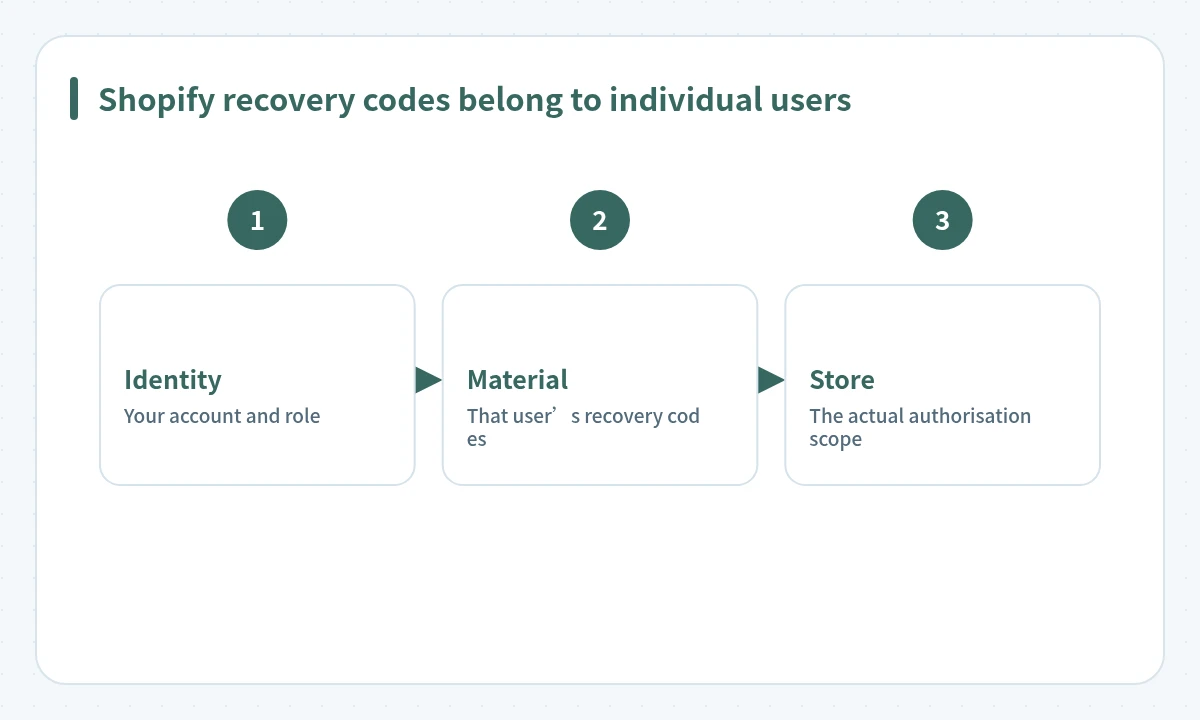
If an employee cannot sign in, describe the affected identity and error to the store or organisation owner. Shopify's login guidance distinguishes support routes by role. Do not ask a colleague to lend a recovery code or place one person's list into a document every operator can read.
Consider storage from the locked-out user's perspective
Official guidance recommends safe, confidential storage that remains accessible. Check whether you could retrieve it if Shopify access failed, rather than keeping the only copy behind the same unavailable route. A normal handover checklist can name responsibility and storage arrangements without containing the secret values.
| Check | What to establish |
|---|---|
| User | The material belongs to the current identity |
| Storage | A protected copy exists and can be retrieved |
| Status | Whether codes were consumed or regenerated |
| Support | The formal route for that user's role |
Inspect the saved result while normal access works. A download button being clicked does not identify who can later read the file or whether the intended user knows its location. Keep that operational check separate from copying credentials into shared records.
A password reset does not remove two-step authentication
Shopify's current login help states that password reset does not remove two-step authentication and can affect other login methods. Repeated resets are therefore a poor first test for an unavailable authenticator or recovery-code problem. Identify the unfinished stage and use an available enrolled method, recovery material or the official account process.
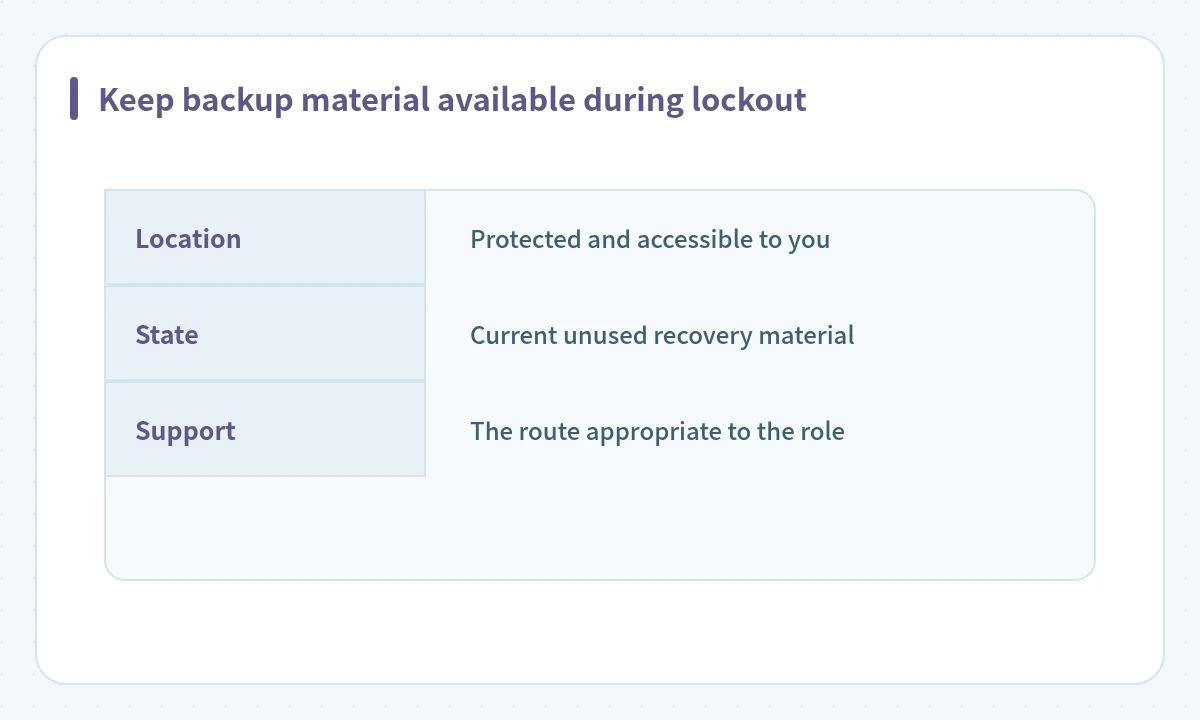
Do not assume an old tutorial guarantees that a new SMS two-step number can always be added. Follow current settings. When an old line is inaccessible, use the methods and recovery options the account actually offers instead of outsourcing code reception to a stranger.
Handle staff changes through roles as well as personal access
A departure or role change requires the store's formal user-management process. Personal recovery codes should remain protected; handing over a former employee's secrets is not a substitute for assigning the appropriate user and resource permissions.
If sign-in succeeds but a store resource remains unavailable, inspect the role and exact resource message. Restoring the personal identity and authorising a store action are different tasks. Keep them separate in the support report so that a working security method is not repeatedly reset to address an unrelated permission problem.
Provide the user role, selected method, error and approximate time while hiding passwords, recovery values and customer information. This lets the responsible person understand the access issue without collecting the credential that would complete it.
References
Shopify: Recovery codes for individual users; Shopify: Login methods and role-specific support.
