A workspace name does not define permission to every number. Establish the exact resource and required actions using the product’s actual role model.
Start with the resource you need to use
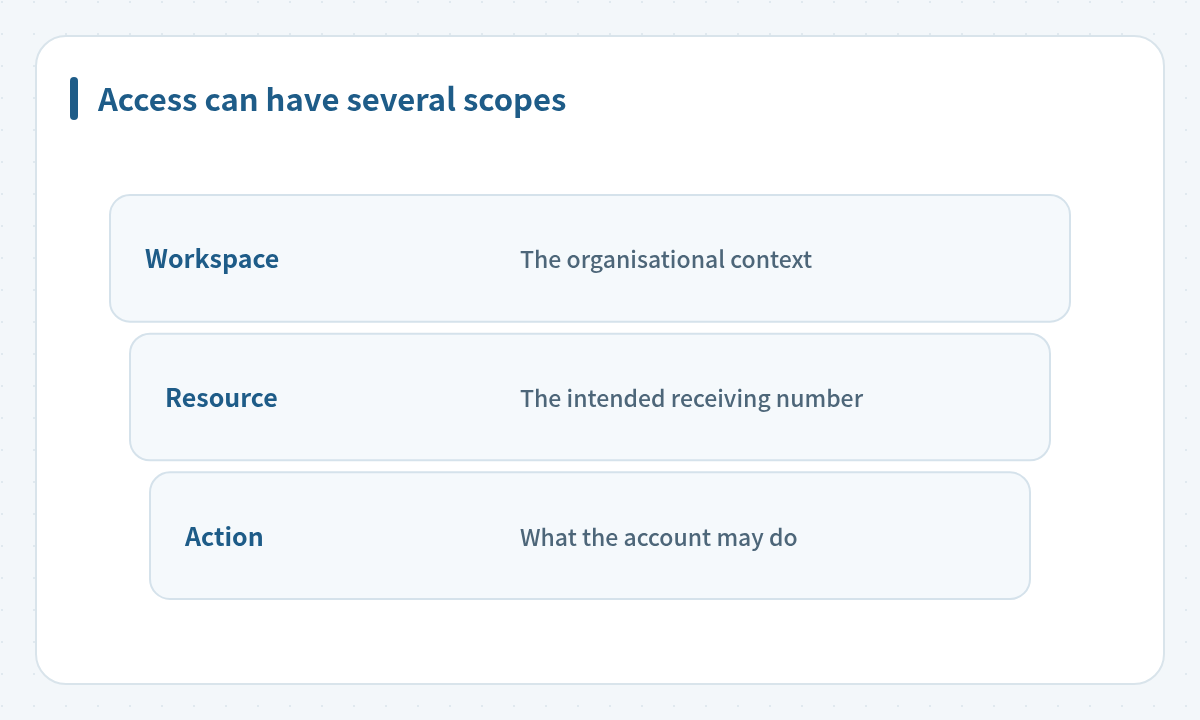
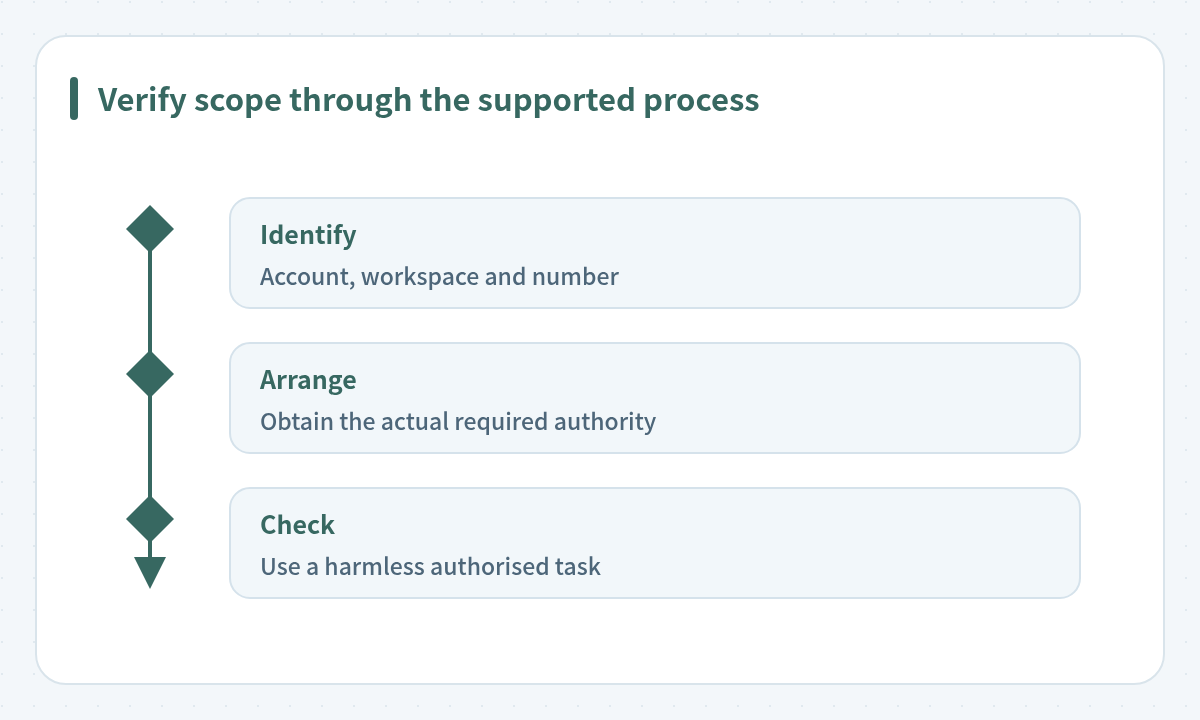
Identify the workspace, the receiving number and the business task. Then ask which account is authorised to read or manage that resource. Seeing a workspace name in a sidebar is not enough to establish access to its message contents.
Some products may use workspace-wide roles, others may support resource-level assignments, and some may use a different model entirely. This guide does not assume that a particular inbox offers any one of those designs. Use the actual permission description and current administrative view rather than importing a role definition from another service.
A list of available numbers can also represent a catalogue or restricted view rather than assigned receiving access. The interface should explain what is being displayed. If it does not, keep that ambiguity in your enquiry instead of calling every visible item a resource you control.
Ask about actions, not only titles
Can the account read messages, change resource settings, invite people or affect other members' access? These questions describe different actions. A role that permits one should not be assumed to permit the rest merely because its name sounds senior.
Equally, someone responsible for operational work may not need broad account administration. Arrange the necessary scope through the supported management process, if available. Avoid solving a missing assignment by distributing a more privileged person's credentials.
When several numbers serve different teams, keep the required scope explicit. A colleague helping with one resource does not automatically need the others. If the product does not support the desired separation, document that limitation rather than pretending an internal label provides technical isolation.
Verify through an authorised reading task
After access has been arranged, confirm the correct account and resource using a harmless, permitted sample where appropriate. The task is to verify that the intended person can perform the intended action, not to test whether they can explore unrelated records.
A missing number after sign-in can have several explanations: the wrong account, workspace, assignment or a current resource condition. Record what the service actually shows. Do not repeatedly request live codes for a resource whose access scope is still unclear.
Where a restriction appears, use the normal administration or support route to resolve it. Do not alter addresses or request parameters to try to retrieve a record outside the interface's permitted view. A business need is a reason to obtain proper access, not evidence that access already exists.
Review the whole scope when work changes
A team change may require updating resource assignments, workspace membership and other supported entry routes. Those changes have different effects. Check the documented result instead of assuming that one removed name ends every related session or invitation.
Keep the work handover separate from authority. A task can be assigned in a project tool without granting the person receiving access, and a person can have inbox access without owning every unfinished task. Record both the authorised resource scope and the operational responsibility where the work needs it.