
Rumble verification codes encountered during cloud-portal access are managed through the Rumble identity. The current cloud documentation uses the Quake AI name and describes Rumble authentication. Account protection and the organizations or projects inside the portal are different settings to inspect.
Locate the identity-level security setting
The official account FAQ places two-factor authentication at the Rumble.com account level across the related services. A cloud-portal redirect to that login should not automatically be interpreted as a demand to register a second identity. Establish which account you used previously.
A team member may maintain personal and work-related identities. Compare the email with the intended organization before continuing. Similar display names do not establish equivalent project membership, particularly in a browser that stores several account choices.
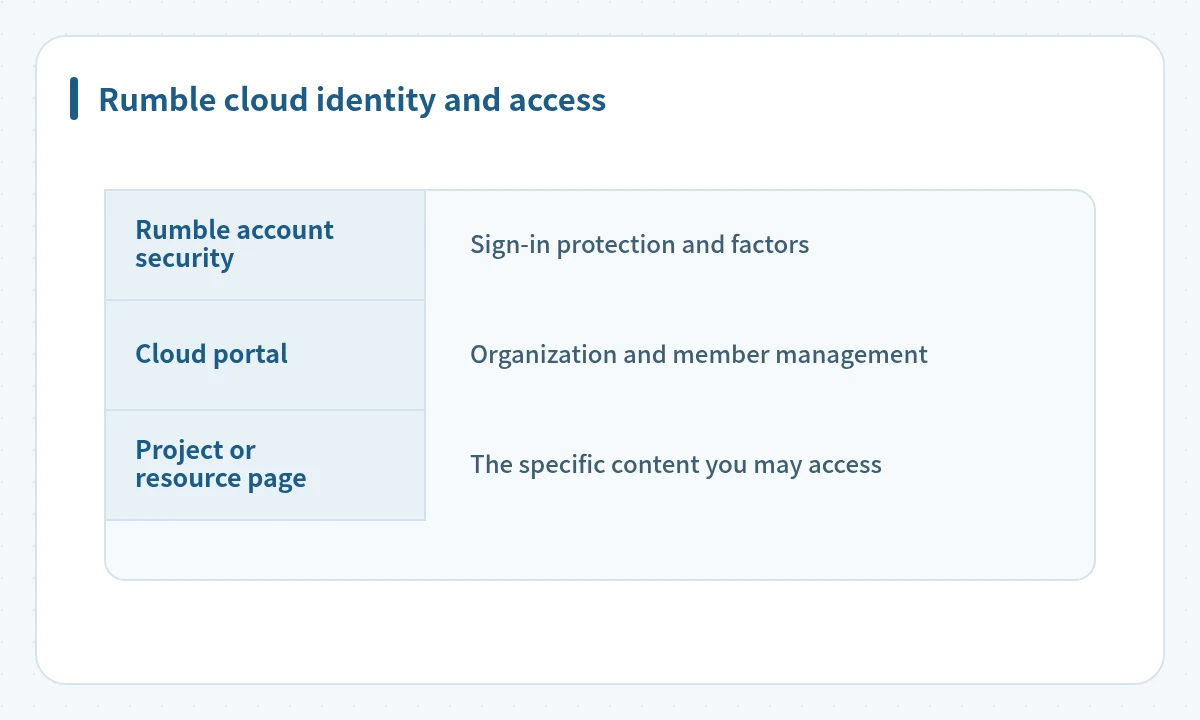
| Surface | Main concern |
|---|---|
| Rumble account security | Sign-in protection and factors |
| Cloud portal | Organization and member management |
| Project or resource page | The specific content you may access |
Initial email setup differs from a later factor choice
The current cloud account help describes email as the initial two-factor method, with SMS or an authenticator available as later alternatives. A screenshot taken after somebody changed methods does not establish that first-time setup must start with a phone field.
Follow the resource named by the active step. An email value, a text, and an authenticator entry are not interchangeable. When configuring a factor, check the account identity and protect enrollment secrets and recovery material rather than adding them to a shared project document.
If an administrator is helping with organization access, distinguish that responsibility from possession of your personal login resource. Sharing the current code is not a sensible substitute for assigning the correct account to a team. Keep the actual membership question visible.
Authentication does not create project membership
If you enter the portal but the expected organization or project is absent, inspect the identity and membership arrangement. Another text cannot substitute for an invitation or add a personal account to a work project automatically. The appropriate administrator should check the assignment.
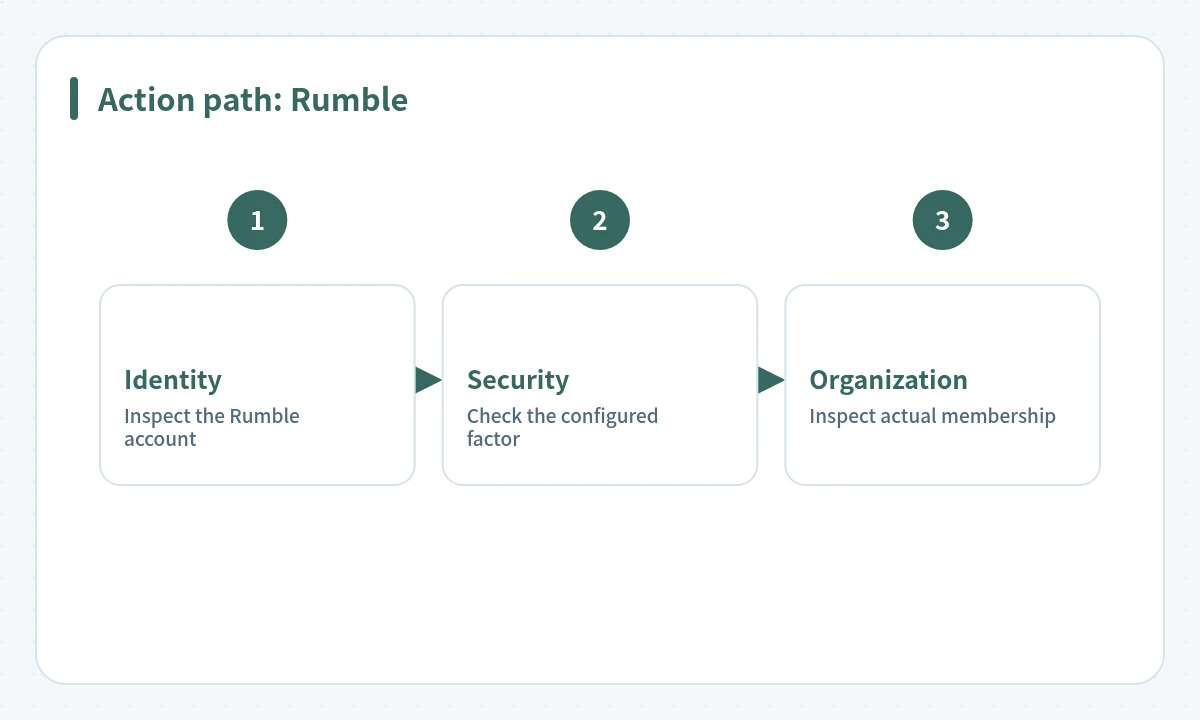
Describe the identity, redirect location, and whether the missing outcome is authentication or organization content when seeking help. Preserve a non-sensitive error while hiding codes, secrets, and internal resource details. Do not forward confirmation links to somebody claiming they can grant access in a private chat.
After setup, note the method you actually use and inspect the intended organization. Keeping identity security, membership, and project content separate avoids repeated work on a login that already succeeded. It also prevents account entry being described as permission for every cloud resource.
Before editing anything in an unexpected organization, pause and compare its name with your intended work. Access to some portal content is not proof that you entered the correct context. Resolving that identity choice is more useful than repeatedly changing an otherwise functioning factor.
For a missing project, note the intended organization name and account email in your private request. Avoid including infrastructure credentials; they do not establish membership and are not needed to explain an empty project list.
References
Current Rumble cloud documentation: Identity and two-factor authentication
