
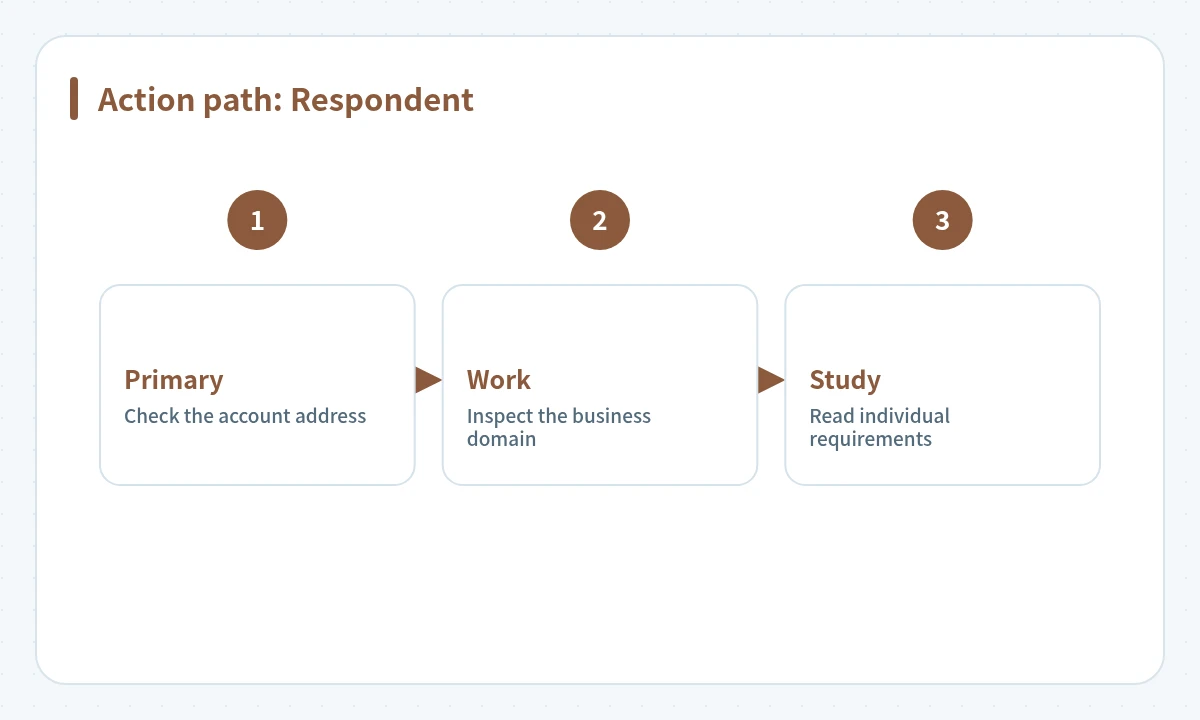
Respondent verification codes for the primary email do not automatically verify a professional email. The participant guide gives those addresses different roles. If an industry study asks for a work-address check after personal verification, inspect the requested field rather than treating it as another copy of the same login task.
Keep the two email purposes clear
Respondent describes a primary account email and an additional professional-email check for the relevant industry participation. Completing one does not establish that the other passed. Similarly, being able to open a company mailbox does not mean it is the address used for account login.
Compare the field with the address you actually intend to provide. Browser autofill can insert a different identity, especially after a job change or on a device used for several roles. Do not continue using a former employer's address when you are no longer entitled to access it.
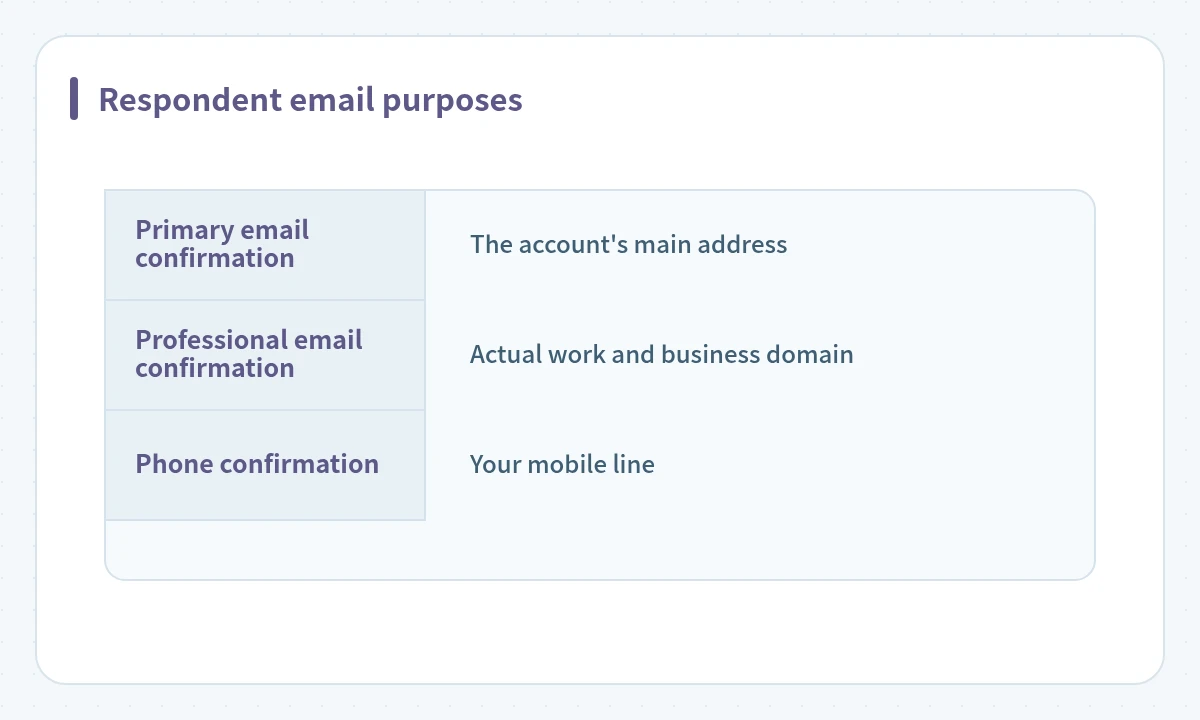
| Field or task | What it checks |
|---|---|
| Primary email confirmation | The account's main address |
| Professional email confirmation | Actual work and business domain |
| Phone confirmation | Your mobile line |
Match a small-business address to the actual requirement
The official guide requires a distinct business domain for verified professional email; an ordinary consumer-mail domain does not meet that specific check. Running a small business or describing industry experience does not automatically substitute for verification of the address itself.
Without a qualifying work address, inspect the participation routes the platform currently allows. Do not create a domain unrelated to your real work in order to imply an employment relationship. Your description should remain consistent with your actual role, rather than be rewritten to obtain a particular research category.
If the company uses a custom domain with a hosted mail service, distinguish the visible email domain from the underlying mail provider. The address presented to the platform is the thing to inspect. Avoid assuming a familiar inbox interface alone tells you whether the business-domain condition is satisfied.
Separate missing mail from an ineligible address
For a correct address relevant to the task, inspect the inbox, junk folder, and any company quarantine process. An explicit address-type rejection is different. Repeatedly pressing send cannot turn a consumer-domain address into a professional-domain address.
Respondent says these checks cannot be manually overridden. Ask support about a specific field, non-sensitive error, and receipt observations instead of requesting that somebody mark it approved. There is no need to publish a live value or the contents of internal business mail.
Once a check passes, read the individual study's application conditions. Verification and the researcher's selection remain separate processes. Do not describe work-email confirmation as a guarantee of invitations or compensation. When your work circumstances change, check that the profile and the resource you control remain accurate.
A useful private note names the task you completed and the field still outstanding. It does not need to contain the code. That simple separation makes it easier to report a later problem without confusing a successful primary-email check with an unfinished professional one.
References
Respondent: Phone, primary-email, and professional-email verification
