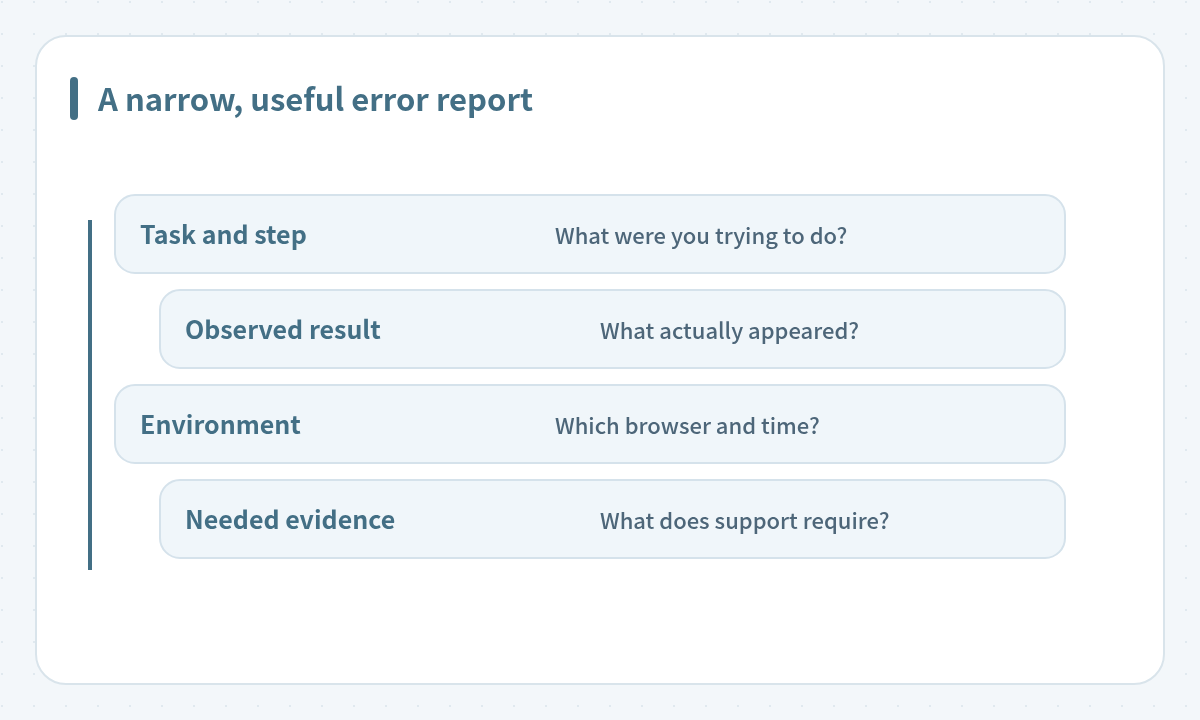
Begin with the failing step, visible error and last confirmed result. Technical evidence should be collected for a specific purpose, with a suitable recipient and a narrow reproduction.
Start with observations that need no private content
Name the browser and version, the page or feature, and the action immediately before the problem. Distinguish a list that does not finish loading from a specific message missing after a successful search. Record an approximate time and timezone so the service can compare its own logs.
Use a masked resource or order reference where appropriate. A report saying that the detail view fails for a known record can be useful without disclosing its full body. Do not attach passwords, live verification codes or messages unrelated to the failure simply to make the report look complete.
Ask support what additional evidence is needed and how it should be transferred. A named, trusted support route is different from a public paste service or an unfamiliar file-upload link. Keep a copy of the request so you know why a particular file was collected.
A network log may contain more than the visible page
Browser developer tools can record requests and responses involved in loading a page. A HAR file is one export format for this information. It can be useful for a technical investigation, but the interface looking harmless does not establish that its captured traffic contains no private data.
Chrome's official Network reference describes a sanitized HAR export that excludes sensitive headers such as Cookie, Set-Cookie and Authorization. That documented removal is not a promise that every URL, request field, response body or identifier in an inbox session is safe to share. Treat the exported file as potentially sensitive until its actual contents and purpose have been checked.
Do not choose an export explicitly including sensitive data just because a generic tutorial says it captures more detail. A request for a log should have a specific diagnostic purpose, a suitable collection method and an approved recipient. If you cannot review the material safely, ask for a lower-exposure reproduction or help from the responsible technical person.
Reproduce narrowly where possible
A permitted test account with invented, non-sensitive messages is often a better environment for reproducing a display problem. It should be separate from real account verification and customer work. A successful test reproduction can show the same failing control without collecting unrelated live sessions.
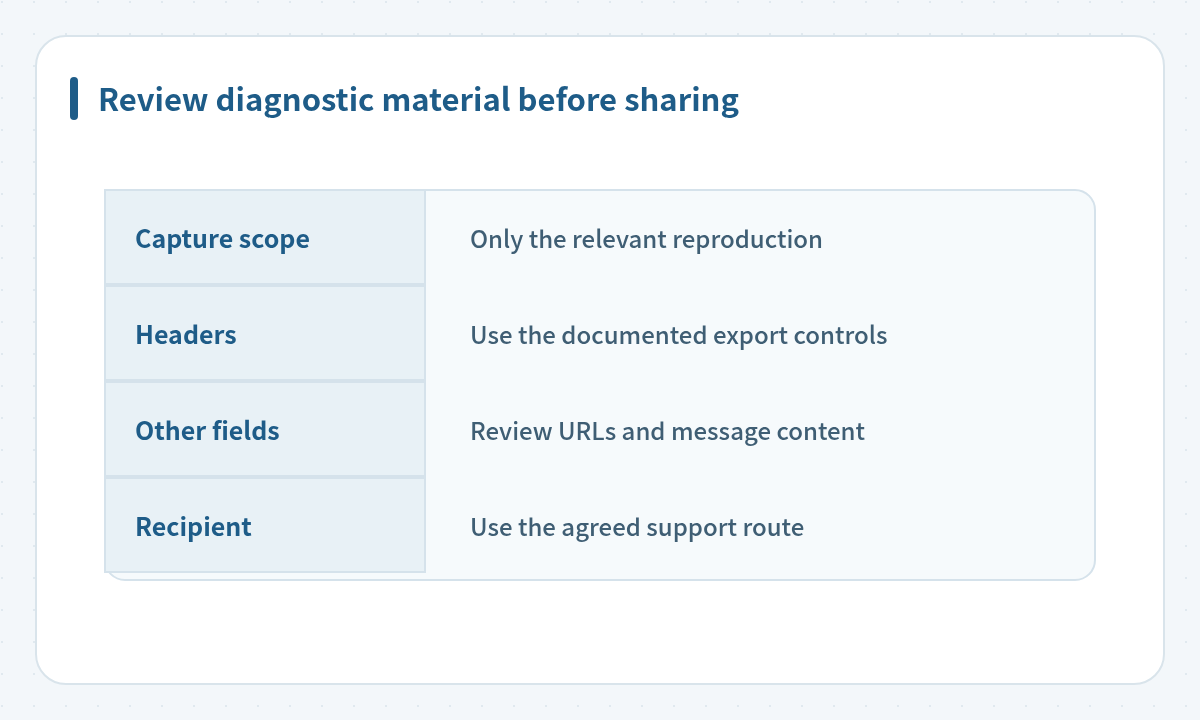
Limit the capture to the relevant page and steps using the tool's documented controls. Do not assume a filter visible in the table necessarily describes every field retained in an exported file; understand the particular export action. Close unrelated tabs and avoid performing other account work during the reproduction.
A log that does not reproduce the problem should be described that way. Do not mix captured traffic from different accounts or times to create an apparently complete sequence. An incomplete but accurately labelled observation is more useful than a file that silently combines unrelated events.
Review what the file could disclose
A network export can include URLs, request fields and responses beyond the visible page. Even a documented sanitized export should not be treated as a guarantee that all inbox content and identifiers have been removed.
Prefer an authorised test account with harmless data when it reproduces the issue. Before transfer, confirm the exact file and agreed purpose; if you cannot review it safely, ask the responsible technical person for a lower-exposure method.
Review the handover, not just the export button
Before sending evidence, confirm the intended recipient, the exact file and the necessary access scope. Use the agreed transfer method and keep the file out of broadly shared folders. Anyone reviewing it should understand that it is diagnostic material rather than an ordinary attachment to forward freely.
For the capture and export distinctions, consult the Chrome DevTools Network reference. The provider should still explain the evidence it needs for this particular incident; a documentation link is not a request to disclose every recorded field.