Restored tabs show what the browser recovered, not whether an interrupted business action completed. Re-establish the account, current task and receiving access before generating another request.
Establish what actually stopped
A closed browser is a failure of the viewing environment. It does not, by itself, explain whether the sender submitted a message, whether the receiving service recorded it, or whether an account action was completed. Keep those questions open until the relevant systems provide evidence.
Start with the provider's known entry point. Sign in normally, confirm the account, and verify whether the number remains available under the actual order or access conditions. A previously visible tab may now be a stale view, a sign-in page or a record you no longer have permission to use. Do not keep entering values into a restored form without checking its identity.
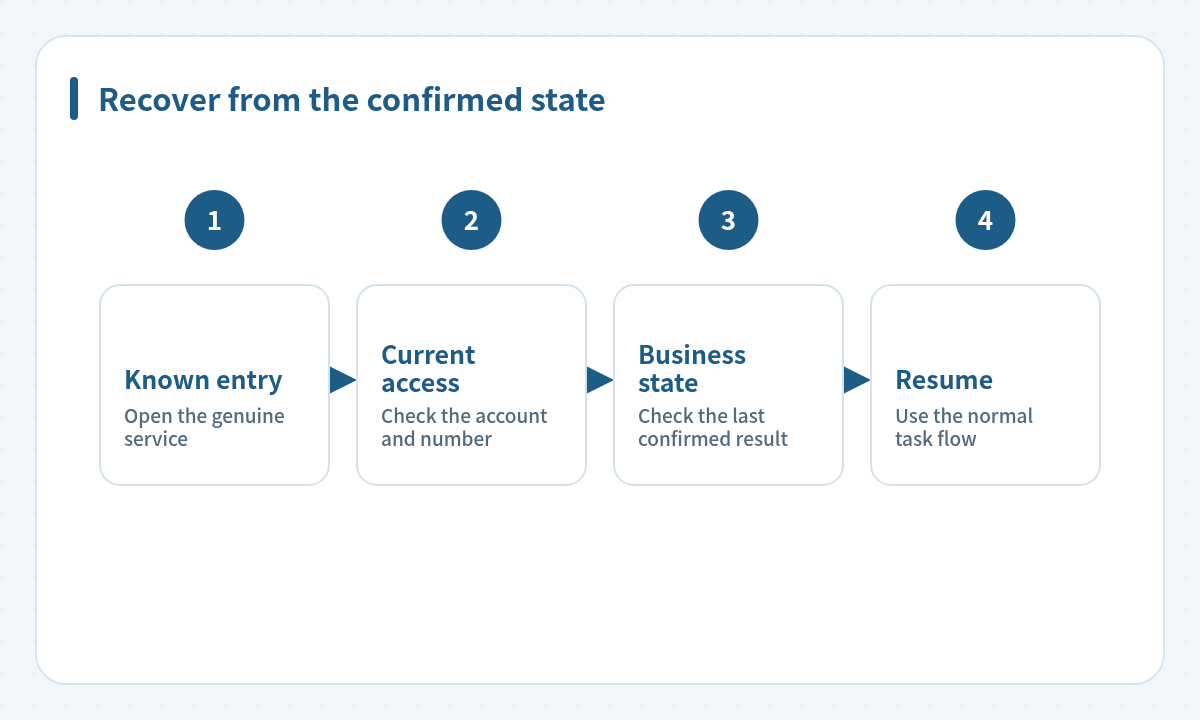
Recover the business state before the browser state
If the interrupted task involved a booking, account change or other transaction, check that service's current state. A page that disappeared before you saw a confirmation may still have submitted the action. Conversely, a browser restoring a confirmation-looking screen does not establish that the action was accepted.
Look for a current record through the normal account interface. Match the relevant reference and recipient number where available. Avoid opening every old history entry and repeatedly using Back, Refresh or Submit to see what happens; those controls may revisit different stages rather than reconstruct a reliable timeline.
For a verification task, find out whether the original request is still active. If its status is unclear or it has expired, use the target service's normal restart or resend process and respect its prompts. Do not try each old message until one works. A temporary number's availability and a verification request's lifetime are independent conditions.
Use a small recovery note
Once normal access is restored, record enough non-sensitive context to resume: which business task was in progress, which number was selected, the approximate time and the last confirmed result. Distinguish “clicked submit” from “received confirmation.” The first is an observation about your action; the second describes a response you actually saw.
Do not place live codes, passwords or session-bearing links into a shared recovery note. A task reference and a stable service entry point are usually better starting points than a copied browser session URL. If the service offers a documented stable record link, use it only within the appropriate access rules.
Treat recovered history as a clue
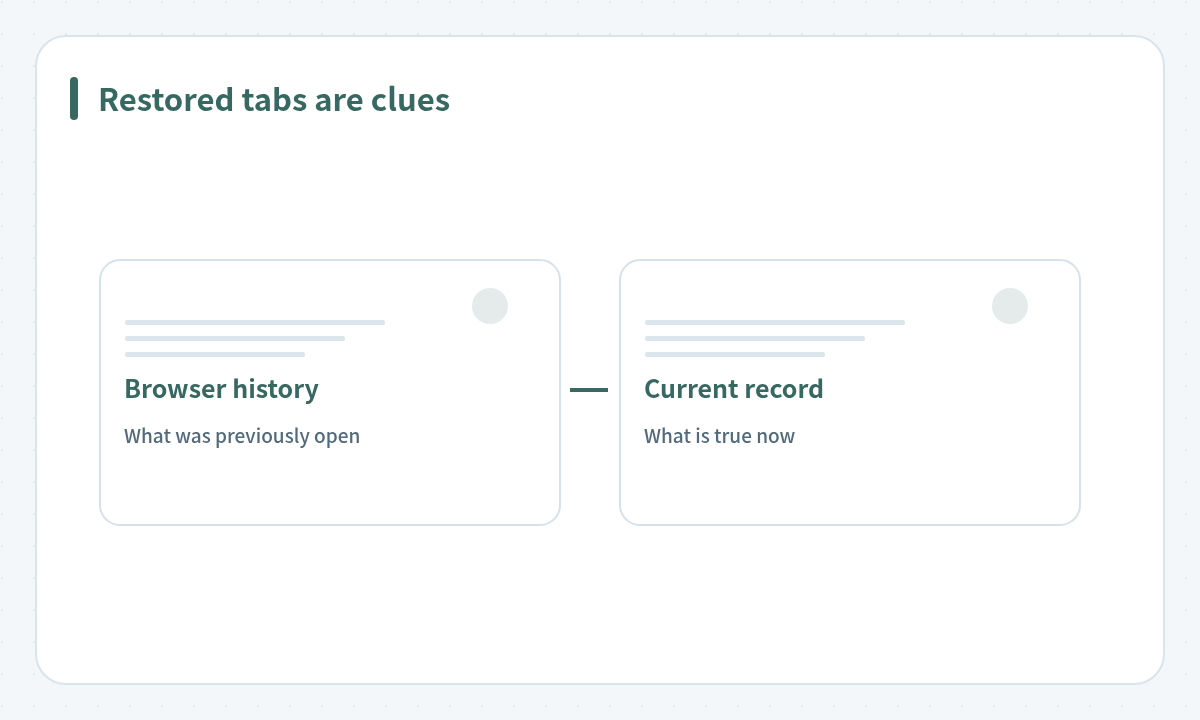
A browser history entry can help locate the known service, but it may refer to an intermediate step with temporary parameters. Where the service offers a stable home or account page, that is a clearer starting point than repeatedly following an interrupted authentication URL.
Similarly, a recovered screenshot can show what you saw before the crash without establishing the state now. Keep it as a dated observation if it is needed, and avoid using a displayed countdown as though time stopped while the browser was closed.
If a colleague continued the task during the interruption, ask for the latest confirmed state before resuming. Two people restoring their own understanding independently can otherwise repeat an action that one of them has already completed. A brief handover of the task reference and outcome is enough; it need not include the messages or credentials themselves.
Find the last confirmed result
Separate “clicked submit,” “saw confirmation” and “found the current record.” If a booking exists in the authorised business account, do not submit another merely because the browser crashed before showing a response.
Record the task reference and any uncertainty. A restored countdown does not pause expiry, and a browser repair cannot extend a number allocation that ended during the interruption.
A repeated crash needs its own investigation
If the browser repeatedly fails on the same page, note the browser version, device, page and action that precede it. Try a harmless, non-sensitive record where possible. That is more useful than repeatedly initiating time-limited verification requests as a browser test.
An alternative supported browser or a clean profile may help distinguish an environment problem, but do not move account access to a borrowed or untrusted device simply to finish quickly. Re-enter credentials only at a confirmed destination. Restoring an extension-heavy profile can restore the conditions that caused the problem as well as the tabs.