JSON describes structure; the provider describes meaning. For a supported export, preserve the original and check field definitions before interpreting references, timestamps or missing values.
Confirm the export actually exists and matches the task
Use the product's supported export method, if one is available. Do not assume that every inbox has an API or that a file copied from a browser diagnostic panel is a complete message export. A response from one page request may contain only a portion of the information needed for the work.
Retain an unchanged source copy in an appropriate location. Do interpretation or conversion on a working copy, and keep the source and capture time clear. Uploading private message data to an unfamiliar online formatter is not necessary merely because the structure is difficult to read.
If the downloaded material is a sign-in page or an error response instead of the expected export, return to the normal access process. Renaming the file does not turn it into a valid record set.
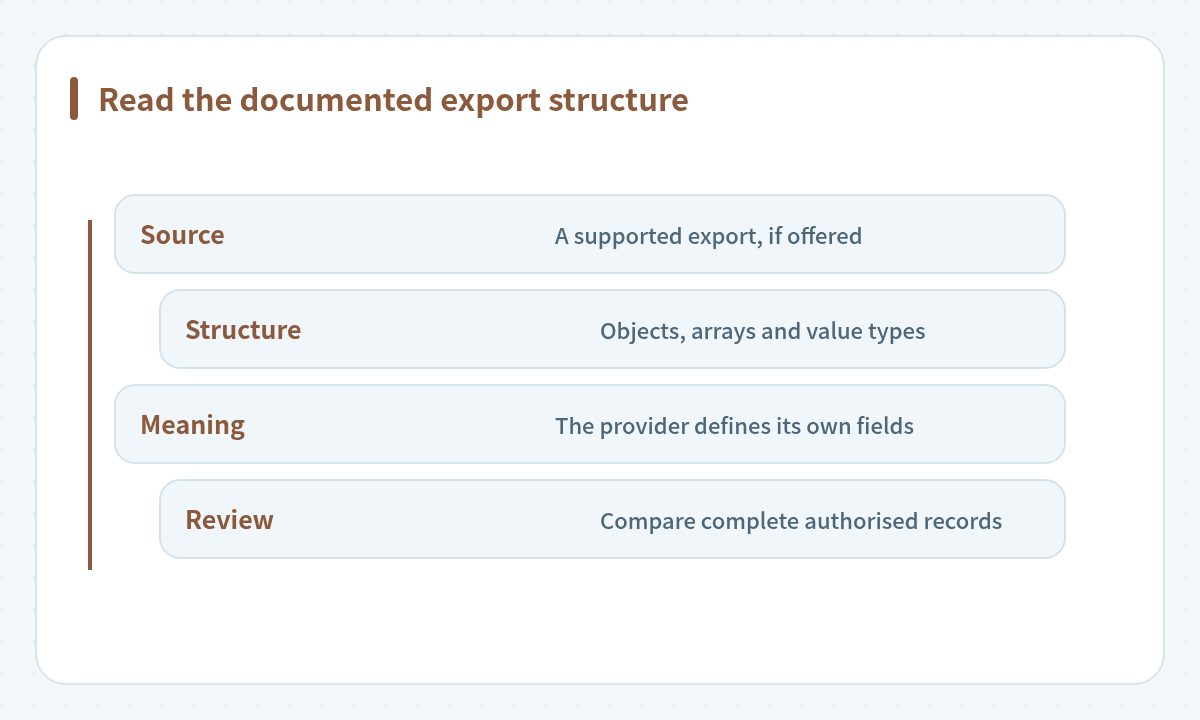
Read structure before guessing field meanings
JSON can represent objects, arrays, text strings, numbers, booleans and null values. A provider's documentation should explain how those building blocks are used in its export. Do not invent a schema based on names that merely look familiar.
An array can hold a collection of message records, but its order should be interpreted using the actual export description. Do not assume the first record is the newest or sort property names as though they encode a message timeline. Use documented time fields for a chronological question.
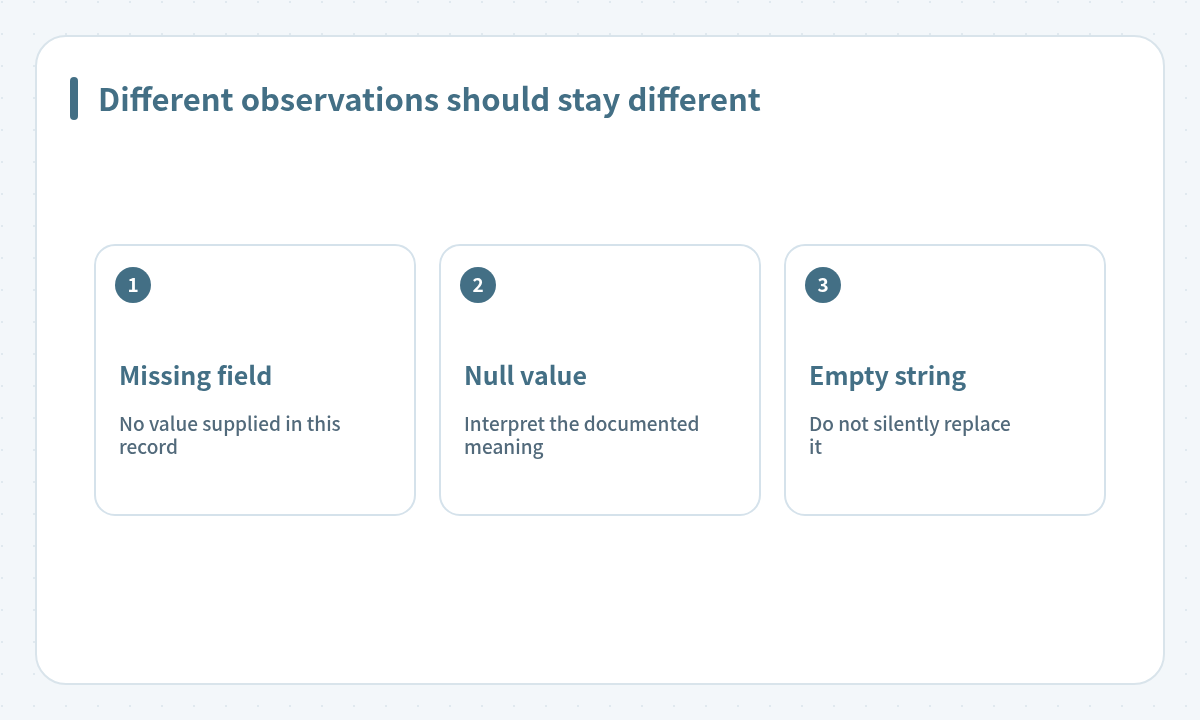
A value missing from a record, a field explicitly set to null and an empty string are different observations. None should be automatically rewritten as “not received,” “deleted” or zero without a documented meaning. Preserve the distinction when preparing a work note or converting to another format.
Keep identifiers as identifiers
A recipient number or reference represented as a string should remain associated with its exact characters. A tool making it look numeric does not mean you should convert it for arithmetic. The same care applies to long reference values and information with leading characters that matter.
Timestamp formats need their own explanation. A readable date string and a numeric time value can follow different documented conventions. Do not guess the unit or timezone from the number of digits and then replace the original. If a normalised time is necessary, keep it in a separate, clearly described field.
Text may include escaped characters that a proper data reader displays correctly. Replacing backslashes or quotation marks by hand can damage the structure or change the message. Treat the file as data through an appropriate parser or supported tool, rather than trying to make it look like an ordinary paragraph with repeated find-and-replace operations.
A valid file can still be interpreted incorrectly
Compare a few complete authorised records with the source view, including multiline text and unusual identifiers. Keep a missing field, null and an empty string distinct unless the documented schema explains their relationship.
Do not guess time units from digit length or repair escapes by repeated text replacement. If the field meaning is unknown, ask about the field and export version using the minimum necessary example.
Check a small set of complete records
Compare authorised examples against the original inbox: recipient context, body, timestamp meaning and relevant reference. Include records whose content has line breaks or other characters important to the task. A file being syntactically valid does not prove its fields were interpreted correctly.
If a field's meaning remains unknown, label it as unknown and ask the provider. A clear question naming the field and the export version can be more useful than sending an entire private file. Share only the minimum necessary example through the agreed channel.
The JSON format itself is specified in RFC 8259; the provider must still document the meaning of its own fields.