
A private inbox needs fresh data and separation between accounts. Review authenticated HTML and API cache behaviour so an earlier account’s response or a stale view is not presented as the current inbox.
Choose the policy for the response, not the whole domain
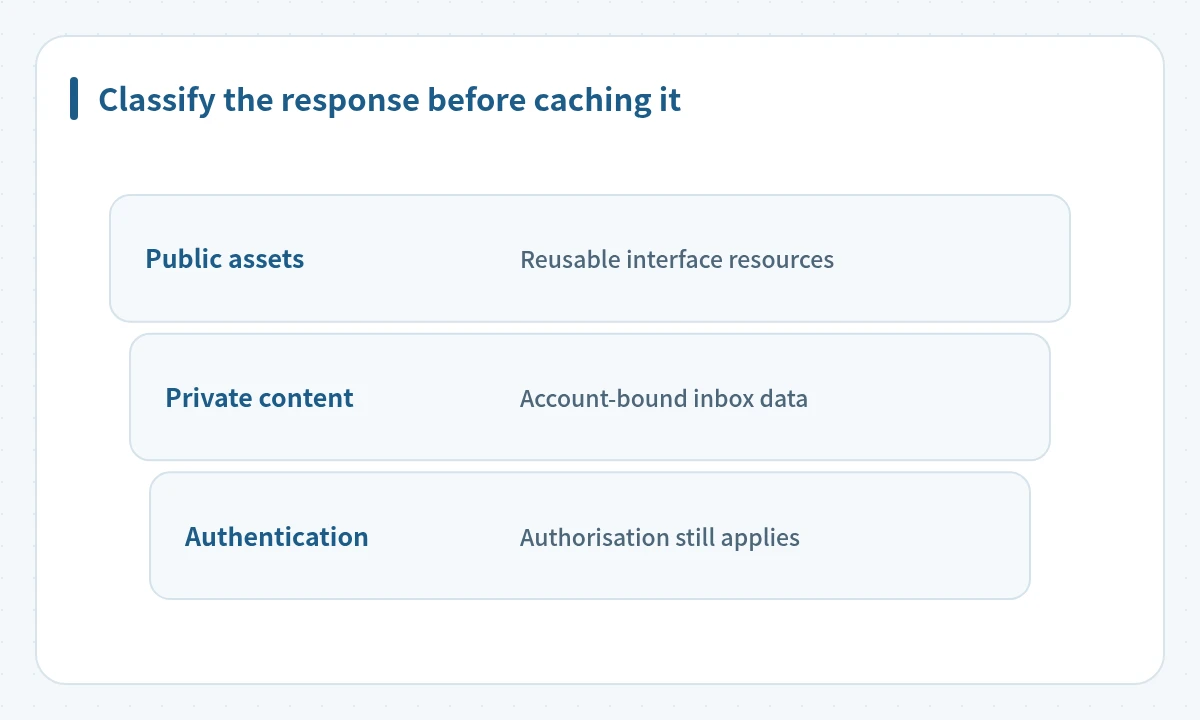
Public images and versioned interface assets can often use a different policy from personalised message content. Classify those resources before changing cache settings. Giving every response the same long lifetime can put private content into a cache intended for reusable public files.
RFC 9111 distinguishes cache directives. In brief, no-store tells a cache not to store the response; no-cache permits storage but requires validation before reuse; private restricts storage by shared caches. Read the complete rules for the chosen design. These names are not interchangeable, and none replaces account authorisation.
Check the route through shared infrastructure
A reverse proxy or CDN may apply its own rules in addition to the application’s headers. Review authenticated pages, message endpoints, error responses and redirects. Do not assume a session cookie automatically makes every shared-cache configuration safe.
If an application deliberately caches personalised responses, its partitioning and authorisation checks must keep the intended account and resource boundary intact. Such a design needs explicit evidence; a cache key based only on the URL can be insufficient when several accounts request that same URL.
| Response type | Review question |
|---|---|
| Private inbox HTML | Can another account or signed-out request reuse it? |
| Message API result | Are freshness and account boundaries preserved? |
| Public static asset | Is its content independent of personal sessions? |
| Authentication error | Could it be cached and replayed incorrectly? |
Test with separate authorised accounts
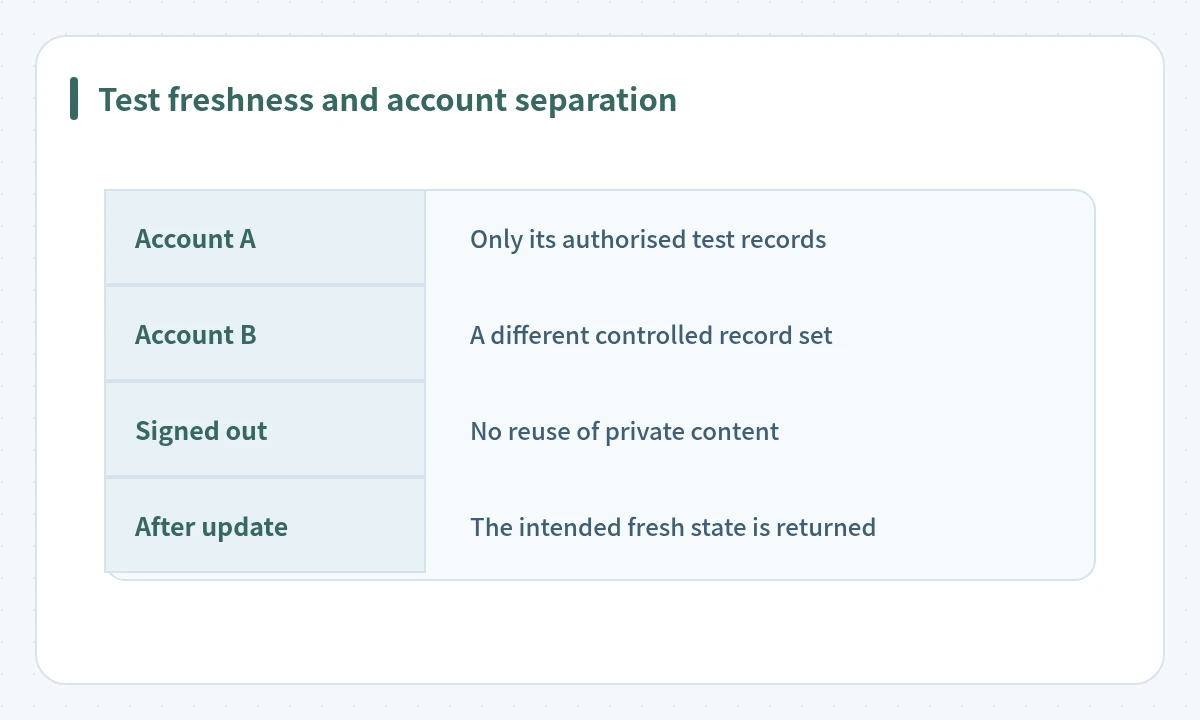
Use two controlled accounts with different harmless records. Visit the same path under each, then test the signed-out state. Compare the actual response body and cache headers through the deployed proxy, not only the application’s local development server. Do not use real customer inboxes for this exercise.
Also test a normal data update. The browser should obtain the new state according to the intended freshness policy, rather than showing old content indefinitely. A validation response such as 304 must refer to the correct authorised representation; it is not a general declaration that every account’s inbox is unchanged.
Changing a header does not necessarily remove content stored under an earlier policy. Review existing cache entries and supported invalidation procedures as part of a deployment. Browser history, service workers and application storage can introduce additional behaviour, so identify which layer is serving the observed result before changing unrelated settings.
For users reporting a stale inbox, record the account context, resource, query time and visible state without sharing credentials. For maintainers, retain controlled response evidence that demonstrates account separation and freshness after the change. Those are the outcomes to establish, rather than simply obtaining a favourable cache-hit rate.
Technical reference: RFC 9111: HTTP caching.
