
Pinterest verification codes in a business do not establish that every member has finished their own security setup. When the business requires two-factor authentication, the administrator's successful verification and each employee's readiness are separate facts.
Separate the business rule from personal enrolment
Pinterest's business help explains that a business can require two-factor authentication for everyone or for managers. Members need to enable the required protection on their own accounts. If an employee cannot access an asset, check the affected identity and its status rather than repeating the owner's successful code request.
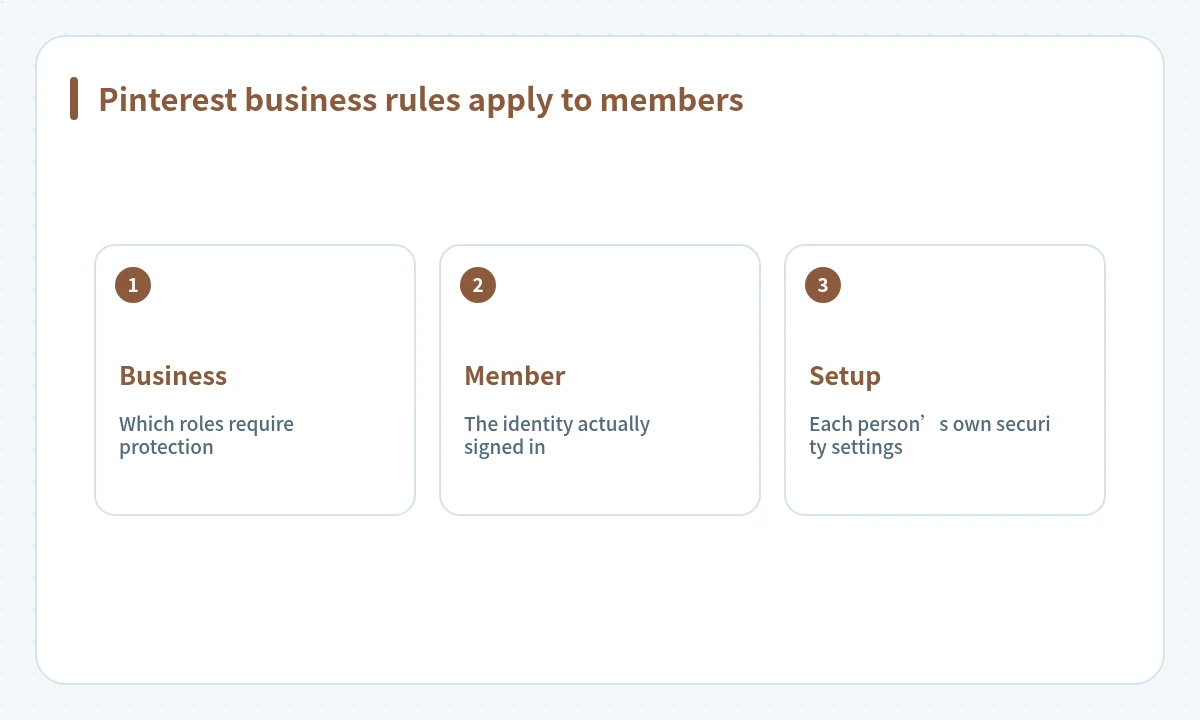
Use the official business interface to inspect who is subject to the requirement. Confirm that the employee is signing in with the invited identity. Similar display names, an old invitation address or another personal account can make a security issue appear to be a delivery failure when the wrong identity is actually open.
Each member should complete their own number check
Pinterest's personal two-factor guidance describes SMS setup and notes that availability is not universal across regions. It also places limits on linking a number to accounts. Do not treat a manager's number as an unrestricted shared destination for the whole business, or distribute one text among several employees as their security arrangement.
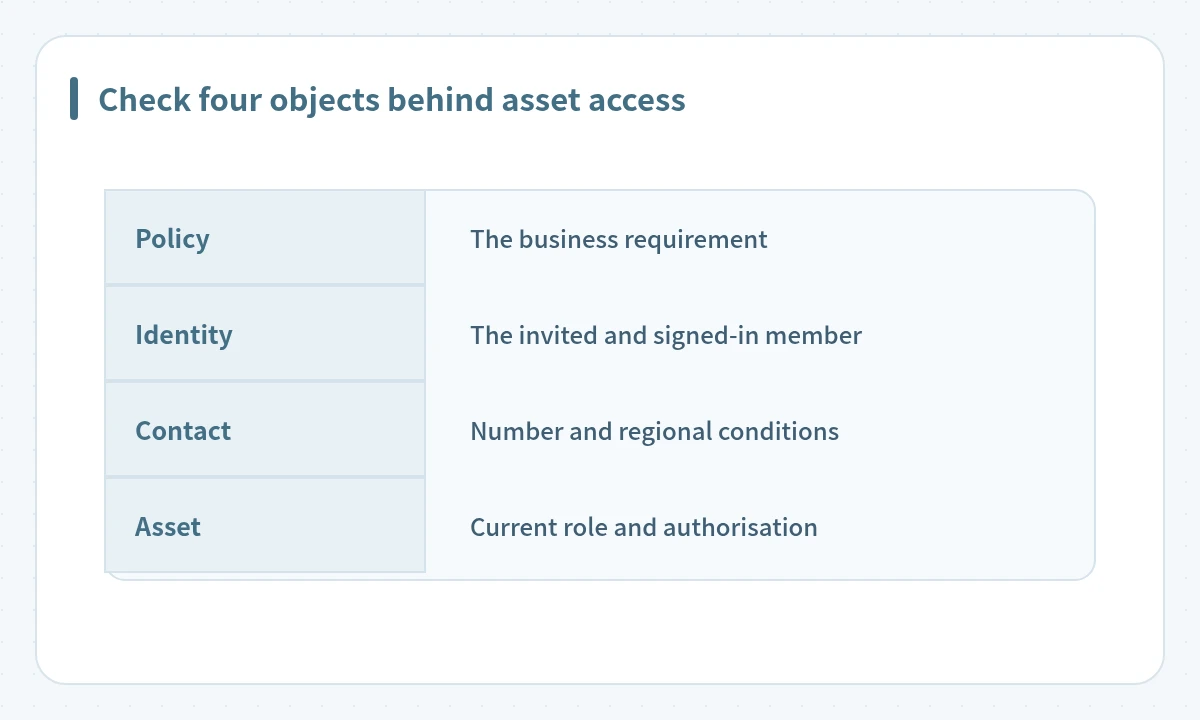
| Layer | Question to answer |
|---|---|
| Business policy | Which members must enable protection? |
| Member identity | Is the invited account actually signed in? |
| Personal setup | Has that member completed enrolment? |
| Asset access | Is the role and authorisation still appropriate? |
This order keeps a business-wide requirement from becoming a reason to centralise employees' login secrets. An administrator can review status and help explain the rule without collecting passwords, live text codes or backup values.
Treat a reminder as a task to inspect independently
A security email should lead the member to check their official settings, not reply with a credential. Open Pinterest independently and inspect the requirement there. If a colleague says an email arrived but access is still blocked, identify whether it was a reminder, an address-confirmation message or the current login challenge.
Completing contact confirmation does not by itself establish that two-factor setup is finished. Record the stage that succeeded and the next message shown, with private material hidden. That gives support a clear sequence instead of the ambiguous statement that verification has been done.
Manage departures and number changes by identity
A member replacing a phone or retiring a number should update their own security arrangement while normal access remains available. The business should separately review roles and assets. Taking over an employee's personal verification messages is not a substitute for managing business authorisation.
For a departure, use the appropriate business controls to change access. Removing old code messages from a team chat does not establish that the former member's resource access ended. Similarly, successful personal sign-in does not prove that every required business role remains assigned.
A useful support report retains the member identity, relevant status and exact error while excluding security secrets and customer material. Separating the business policy, member enrolment and asset role makes the immediate failure easier to locate and later staffing changes easier to handle responsibly.
References
Pinterest: Two-factor authentication for business; Pinterest: Personal two-factor authentication.
