
Oracle verification codes in an IAM identity domain need to be distinguished from mobile push approval. Oracle's official documentation explains that an enrolled authenticator can generate a passcode offline, while a push request uses a different interaction. Seeing digits on an offline phone does not establish that the device can receive the current sign-in notification. Read which action the page requires.
Identify entry or approval on the current prompt
This article concerns mobile-authenticator methods in OCI IAM identity domains rather than every Oracle product's login policy. If the page requests a passcode, inspect the entry enrolled for that identity. If it requests approval, inspect the relevant application's current request and connectivity instead of assuming any displayed digits complete the task.
For example, a phone without network access may continue displaying a locally generated value. That indicates a local entry is producing numbers, not that a server notification arrived. Distinguish those observations before reporting the app as broken or requesting another message from an unrelated channel.
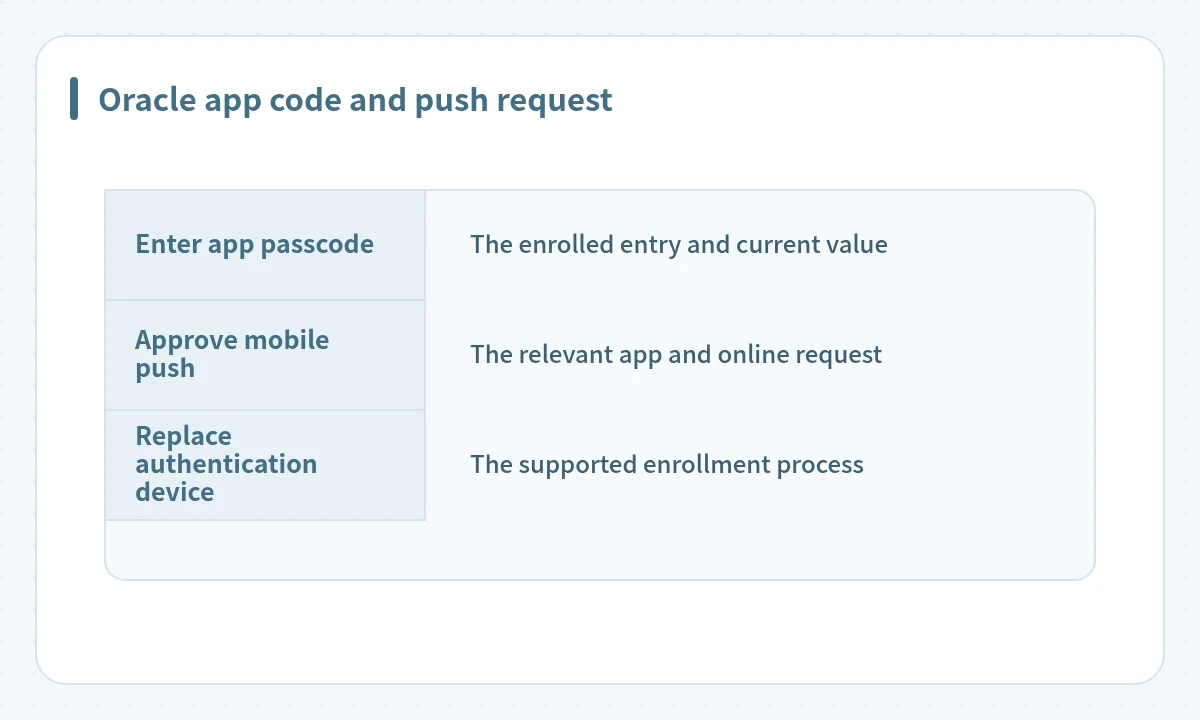
Use the requested action to select a check
| Requested action | Resource to inspect |
|---|---|
| Enter app passcode | The enrolled entry and current value |
| Approve mobile push | The relevant app and online request |
| Replace authentication device | The supported enrollment process |
Oracle also distinguishes supported third-party TOTP apps from Oracle Mobile Authenticator's push role. An app that generates a suitable passcode does not necessarily provide the same push function. Do not infer a faulty installation merely because those capabilities differ.
Use only alternatives actually available to the identity
Whether the account can switch methods depends on its configuration and current options. Follow an enrolled, supported alternative where it is offered. A method that has never been established does not become a recovery route automatically after all existing resources are lost. Ask the relevant administrator about the supported arrangement.
For an absent push, inspect the selected identity, application and network conditions, then describe the actual challenge. Do not approve an unfamiliar request just to remove a notification. Avoid deleting the only authenticator entry as an experiment; a fresh installation does not establish that the old identity relationship will be recreated.
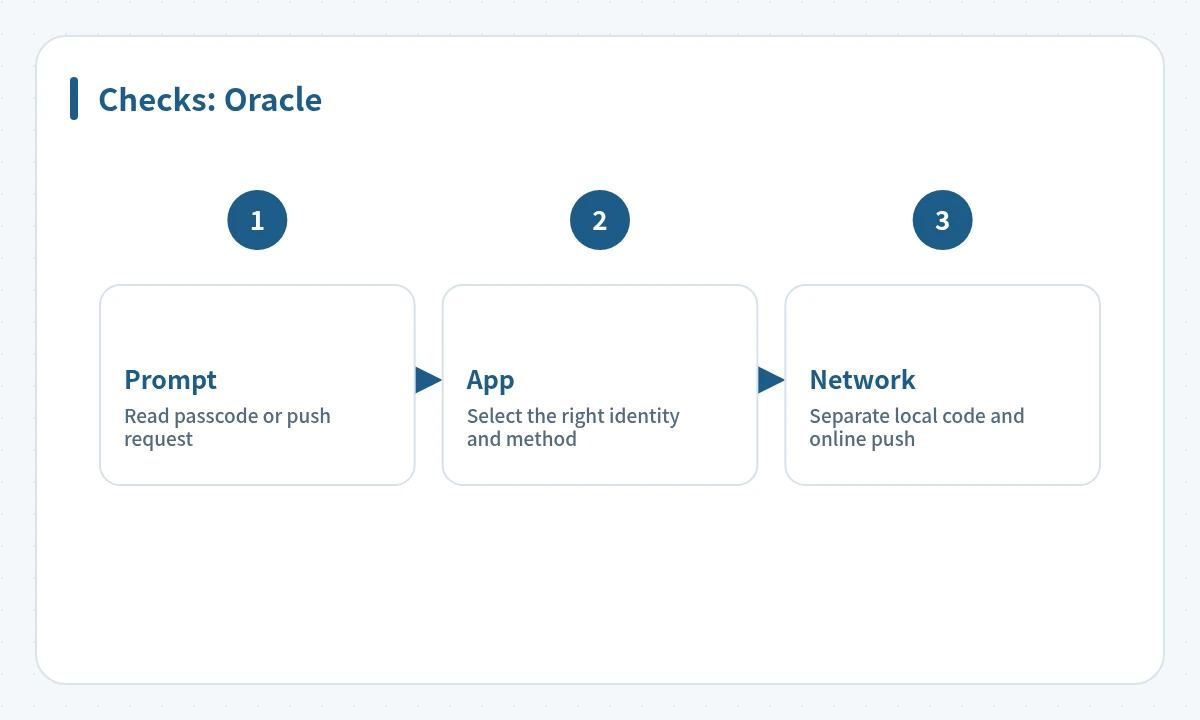
Give the administrator a reproducible account state
Specify the identity domain, whether the page requests a passcode or push, whether the app is online, and the point of failure. Hide live values, enrollment images and setup secrets in screenshots. The administrator needs to inspect the configuration and response, not receive the secret that can produce future authentication values.
Complete any replacement setup through the official process or appropriate administrator guidance, then verify the entry's relationship with the intended account. A similar label on the phone does not prove it represents the same domain, especially where several work identities are configured.
After restoration, repeat the original authorized task and inspect its result. Authentication success does not alone demonstrate that application permissions, device-compliance conditions or other business restrictions have also been resolved. Record each remaining response under its own stage. This preserves a clear distinction between a functioning local authenticator, a delivered push request and completed access to the required resource.
References
Oracle: app passcodes and mobile push in IAM identity domains.
